
Import a recipe from social media
Found a recipe on Instagram, TikTok or the web? Send it straight to Sously.
- 1
Open the recipe you found
In Instagram, TikTok, a browser, or any app, open the recipe post or page you want to keep.
- 2
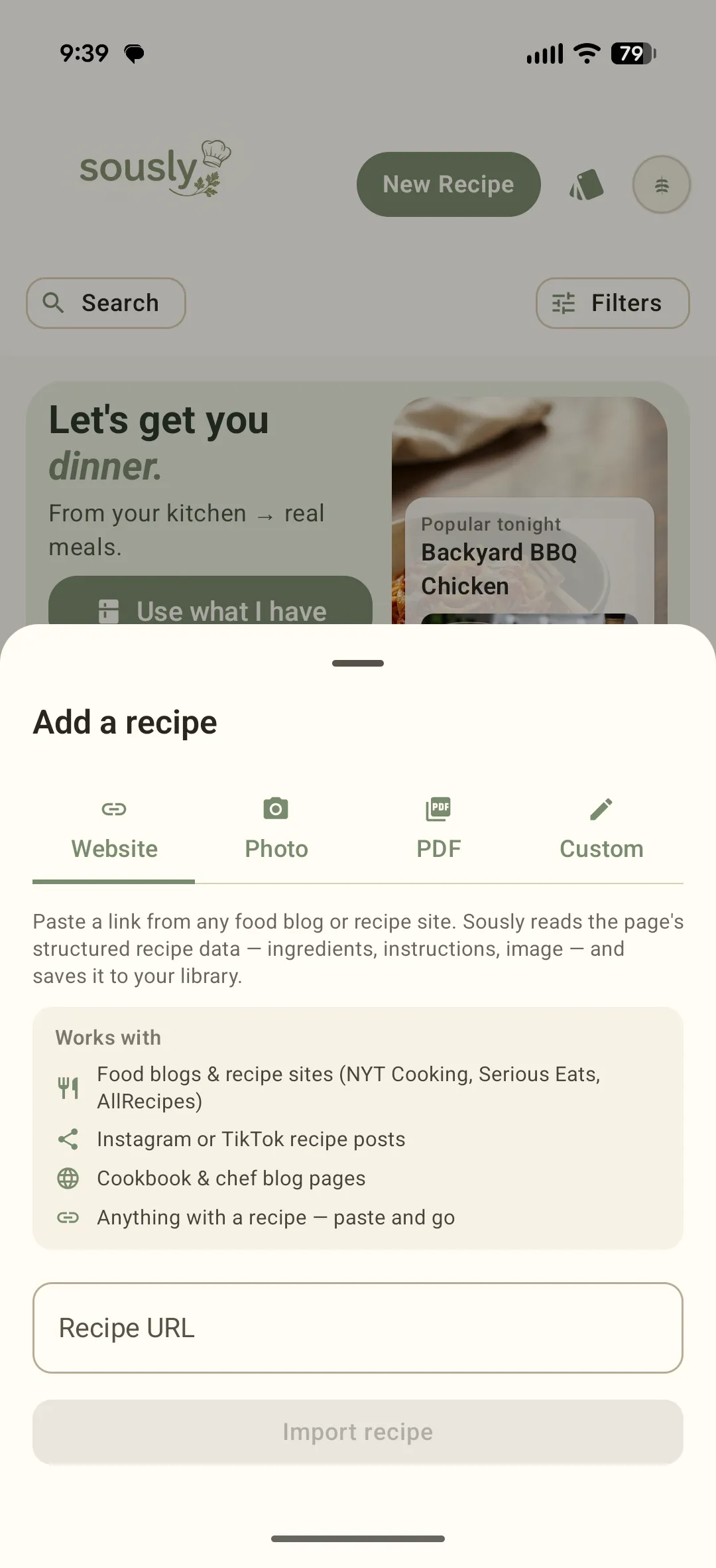
Send it to Sously — share or paste
Use the source app's Share button and pick Sously from the share sheet (on iOS the first time, tap More and turn Sously on). Or open New Recipe inside Sously and paste the URL — the same importer also takes photos, PDFs and custom recipes.
- 3
Sously imports the recipe
It reads structured recipe data when a site provides it, and Sous Chef fills in the rest when it does not — including from a video caption.
- 4
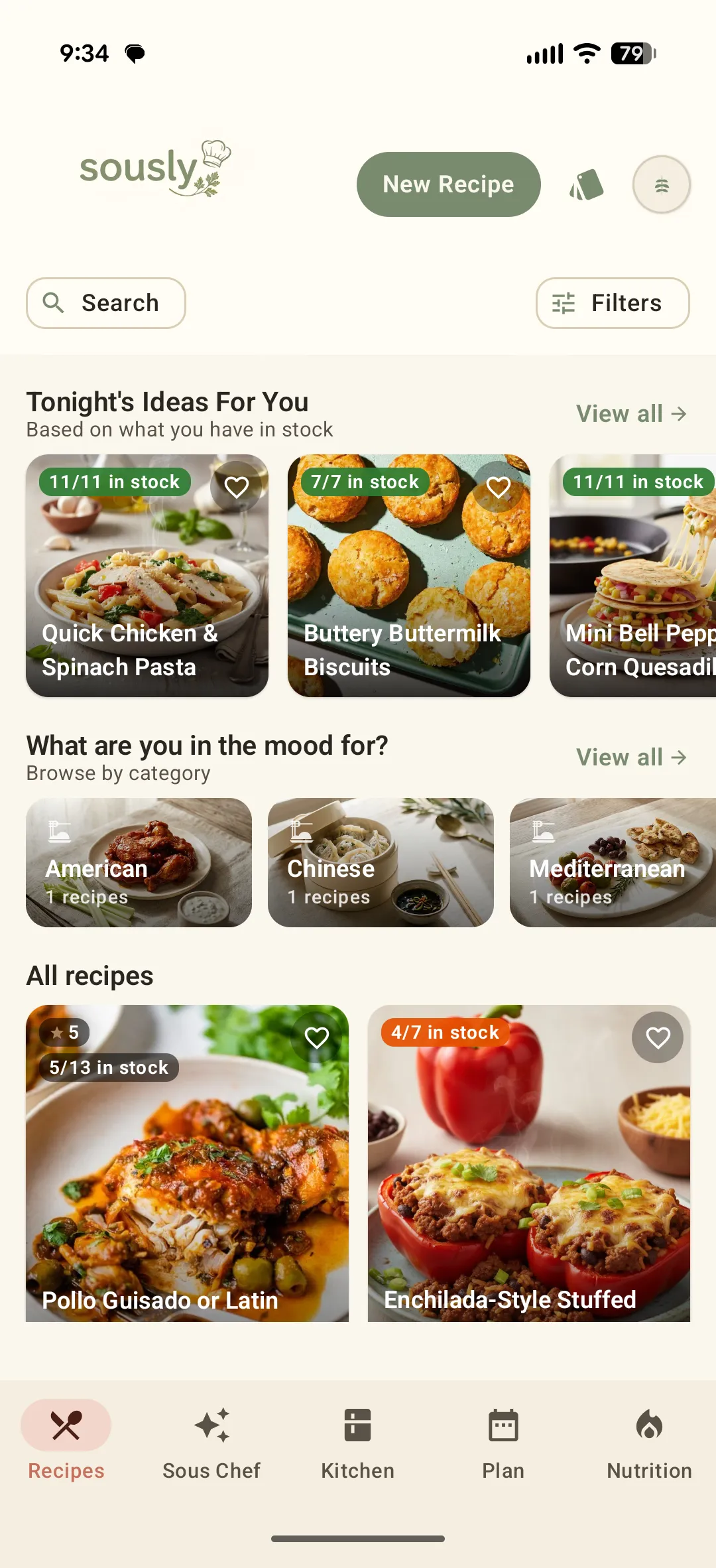
Find it in your library
The imported recipe lands in your Recipes library, ready to cook, plan and shop for.
Didn't find what you needed?
Email [email protected]