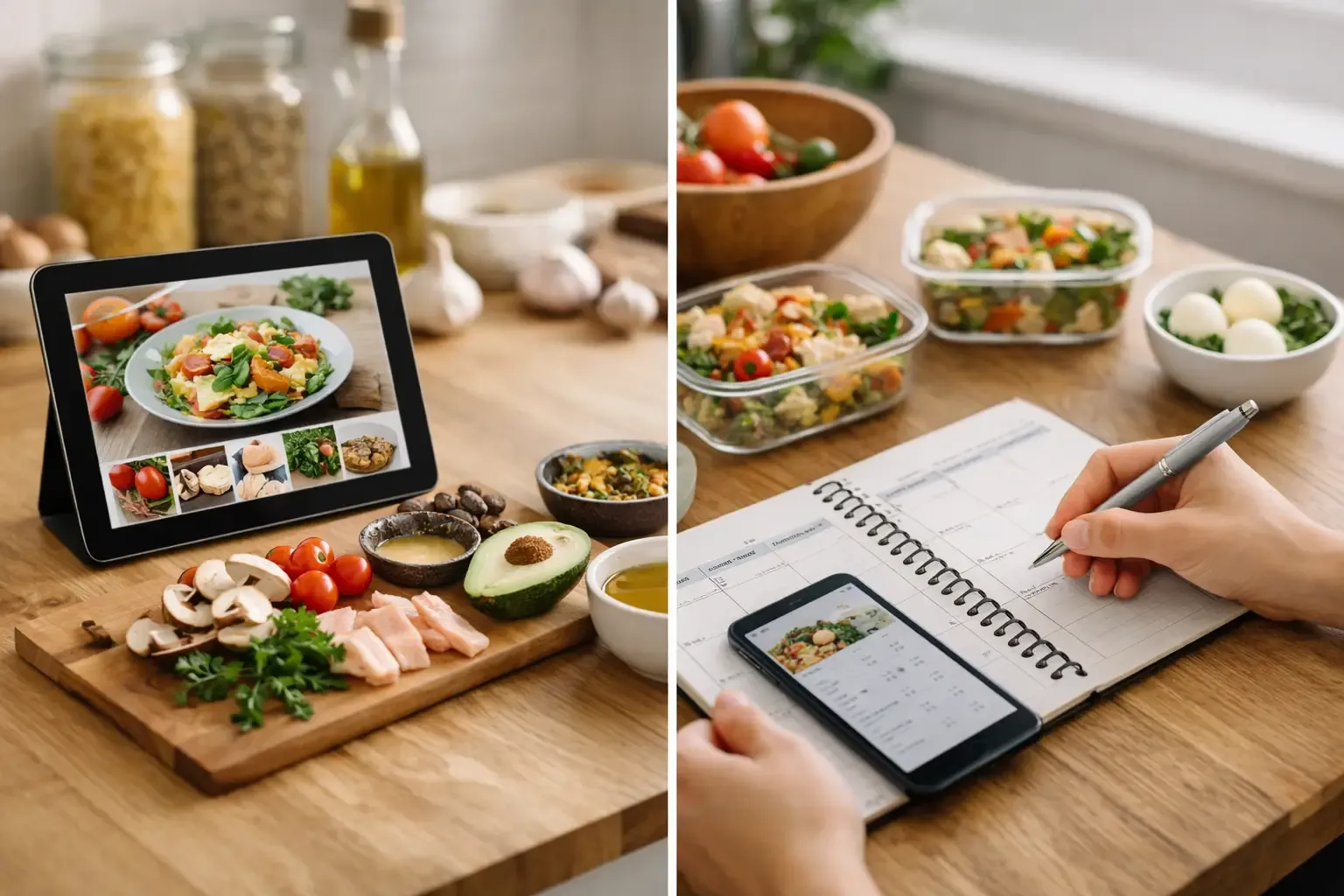
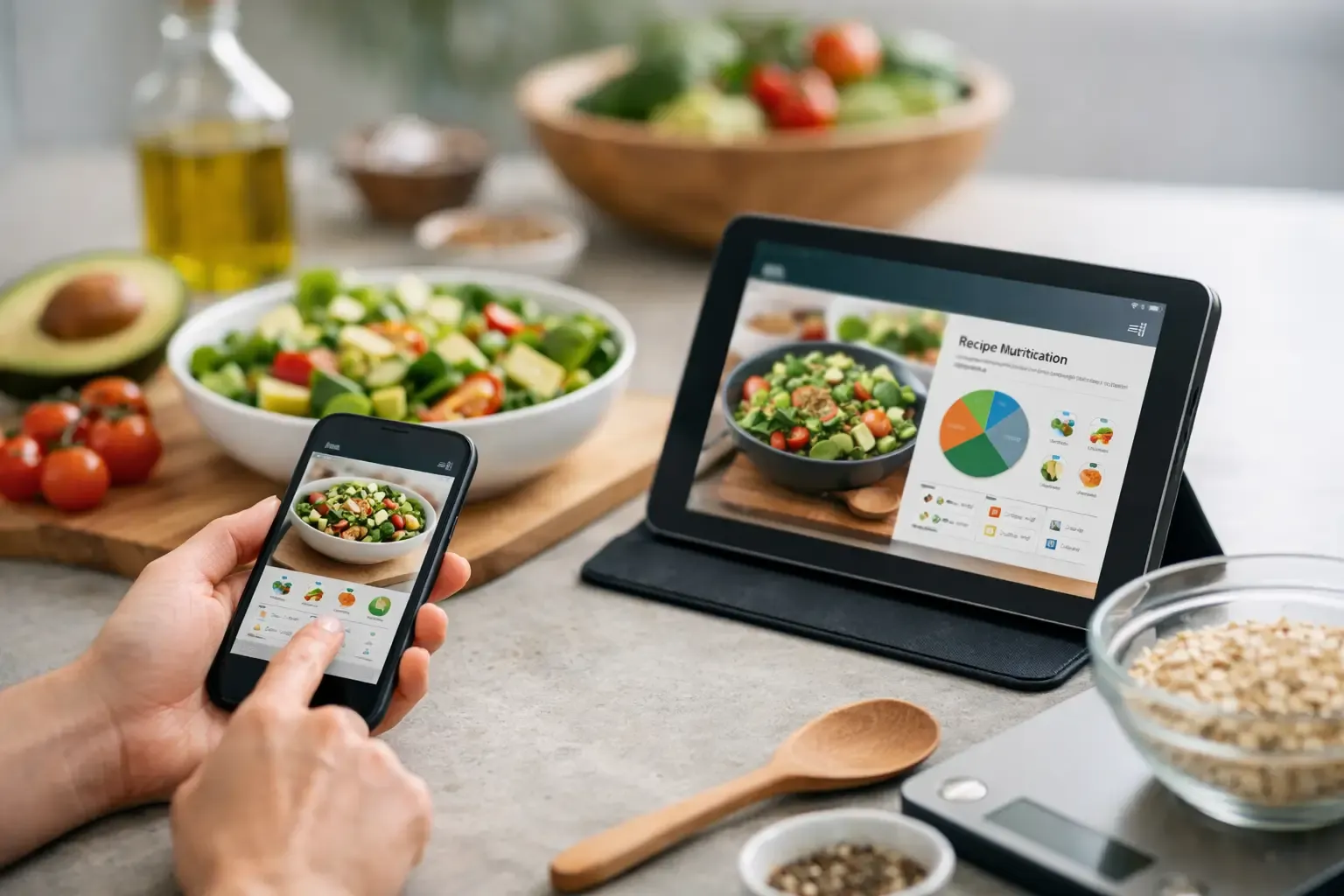
What a Recipe Nutrition Calculator App Should Do
A recipe nutrition calculator app should do more than count calories - it should use trusted data, fit real cooking, and reduce kitchen work.
If you have ever pasted a recipe into a recipe nutrition calculator app and gotten numbers that felt suspiciously neat, you already know the problem. Nutrition math is only useful when the ingredient data is credible, the serving logic makes sense, and the tool fits how people actually cook at home. Otherwise, it is just another screen asking for more manual work.
That matters because most people are not trying to run a lab. They are trying to answer practical questions fast: What does this dinner look like per serving? Do I need to swap an ingredient? If I use what is already in the fridge, how does that change the nutrition? A good app should help with those decisions without turning dinner into data entry.
What a recipe nutrition calculator app is really for
At a basic level, a recipe nutrition calculator app takes ingredients, quantities, and servings, then estimates calories and nutrients for the full dish and per portion. That is the expected part. The useful part is what happens around that calculation.
In real kitchens, recipes are rarely fixed. You use half an onion because that is what is left. You swap Greek yogurt for sour cream. You stretch a soup into six servings instead of four. The calculator has to keep up with those changes, or the output stops being meaningful. Accuracy is not just about a nutrient database. It is also about whether the app handles normal human cooking behavior.
That is why standalone calculators often feel incomplete. They can produce a number, but they do not know what you already have, what you are planning to cook later in the week, or which ingredient swap will keep the dish intact. For busy households, nutrition is only one part of a larger workflow.
The difference between accurate and merely detailed
A lot of apps look precise because they show a long list of nutrients. Precision is not the same as accuracy. If the ingredient match is wrong, or the serving size is vague, more decimals do not help.
A better recipe nutrition calculator app starts with a trustworthy ingredient source. USDA-backed food data is a strong foundation because it is standardized and widely used. That does not make every recipe output perfect, but it reduces the guesswork that comes from crowd-sourced entries, duplicate ingredients, and mislabeled foods.
The second issue is ingredient matching. "Chicken" is not specific enough if one entry means skinless breast and another means dark meat with skin. "Rice" could mean dry weight, cooked weight, white, brown, or instant. Good apps make those distinctions clear without burying you in options. Bad ones push the ambiguity onto the user, which is how a simple dinner turns into ten minutes of hunting for the least wrong entry.
Servings are the third weak point. If an app lets you set servings but gives no practical way to think about portions, the number can still mislead you. A casserole that feeds four hungry adults is not the same as one that serves six side-dish portions. The app cannot know your table, but it should make serving edits simple so the nutrition adjusts quickly.
Why nutrition tools fail in everyday cooking
Most failures are not technical. They are workflow problems.
Some apps make you build recipes from scratch every time. Some treat pantry items, meal plans, and grocery lists as separate jobs. Some are crowded with recipe content but weak on execution. That creates friction right where home cooks need speed.
If the tool only calculates nutrition after you manually clean up ingredient names, convert quantities, and re-enter servings, many people will stop using it. Not because nutrition does not matter, but because weeknight cooking has a hard limit on patience. The app has to reduce work, not create a new category of it.
This is also where food waste enters the picture. A recipe calculator that ignores what is already in your kitchen can still be accurate on paper and wasteful in practice. If it nudges you toward buying a fresh ingredient for every recipe, you end up with half-used cartons, forgotten produce, and a fridge full of expensive intentions.
A better setup: recipe nutrition calculator app plus planning
The stronger model is not a calculator in isolation. It is a calculator built into meal planning, pantry tracking, and shopping.
When those pieces work together, the nutrition view becomes more useful. You can look at a recipe and see not just calories and macros, but whether it fits the ingredients you already have. You can swap an item and immediately understand both the shopping impact and the nutrition change. You can plan several dinners and avoid buying duplicates because the app subtracts what is already on hand.
This is where a product like Sously makes more sense than a single-purpose calculator. The nutrition side is grounded in USDA-backed ingredient data, but the real gain is operational. You can plan the week, build meals around pantry and freezer items, adjust a recipe with practical substitutions, and generate a shopping list that reflects what is missing rather than everything the recipe originally called for.
That sounds like a small difference until you use it on a Tuesday night. Then it is the difference between cooking with what you have and opening three apps to figure out dinner.
What to look for in a recipe nutrition calculator app
The first thing to check is ingredient data quality. If the app relies heavily on user-submitted entries with inconsistent labeling, expect messy results. Trusted database foundations matter because every calculation depends on that first match.
Next, look at how the app handles edits. You should be able to change ingredient amounts, swap items, and adjust servings without rebuilding the whole recipe. Home cooking is iterative. The app should behave that way too.
It also helps if substitutions are practical rather than generic. A useful tool does not just say that you can replace buttermilk with milk and lemon juice. It should tell you the ratio and how the swap may affect texture or flavor. That is especially important when nutrition is one of several variables you are balancing.
Pantry awareness is another filter worth using. If the app knows what is in your fridge, freezer, and pantry, recipe nutrition becomes part of an actual decision system. You are not just measuring a recipe. You are choosing a realistic dinner.
Privacy and setup deserve attention as well. Many food apps add friction immediately with account walls, upsells, or cloud-first assumptions. For users who want to get organized without handing over more data than necessary, local-first design and a no-account-required start are meaningful advantages. They keep the barrier low and the tool useful from day one.
It depends: when simple calculators are enough
There are cases where a lightweight nutrition calculator is fine. If you already know what you are cooking, do not need a shopping list, and only want a quick calorie estimate for one dish, a basic tool may be enough.
But that setup breaks down once cooking becomes recurring household work. If you shop weekly, manage leftovers, try to use ingredients before they expire, or coordinate meals with another person, a simple calculator starts to feel narrow. You still need to plan, track, remember, and shop. Nutrition is not separate from those tasks. It sits inside them.
That is the trade-off. Single-purpose apps can be faster for one-off calculations. Integrated apps tend to be better for real-life consistency. The right choice depends on whether you need a number once or a system that keeps dinner moving all week.
The best nutrition app is the one you will keep using
A recipe nutrition calculator app does not need to impress you with complexity. It needs to earn a place in your routine. That usually means fast ingredient entry, trusted food data, clear serving controls, practical substitutions, and less repetition across planning and shopping.
If an app gives you accurate-looking numbers but adds clutter, it is solving the wrong problem. Most home cooks do not need more food content. They need fewer steps between "what do we have" and "what are we making."
That is the bar to use when you compare options. Not just whether the app can calculate nutrition, but whether it helps you cook with less waste, less guesswork, and fewer moving parts. When it does that well, the numbers become more useful because they are attached to meals you will actually make.
Cook from what you have.
Sously is the meal-planning kitchen co-pilot the blog is written from — free to start on iPhone and Android.
Get Sously