8 Best Shared Grocery List Tools
Compare the best shared grocery list tools for couples and households. Find the right app for planning meals, avoiding duplicate buys, and wasting less.
A shared grocery list fails in one of two places: before the store, when nobody agrees on what needs buying, or inside the store, when two people buy the same yogurt and still forget onions. The best shared grocery list tools fix both problems. They keep a household aligned, reduce duplicate purchases, and cut down the small, repeated frictions that make food planning feel harder than it should.
That sounds simple, but the category is messy. Some apps are really reminders with checkboxes. Some are recipe apps that happen to export ingredients. Some are full household systems that connect meal planning, pantry tracking, and shopping. The right choice depends on how your home actually works, not on which app has the longest feature list.
What makes the best shared grocery list tools actually useful
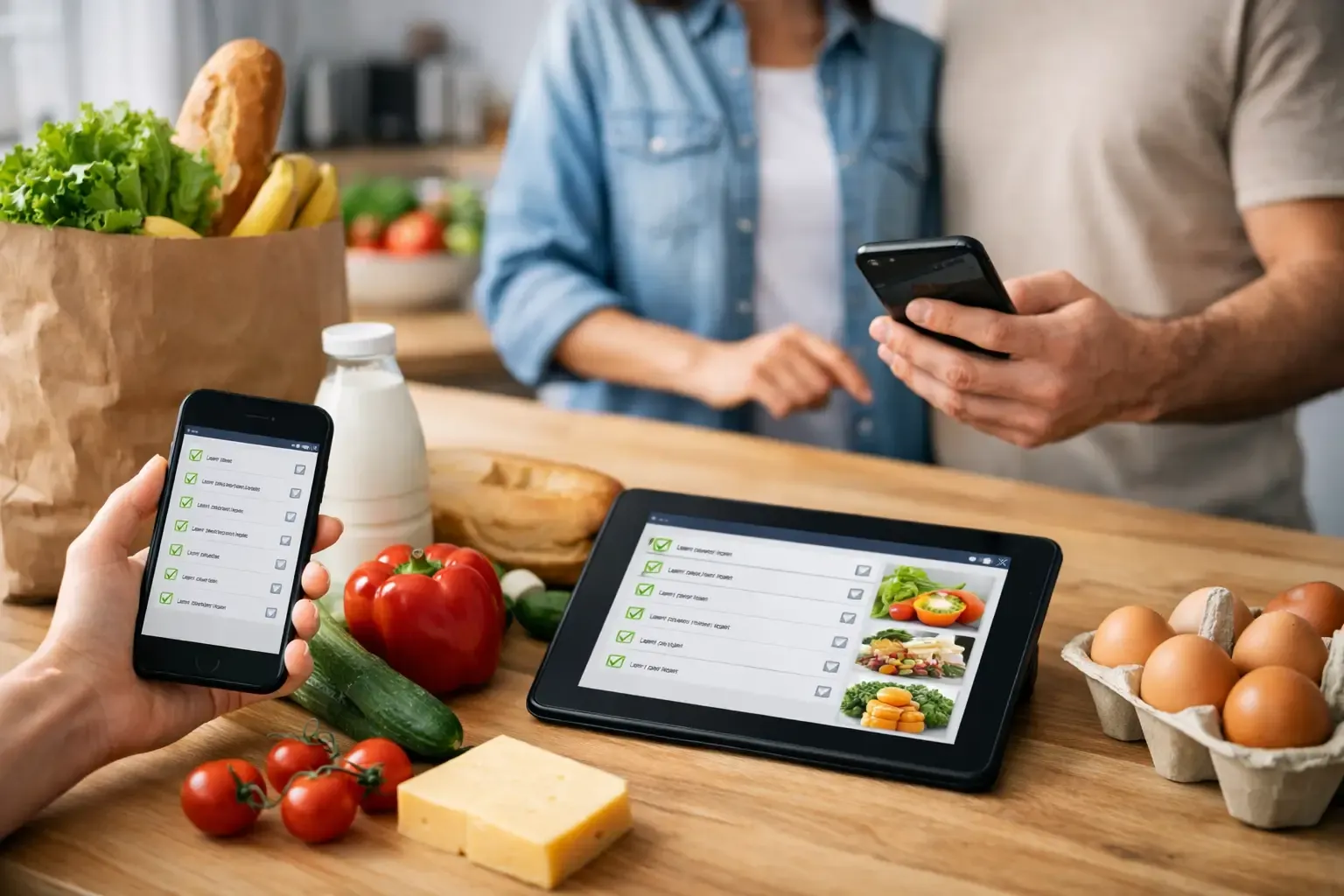
Real usefulness starts with shared visibility. If one person adds milk, the other person should see it immediately. If someone checks off tortillas in the aisle, that update should happen fast enough to prevent a second pack from landing in another cart.
But syncing alone is not enough. A good tool should make list building faster than using Notes or text messages. That usually means easy item entry, smart sorting by aisle or category, and a clean mobile interface that works one-handed in a grocery store.
The better tools also solve upstream problems. If your list is disconnected from your pantry and meal plan, you still end up manually checking cabinets, guessing quantities, and overbuying. For many households, the real win is not just sharing a list. It is sharing context.
8 best shared grocery list tools for different households
1. AnyList
AnyList is one of the clearest picks for households that want a dedicated grocery list app first. It is fast, easy to learn, and built around list sharing rather than trying to be an everything app.
Its strength is straightforward execution. You can create multiple lists, share them with another person, and sort items into common grocery categories. It also handles recipe import and meal planning, which helps if you want a little more than a checklist without moving into a full kitchen system.
The trade-off is that inventory awareness is limited compared with pantry-focused apps. If your biggest problem is coordination, AnyList makes sense. If your biggest problem is buying food you already own, it may not go far enough.
2. OurGroceries
OurGroceries has been around for years because it does the core job well. Shared lists sync quickly, item entry is simple, and the interface stays focused on shopping rather than content.
This is a good option for couples, roommates, and families who want low setup and low maintenance. You can create separate lists for different stores or household needs, and the app is easy enough for less tech-comfortable users.
Its limitation is depth. It is excellent for remembering what to buy, but it does not do much to help you decide what to cook or avoid buying ingredients already sitting in the fridge.
3. Google Keep
Google Keep is not a grocery app, but plenty of households use it that way. Shared checklists are quick to create, collaboration is simple, and most people already know how it works.
That familiarity is the main advantage. There is almost no learning curve, and it fits well if your grocery needs are light or inconsistent. For a couple that just needs a running list of staples, Keep can be enough.
The downside shows up as soon as grocery shopping gets more structured. Categories are basic, food-specific features are minimal, and there is no pantry or meal-planning logic behind the list. It is a general note tool doing grocery duty.
4. Apple Reminders
For Apple-only households, Reminders is the obvious lightweight option. Shared lists are built in, Siri entry is convenient, and the app is already on the phone.
This works best for users who value speed over specialization. If you want to say, “Add eggs to the grocery list,” and move on, it handles that cleanly.
Like Google Keep, though, it stops at task management. It will not help you subtract ingredients you already have, organize meals for the week, or reduce food waste in any serious way.
5. Bring!
Bring! is more visual than most grocery list apps, which makes it approachable for busy households. Item tiles, recipe inspiration, and polished list sharing make it friendly and easy to use.
That visual approach can be helpful if you want something simple for multiple family members, including people who prefer tapping icons over typing. It also supports household coordination well.
The trade-off is that visual-first design is not always the same as operational depth. If you want a grocery list app that feels light and social, it works. If you want tighter control over pantry, meal planning, and ingredient-level decisions, it may feel thin.
6. Todoist
Todoist is another non-grocery app that some households adapt into a shared shopping system. It is strong for collaboration, recurring tasks, and structured organization.
This can work if your home already runs on task workflows and you want groceries folded into that setup. For example, recurring staples like coffee filters or dog food are easy to automate.
Still, it is not purpose-built for food. You give up category intelligence, recipe integration, and pantry awareness. It is useful for organized people, but it asks you to build the grocery logic yourself.
7. Cozi Family Organizer
Cozi is best understood as a family coordination app that includes shopping lists. If your household is juggling calendars, chores, meals, and grocery runs all at once, that broader view can be helpful.
Its value is context across family logistics, not grocery optimization by itself. Shared access is solid, and the all-in-one family organizer angle appeals to busy parents.
The trade-off is focus. If groceries are your main problem, a dedicated grocery or kitchen app usually feels faster and cleaner. Cozi makes more sense when the shopping list is one part of a larger family operations system.
8. Sously
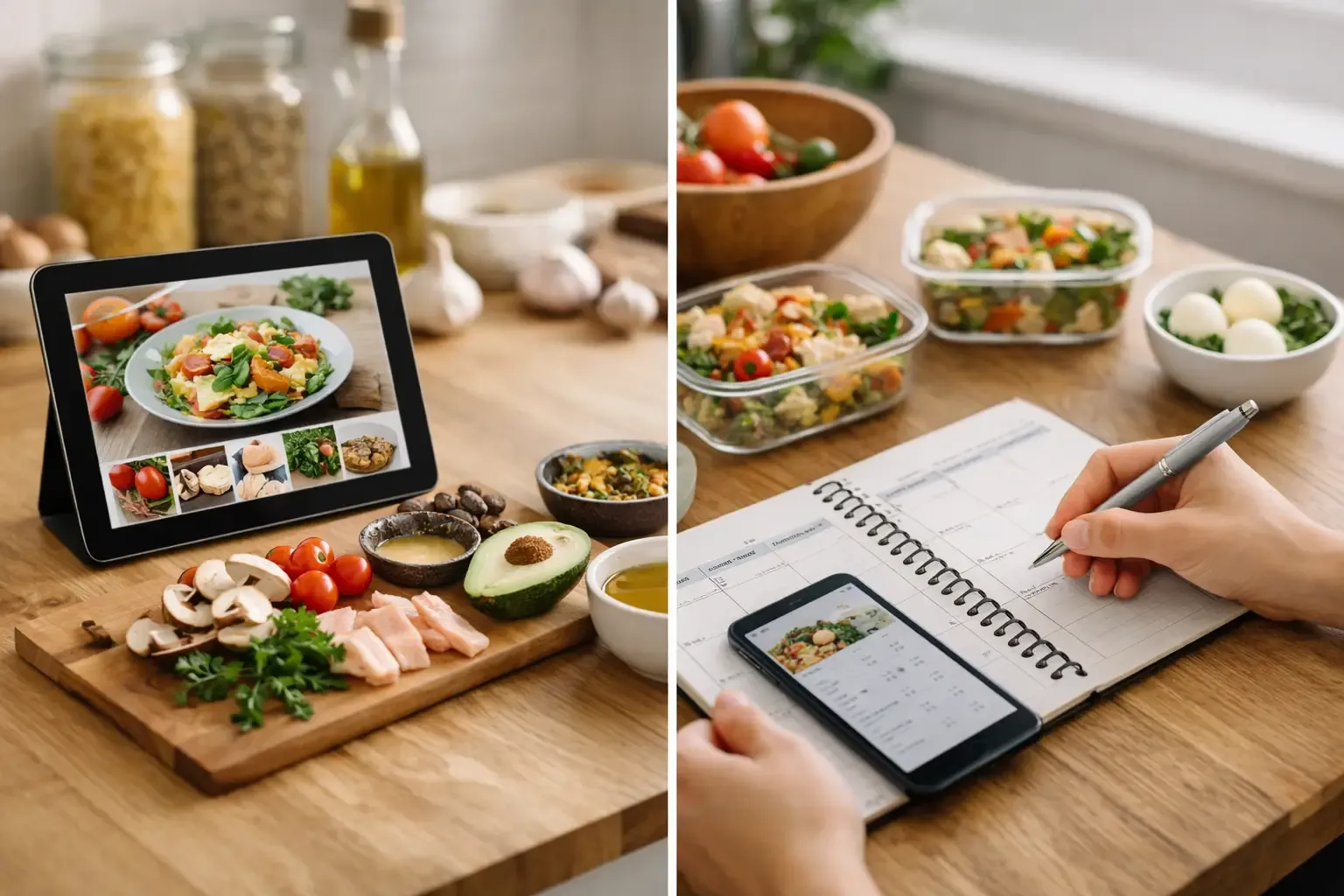
If you want more than a shared checklist, Sously takes a different approach. Instead of treating the grocery list as a standalone tool, it connects shopping to meal planning, pantry tracking, and recipe generation. That matters because most grocery problems start before anyone opens the list.
In practice, that means you can plan meals around ingredients already at home, auto-build a shopping list from those meals, and avoid rebuying what is already in the pantry, fridge, or freezer. For shared household use, that turns the list into the output of a better system rather than another manual task.
This is especially useful for small households, couples, and busy adults who are tired of switching between notes, recipe sites, pantry guesses, and store runs. The free tier also lowers the barrier to trying it, and the local-first setup will appeal to users who do not want to hand over personal data just to organize dinner.
How to choose the best shared grocery list tools for your home
The first question is whether you need a list app or a kitchen app. If your only issue is that two people forget to communicate about bananas, a simple shared list is enough. AnyList, OurGroceries, Apple Reminders, or Google Keep can solve that quickly.
If the real issue is overbuying, wasted produce, or not knowing what to cook, a basic shared list will only treat the symptom. In that case, look for a tool that links meal planning and pantry tracking to your shopping workflow.
The second question is how much structure your household will actually use. A feature-rich app is not better if nobody updates it. The best tool is the one your household can maintain without turning grocery shopping into admin work.
Privacy and friction matter too. Some apps push account creation, subscriptions, or heavy setup before they provide any value. For many users, especially mobile-first households, the better experience is the one that starts quickly and earns deeper use over time.
A simple test before you commit
Before settling on any app, run one normal shopping week through it. Add staples as you notice them, build one store trip, and let another person edit the list at the same time. Then check what happens after shopping.
Did the app help you buy what you needed, or did it also help you understand what was already in the kitchen and what meals the groceries were for? That difference is what separates a decent shared list from a genuinely useful household tool.
The best shared grocery list tools are not the ones with the most features. They are the ones that remove the most friction from the way your household already cooks, shops, and eats. If the tool helps you plan the week, use what you have, and shop only what you need, you will feel the difference long before the next store run.
Cook from what you have.
Sously is the meal-planning kitchen co-pilot the blog is written from — free to start on iPhone and Android.
Get Sously