Best App to Track Food Expiration Dates
Looking for an app to track food expiration dates? Here’s what actually helps reduce waste, plan meals, and use what you already have.
You do not need another reminder app that tells you your yogurt expires tomorrow after it has already disappeared behind a jar of pickles. A good app to track food expiration dates should do more than fire off alerts. It should help you see what you have, decide what to cook first, and avoid buying the same ingredient twice.
That is the difference between a single-purpose tracker and a kitchen system that actually reduces waste. If the app stops at dates, you still have to do the hard part yourself - checking the fridge, planning meals, building a shopping list, and figuring out what to do with ingredients before they go bad. For most households, that is where food waste starts.
What an app to track food expiration dates should actually do
At a minimum, the app should make it easy to log food by location - fridge, freezer, or pantry - and attach an expected use-by or expiration date. But date tracking alone is only half the job. The useful version is the one that turns that information into action.
If spinach is nearing its date, the app should help move it into tonight's dinner plan. If you already have two cans of tomatoes and half a bag of rice, the app should stop those items from landing on your next shopping list. If you are staring at a few aging ingredients and no clear meal idea, it should help generate something realistic with what is already in the kitchen.
That is why the best tools in this category often look less like a simple reminder app and more like a pantry manager with meal planning built in. Expiration tracking works best when it lives inside the rest of your kitchen workflow.
Why date-only trackers often fall short
A lot of food tracking apps are built around one promise: enter items, get alerts, waste less. On paper, that sounds fine. In practice, people stop using them because the process becomes one more chore.
If you have to manually enter every item, maintain separate grocery notes, and plan meals in another app, the system breaks down fast. Busy households do not need more disconnected tools. They need fewer decisions and less duplicate work.
There is also the issue of date accuracy. Many foods do not follow a hard expiration rule in the way users expect. Dry pasta, frozen vegetables, and condiments all behave differently. Some products have sell-by dates, others have best-by dates, and many are still usable after those labels pass. So the app needs to support practical judgment, not just countdown timers.
A smart setup treats dates as signals, not absolute commands. It helps you prioritize what to use first while keeping context in view.
The features that matter most
The best app to track food expiration dates is usually the one that reduces friction. If it takes too long to add food, update quantities, or find what is expiring soon, people stop using it.
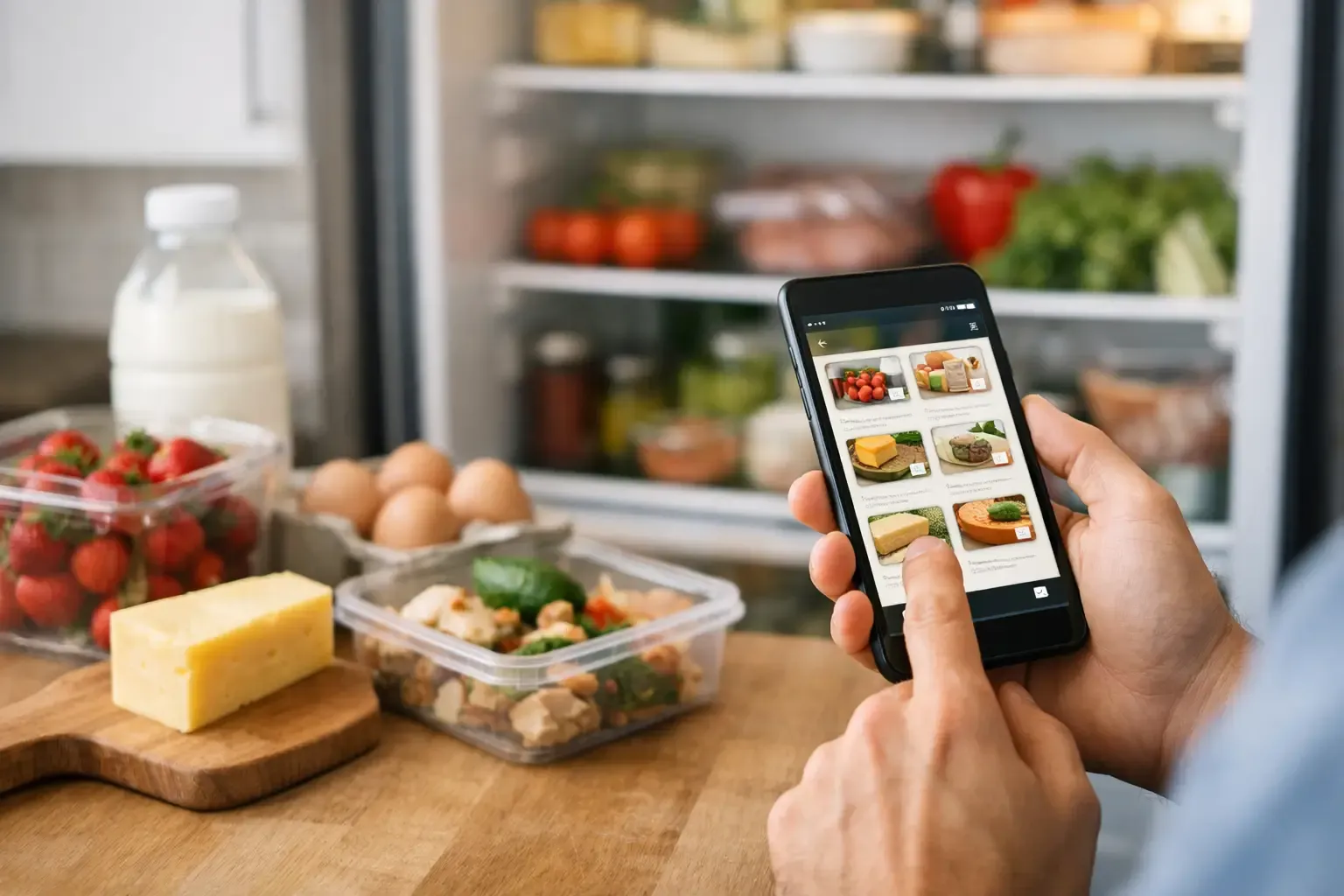
Start with pantry visibility. You should be able to open the app and immediately see what is in the fridge, freezer, and pantry without digging through tabs or ads. Search should be fast. Editing should be simple. If an app makes common kitchen tasks feel like spreadsheet work, it is solving the wrong problem.
Next is meal planning. This matters because the real goal is not documenting expiration dates. The goal is eating food before it gets wasted. A weekly planner connected to your pantry turns passive tracking into a plan. Instead of seeing that mushrooms need to be used in two days, you can slot them into Tuesday's pasta or Wednesday's omelet.
Shopping list automation also matters more than most people expect. Overbuying is one of the biggest reasons food expires unused. When a shopping list ignores what is already on hand, duplicate purchases follow. A better app subtracts pantry inventory from your grocery list so you buy only what you need.
Recipe support is the final piece. If you have ingredients near their date and no obvious idea what to cook, the app should help bridge that gap. That does not mean flooding you with blog-style recipe content. It means giving you usable suggestions based on the ingredients you already have, with straightforward substitutions when needed.
How to judge whether an app fits your household
The right choice depends on how you shop and cook.
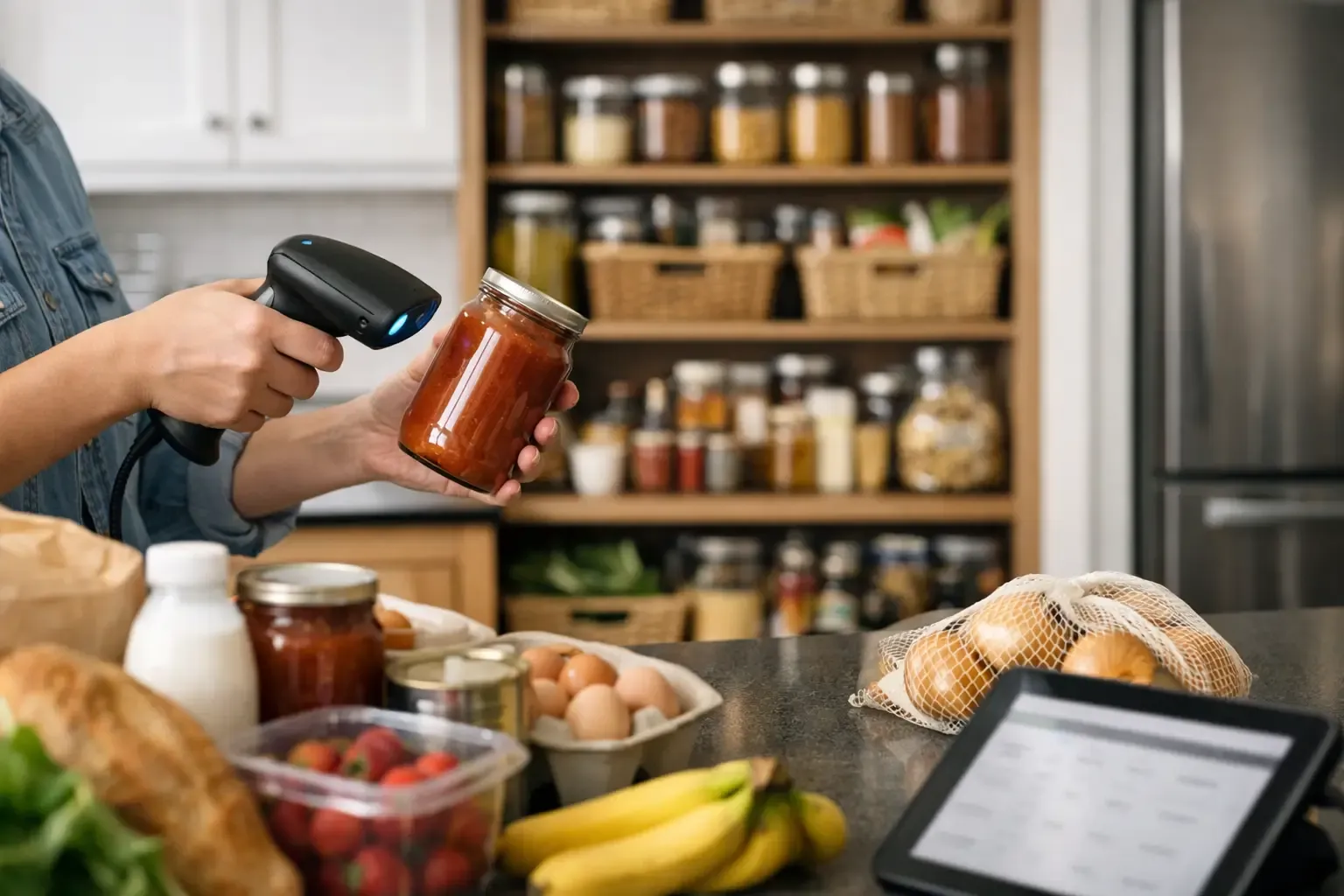
If you live alone or in a two-person household and buy a mix of fresh groceries each week, expiration tracking needs to be quick and tightly connected to meal planning. You probably do not need enterprise-level inventory features. You need something fast enough to use while unpacking groceries and smart enough to help you cook through perishables during the week.
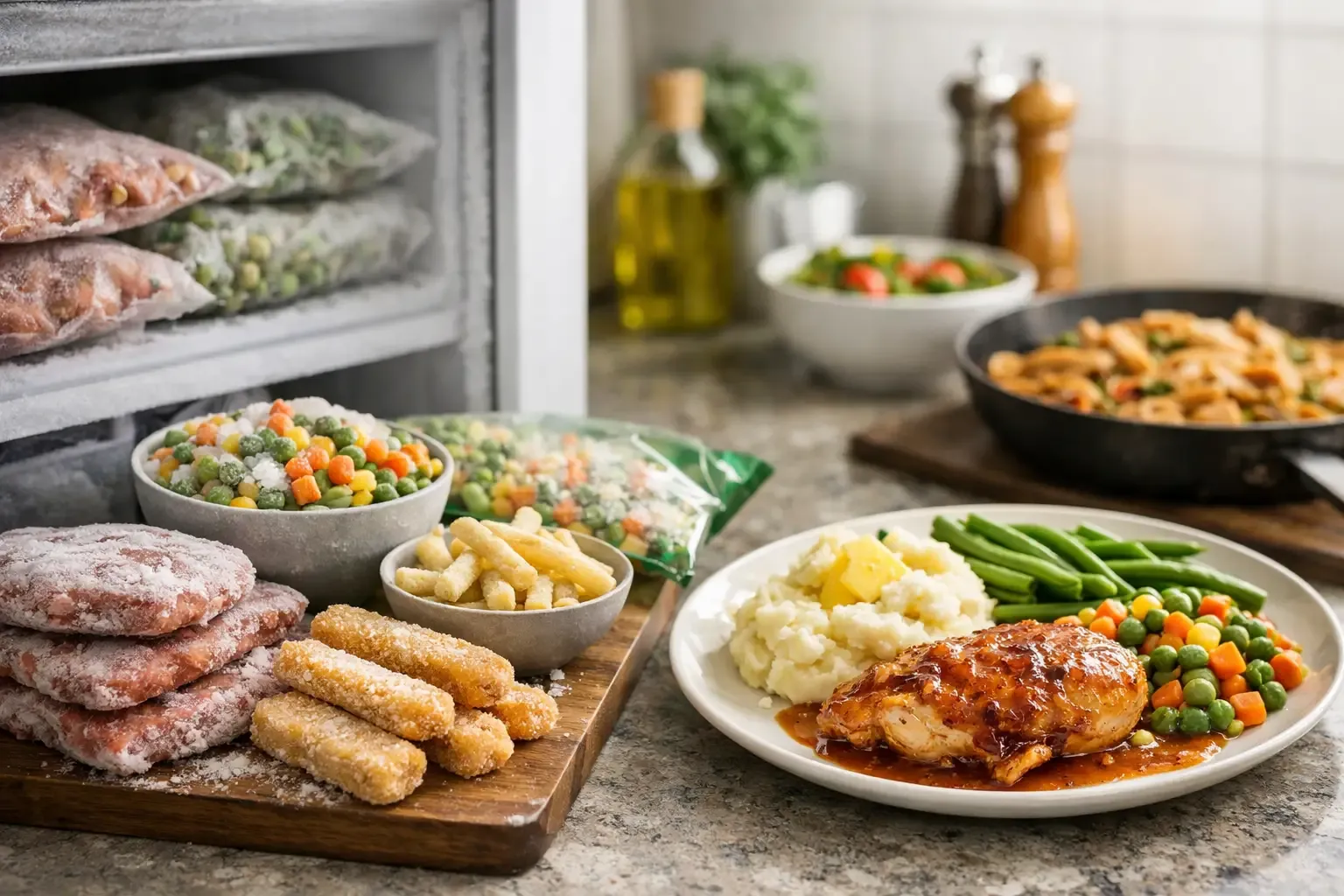
If your household batch cooks, freezes leftovers, or shops at warehouse stores, freezer tracking becomes more important. In that case, the app should make it easy to record quantities, storage locations, and rough timelines without requiring perfect detail every time.
If you are a beginner cook, recipe generation and substitution help carry more weight. If you are more confident in the kitchen, you may care more about list automation and pantry visibility than guided cooking. Neither approach is wrong. It depends on where the friction shows up for you.
A better standard for food expiration tracking
The strongest apps do not treat expiration dates as isolated data points. They connect them to planning, purchasing, and cooking.
That is why a product like Sously makes sense for this category even though it is not positioned as a narrow expiration-date tracker. Its Smart Pantry gives you a current view of what you have across storage zones, then ties that information directly into meal planning, shopping, and recipe generation. That setup is more useful than a simple alert system because it answers the next question too: what should I do with this food now?
That matters in everyday use. If chicken is thawed and spinach is fading, the useful app is the one that helps turn those facts into dinner, adjusts the shopping list around what is already available, and keeps the process moving without extra clutter.
What to avoid when choosing an app to track food expiration dates
Be careful with apps that are heavy on setup but light on payoff. If the onboarding asks for too much manual entry before you get any usable benefit, adoption drops fast. The same goes for apps packed with ads, gated behind account creation, or built more to sell content than to help you manage your kitchen.
It is also worth watching for tools that treat every item the same way. Fresh herbs, canned beans, shredded cheese, and frozen soup do not need identical tracking logic. A practical app gives you enough flexibility to reflect how people actually store and use food.
Privacy is another overlooked factor. Kitchen apps often collect more behavior data than users realize. For many people, especially those just trying to get organized without more digital overhead, a local-first or low-friction approach is a real advantage.
The real outcome you should expect
A good app to track food expiration dates should help you waste less food, spend less at the store, and make faster dinner decisions. If it only does the first part in theory, it is not enough.
The best experience is not one where you become perfectly disciplined about logging every carrot. It is one where the app quietly supports better choices with less effort. You see what needs to be used, plan around it, shop with awareness of what is already on hand, and cook without the usual scramble.
That is a higher bar than reminders alone, but it is the one that actually changes what happens in the kitchen.
If you are evaluating options, look past the promise of alerts and ask a simpler question: when food is close to expiring, does this app help me do something useful with it right away? That is the feature that earns a place on your phone.
Cook from what you have.
Sously is the meal-planning kitchen co-pilot the blog is written from — free to start on iPhone and Android.
Get Sously