How to Scan Groceries Into Pantry Without Chaos
Learn how to scan groceries into pantry records quickly, keep quantities useful, reduce repeat buys, cut waste, and make weeknight meal planning easier.
The grocery bags are on the counter, cold items are warming up, and the last thing you want is another household task. But taking a minute to scan groceries into pantry records can stop a much more annoying problem later: buying a second jar of pasta sauce, forgetting the spinach in the crisper, or staring at a full kitchen with no idea what to cook.
The goal is not to build a perfect inventory system. It is to create a pantry you can trust well enough to plan meals, shop with fewer duplicates, and use food before it gets buried. A quick scan can help, as long as you set it up for real life rather than treating your kitchen like a warehouse.
What scanning groceries into a pantry actually solves
A pantry tracker works best at the moments when memory fails. You are standing in a grocery aisle trying to remember whether you have cumin. You are planning Tuesday dinner and need to know if there is chicken in the freezer. You find produce that should have been used three days ago.
Scanning turns a bag of groceries into usable information. A barcode scan can identify packaged products quickly, while manual search or a photo-based entry can cover loose produce, bulk foods, leftovers, and items without a barcode. Once items are in your pantry, they can inform meal ideas and subtract what you already own from a shopping list.
That does not mean every detail needs to be exact. Tracking that you have two cans of black beans is useful. Tracking that one can has 14.8 ounces remaining after dinner usually is not. The right level of detail depends on how often you cook, how many people share the kitchen, and whether an item is easy to replace.
Set up your pantry before the first scan
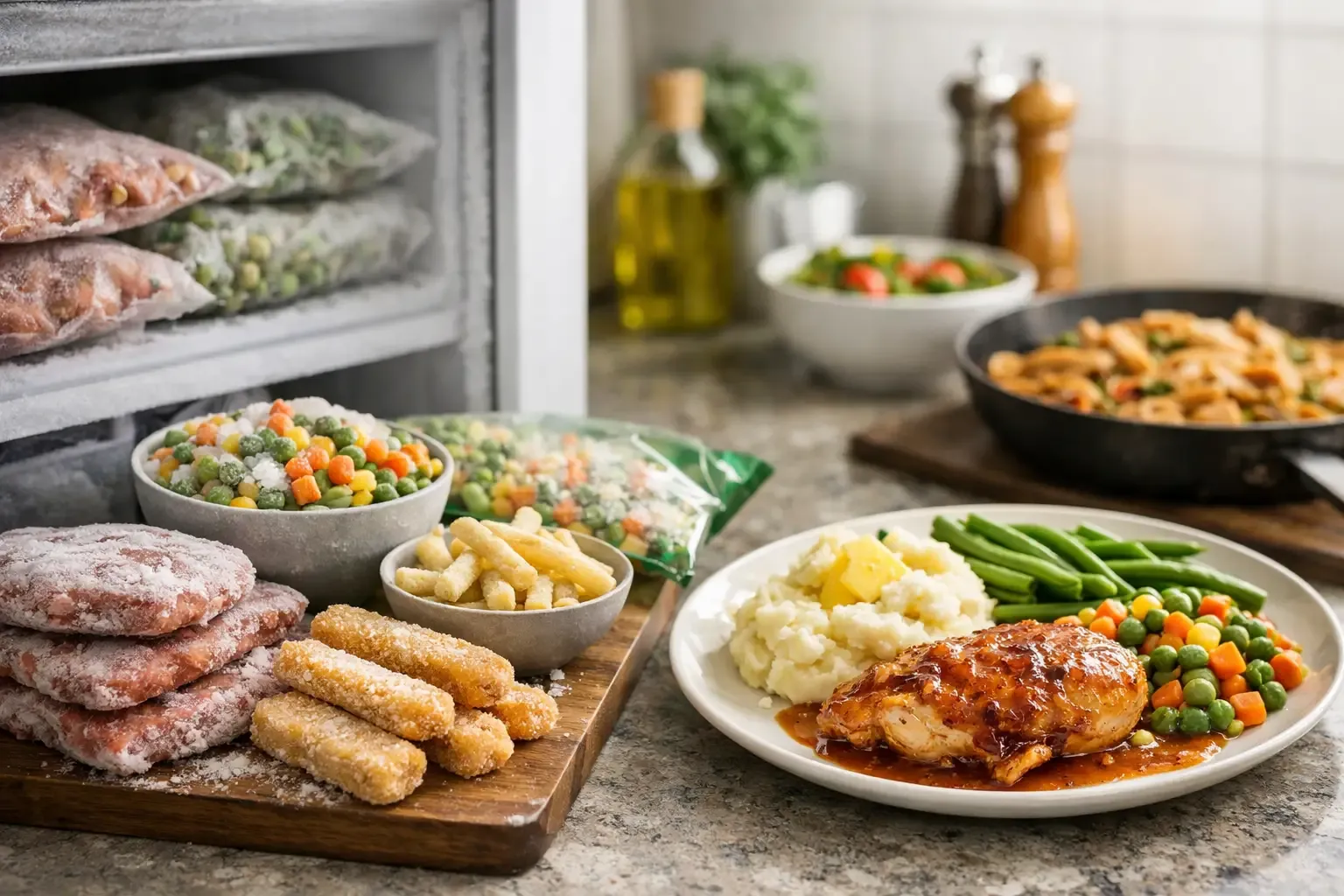
The fastest grocery-scanning workflow starts with a simple structure. Separate your inventory by where food actually lives: pantry, refrigerator, and freezer. If your app supports locations, use them. Knowing you own mozzarella is helpful; knowing it is in the fridge and should be used this week is better.
Start with the categories that drive most of your meals and grocery spending. For many households, that means proteins, produce, dairy, grains, canned goods, sauces, and freezer staples. Do not spend an hour adding every tea bag, spice packet, and emergency condiment on day one. Build the list while you use the kitchen.
It also helps to decide what deserves quantity tracking. Count items you buy in clear units, such as eggs, yogurt cups, cans, bags of rice, tortillas, chicken breasts, and frozen vegetables. For staples you replace without much thought, a simple “on hand” status may be enough.
Expiration dates need the same practical approach. Add dates for food that can spoil or become expensive waste: meat, dairy, fresh produce, deli items, prepared food, and opened products. Dry pasta and unopened salt do not need the same attention. If entering dates slows you down enough that you stop using the system, reduce the amount of data you capture.
How to scan groceries into pantry records quickly
The best time to scan is immediately after unloading groceries, before items disappear into cabinets and the back of the refrigerator. Keep the process short and repeatable.
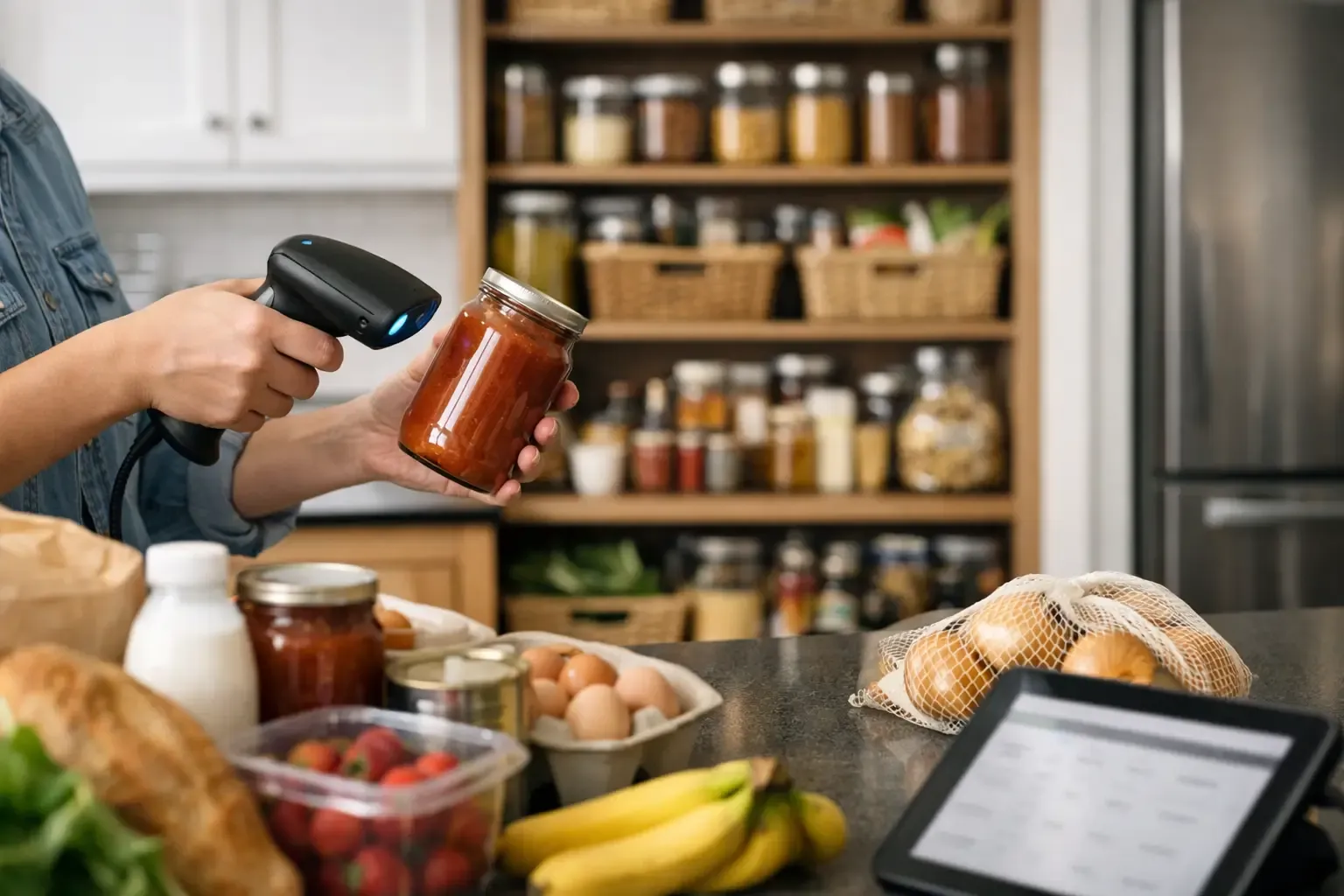
First, put away freezer and refrigerator items that need temperature control. Then scan the packaged shelf-stable items while they are still on the counter. Barcode scanning is usually fastest for products with standard packaging, such as canned goods, cereal, pasta sauce, snacks, dairy, and frozen meals.
Check the result before saving it. Product databases are useful, but they are not flawless. A scan may pull an older package size, a generic match, or nutrition details that do not line up with what you bought. Correct the name or quantity if needed, then move on. You are aiming for a reliable pantry, not a data-entry project.
For items that do not scan cleanly, use the quickest alternative. Search for “bananas,” “chicken thighs,” or “brown rice,” then add a rough amount. For produce, “six apples” is often more useful than trying to enter an exact weight. For bulk items, enter the container or bag as one unit unless you regularly plan recipes around precise amounts.
Finally, update only what changed. If you already track olive oil and bought another bottle, increase the quantity instead of creating a second entry. If you use a shared household pantry, agree on this rule early. Duplicate entries make a pantry look fuller than it is and lead to the same overbuying you were trying to avoid.
Use a two-pass method when you are short on time
A full grocery haul can be scanned in one session, but it does not have to be. On busy nights, use two passes.
In the first pass, add perishable food and the ingredients you expect to cook this week. This gives you immediate value for meal planning and helps prevent fresh food from getting lost. In the second pass, add pantry and freezer items when you have five quiet minutes later.
This is a useful trade-off. Your inventory will be less complete for a day or two, but you will keep using it. An imperfect pantry that gets updated is far more valuable than a detailed system abandoned after one grocery trip.
Handle the items scanning misses
Barcodes are not a complete kitchen language. Farmers market produce, store-prepared meals, leftovers, opened packages, and food moved into storage containers all need a different approach.
For produce, use a plain entry and an approximate amount. Add a use-by reminder only for items that are likely to spoil before you get to them. For leftovers, give the item a name you will recognize later, such as “Sunday turkey chili,” rather than “container.” Add the date it was cooked so the item has a real chance of being used.
For decanted foods like flour, oats, coffee, or nuts, track the original purchase when you bring it home and decrease it only when the container is nearly empty. Trying to update every scoop is too much work for most households. A low-stock reminder is usually enough to keep your shopping list accurate.
Prepared foods can be worth tracking if they are part of your weeknight plan. Rotisserie chicken, bagged salad kits, hummus, and pre-cut vegetables often prevent takeout. If you can see them in your pantry view, you are more likely to build a meal around them before they expire.
Make the scan useful for meal planning
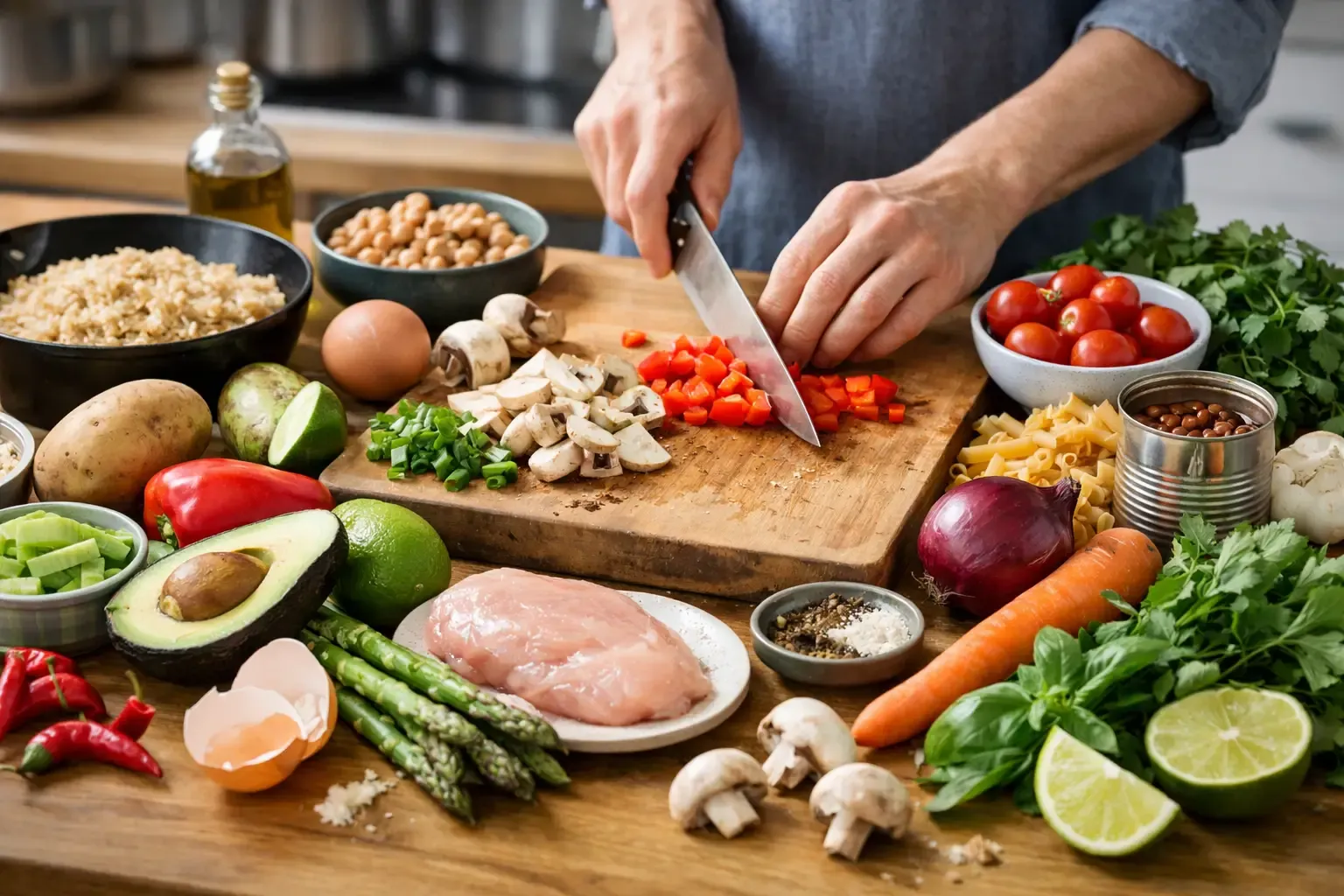
Scanning is only worthwhile if it changes what happens next. Before building a shopping list, check the items you already have and look for meals that use the most perishable ingredients first. A bag of spinach, half a carton of eggs, tortillas, and shredded cheese can become breakfast tacos or a quick frittata. The point is to start with available food, then shop for the gaps.
This is where a connected kitchen app matters. In Sously, pantry visibility, meal planning, and shopping lists are designed to work as one workflow rather than three separate chores. You can plan around what is already on hand, then add only the ingredients you actually need.
Keep your weekly plan flexible. If the chicken was not thawed or the tomatoes need to be used first, swap meals without treating the plan as a failure. A good pantry system gives you options. It should not make dinner feel like compliance.
Keep the pantry accurate without constant maintenance
The weak point of every pantry tracker is not the initial scan. It is what happens after cooking. If nothing comes out of the inventory, the data becomes less useful over time.
Do not try to log every tablespoon. Instead, use a few reset points: after cooking a meal that uses a whole package, when you open the last item in a multipack, when you throw something away, and before you make a major grocery run. These small corrections prevent the largest errors with very little effort.
A quick weekly review works well for small households. Open the fridge and freezer view before planning the week, identify items that need attention, and build one or two meals around them. You may still have a few inaccuracies, but you will catch the food most likely to be wasted.
If you share a kitchen, decide who owns the update. Either one person scans grocery trips and both people remove major items, or each person updates what they buy. The exact rule matters less than consistency. Shared systems fail when everyone assumes someone else handled it.
The standard to aim for
Your pantry does not need to mirror every shelf perfectly. It needs to answer three questions quickly: What do I have? What should I use soon? What do I need to buy?
Scan the groceries that matter, use rough quantities where precision adds no value, and let the pantry guide the next meal before it becomes another forgotten list. When your kitchen record stays close enough to reality, dinner starts with what is already there.
Cook from what you have.
Sously is the meal-planning kitchen co-pilot the blog is written from — free to start on iPhone and Android.
Get Sously