Best Pantry Inventory App for Real Kitchens
A pantry inventory app should cut waste, reduce overbuying, and simplify dinner. Here’s what to look for if you want one that actually helps.
You do not need another app that turns your kitchen into a part-time data entry job. A good pantry inventory app should answer a few practical questions fast: what do I already have, what needs to get used soon, and what can I make without another store run? If it cannot do that without adding friction, it is not helping.
That standard matters because pantry tracking is rarely the real goal. The goal is fewer duplicate grocery purchases, less food expiring in the back of the fridge, and less of that 6:15 p.m. feeling where dinner still depends on a decision you do not want to make. The app is only useful if it reduces those moments.
What a pantry inventory app should actually solve
Most people do not need perfect inventory. They need usable visibility. There is a difference.
If you live in a small household, shop once or twice a week, and cook regularly, the pain points are usually predictable. You forget about half a jar of pasta sauce, buy another bag of shredded cheese because you cannot remember whether you have one, and end up planning meals in a separate app or on paper because the pantry tool does not connect to what happens next. Tracking without action creates busywork.
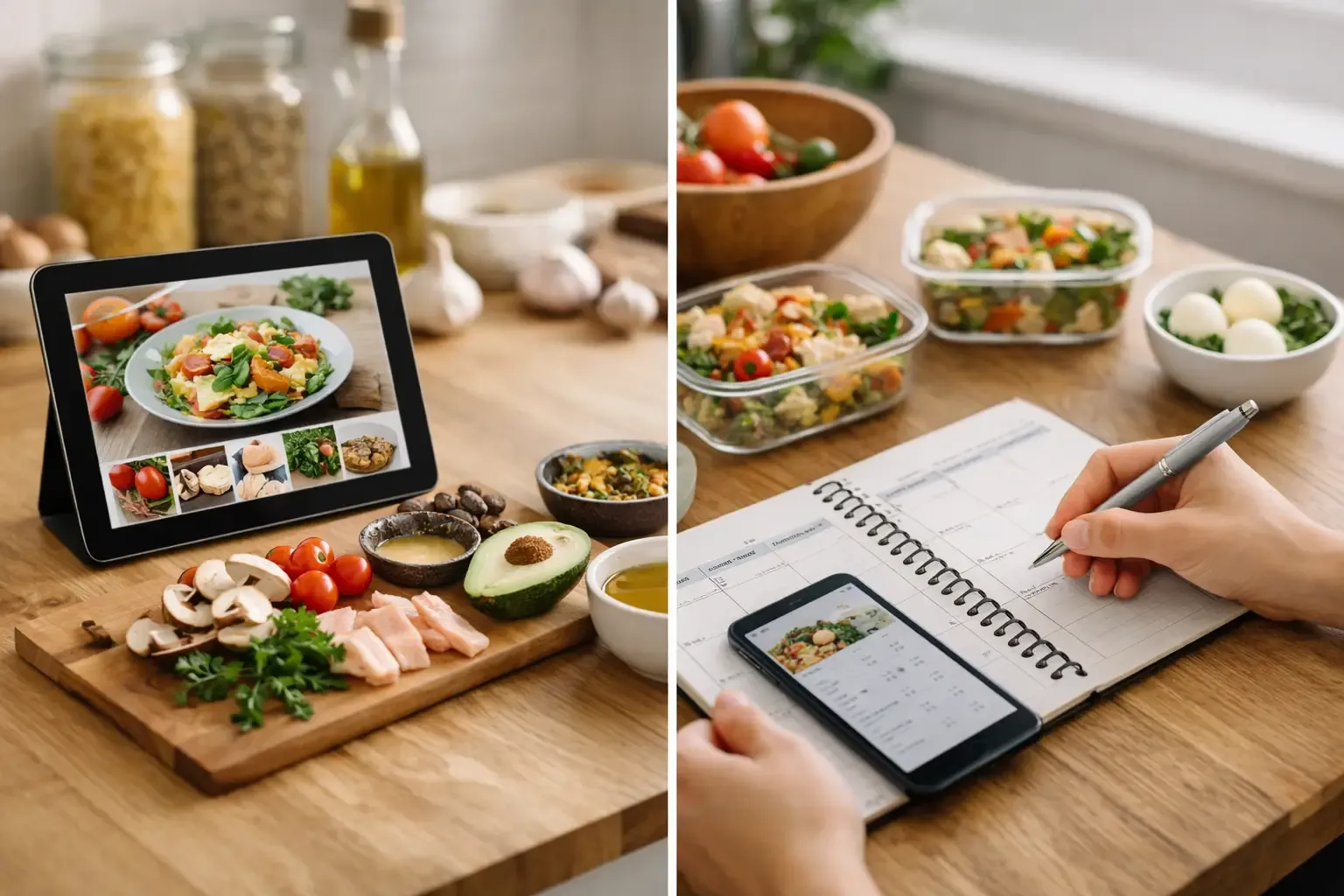
That is why the best pantry inventory app is not just a database of ingredients. It should connect pantry, planning, recipes, and shopping into one flow. You check what you have, decide what to cook, fill the gaps, and move on. No bouncing between four tools. No rewriting the same ingredient list twice.
The difference between tracking food and managing a kitchen
A lot of apps can store a list of ingredients. Fewer can help you run the week.
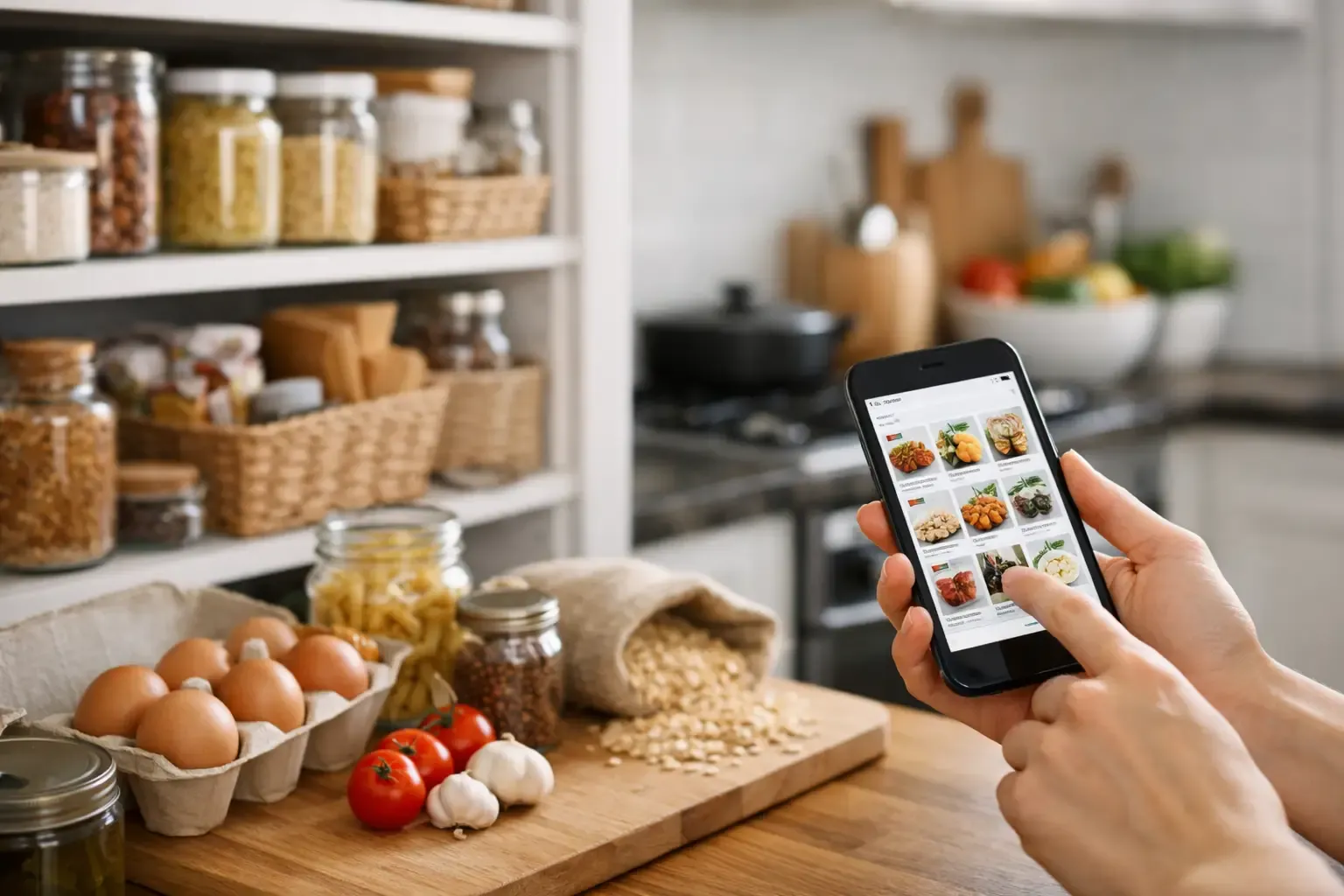
That difference shows up quickly. If an app lets you add rice, black beans, spinach, and chicken thighs, that is fine. But once those items are in the system, the next step should be obvious. Can it suggest meals based on what is already on hand? Can it build a shopping list that subtracts ingredients you already own? Can it help with substitutions when you are one item short?
If not, you are still doing the hard part manually.
A pantry inventory app earns its place when it shortens the path from inventory to dinner. For busy adults, that is the real measure. Nobody wants a beautifully organized digital pantry that still leaves them staring into the fridge at 7 p.m.
What to look for in a pantry inventory app
The first thing to look for is low-friction setup. If adding food takes too many taps, people stop using the app after the first burst of motivation. The best systems make it easy to log pantry, fridge, and freezer items without forcing obsessive precision. In real kitchens, "1 jar salsa" is often good enough.
The second is meal planning that uses inventory, not ignores it. Many planning apps treat your kitchen like an afterthought. They help you schedule recipes, but they do not account for the yogurt, tortillas, or broccoli you already bought. That leads to overbuying and duplicate ingredients.
The third is shopping automation with inventory awareness. A useful app should not just generate a grocery list. It should know what is already at home and only add the missing items. That sounds basic, but it is where a lot of tools fall apart.
The fourth is substitution help that goes beyond vague suggestions. Real cooking support means telling you what to swap, how much to use, and what effect it may have on the dish. "Use Greek yogurt instead of sour cream" is only partly helpful. Knowing the ratio and when texture changes matter is what saves dinner.
Finally, pay attention to privacy and onboarding. If an app demands account creation before you can test the basics, that is a choice. For some users, cloud sync and shared households are worth it. For others, local-first storage and a no-account-required start are a better fit. It depends on whether convenience, collaboration, or privacy matters most in your home.
Why most pantry inventory apps get abandoned
The usual problem is not missing features. It is feature mismatch.
Some apps are built for stockroom accuracy, not household speed. They ask for purchase dates, quantities, categories, storage zones, expiration dates, and barcode scans for everything. That level of detail can be useful if you enjoy systems. For most people, it becomes a chore by week two.
Other apps lean too hard into recipes and treat pantry tracking as a side feature. You end up with pages of content, long personal stories, ad-heavy layouts, and very little help with the question you actually had: what can I cook from what is already here?
Then there are apps that do pantry and shopping separately but fail to connect them. You track food in one place, plan meals in another, and still build grocery lists by hand. At that point, the app has simply redistributed the work.
The trade-off is simple. The more precise the system, the more effort it usually requires. The lighter the system, the less exact it may be. For most households, the sweet spot is not perfect inventory. It is enough structure to prevent waste without making the process feel like office work.
A pantry inventory app works best when it fits your routine
There is no single correct method for using a pantry app. The right setup depends on how you shop and cook.
If you batch shop once a week, pantry visibility matters most before and after the grocery trip. You need a quick review of what is left, a plan for what to use first, and a list that fills only the real gaps. In this routine, planning and shopping features matter as much as inventory tracking.
If you shop more casually and pick things up throughout the week, speed matters more. You want to add items quickly, check what is on hand in seconds, and avoid buying duplicates when you are standing in the store.
If you cook improvisationally, recipe generation from pantry ingredients becomes more valuable than strict planning. You are less concerned with a formal weekly schedule and more interested in turning leftover produce, a protein, and a few staples into a workable dinner.
This is where an app like Sously makes sense for the right user. It treats pantry, planning, recipes, and shopping as one connected workflow instead of separate chores. That matters if your main goal is practical execution, not collecting recipe content or maintaining a perfect digital spreadsheet of your shelves.
The best results come from a simple operating rule
Use the app at the points where decisions happen. Not constantly.
That usually means after grocery shopping, before meal planning, and when you are trying to use up ingredients. If you open a pantry inventory app only when it can save a decision, it stays useful. If you expect yourself to log every crumb in real time, it becomes easy to ignore.
A good rhythm looks more like maintenance than management. Add the obvious staples and perishables. Check what is running low. Plan around ingredients that need attention first. Let the shopping list reflect what is missing instead of rebuilding it from scratch.
That approach will not create perfect data, and it does not need to. It creates enough accuracy to reduce waste and mental load. For home cooks, that is the win.
So what makes the best pantry inventory app?
It should be fast to use, connected to meal planning, smart enough to reduce duplicate shopping, and practical about real cooking. It should help you use food before it goes bad and give you a clearer answer to dinner than "figure it out later."
Anything beyond that is optional.
If an app expects more effort than the problem deserves, people quit. If it respects your time and keeps the kitchen moving, it stays. Choose the one that helps you cook what you have and shop only for what you need. That is usually the system you will still be using a month from now.
Cook from what you have.
Sously is the meal-planning kitchen co-pilot the blog is written from — free to start on iPhone and Android.
Get Sously