Best Meal Planning for the Week App
Find the best meal planning for the week app for busy home cooks. Plan meals, track pantry items, cut waste, and shop only for what you need.
You do not need another app that gives you 800 recipes for butternut squash and still leaves you asking, what are we eating on Tuesday? A good meal planning for the week app should solve the actual problem: deciding what to cook, using what you already have, and making sure the grocery trip is short and accurate.
That sounds basic, but most meal-planning tools still split the job into pieces. One app stores recipes. Another makes lists. A note on your phone tracks what is in the freezer, sort of. The result is familiar - duplicate groceries, forgotten leftovers, and a midweek takeout order because planning never quite turned into execution.
What a meal planning for the week app should actually do
The best apps are not content libraries. They are operating systems for home cooking. That means they need to connect four jobs that usually live in separate places: planning meals, tracking ingredients on hand, building a shopping list, and helping you cook without making you start from scratch.
If an app helps you drag recipes onto a calendar but ignores what is already in your kitchen, it only solves part of the problem. You still overbuy. You still waste produce. You still stand in front of the fridge trying to remember whether that half bag of spinach is usable.
A useful app should start with kitchen reality. What is in the pantry? What needs to be used soon? What meals fit the week you actually have, not the aspirational one where you cook from scratch every night?
That is the difference between planning and performative planning. One saves time. The other creates more admin.
Why weekly meal planning breaks down so often
Most people do not fail at meal planning because they are disorganized. They fail because the system is too manual.
You pick meals in one place, check ingredients in another, and build a grocery list by hand. Then something changes. A late meeting kills Wednesday's plan. You use the chicken on Tuesday instead. Now the list, pantry count, and rest-of-week plan are all slightly wrong.
That drift matters. Once the system stops reflecting reality, people stop trusting it. Then they stop using it.
A strong meal planning for the week app reduces that drift. It should adjust shopping based on what you already have. It should make it easy to move meals around the week. It should support substitutions when one ingredient is missing instead of forcing a new store run.
The point is not perfection. The point is keeping the plan close enough to real life that it remains useful on a busy Thursday.
The features that matter most
There is a lot of noise in this category, so it helps to separate useful features from filler. For most households, the core value comes from visibility and automation, not endless recipe content.
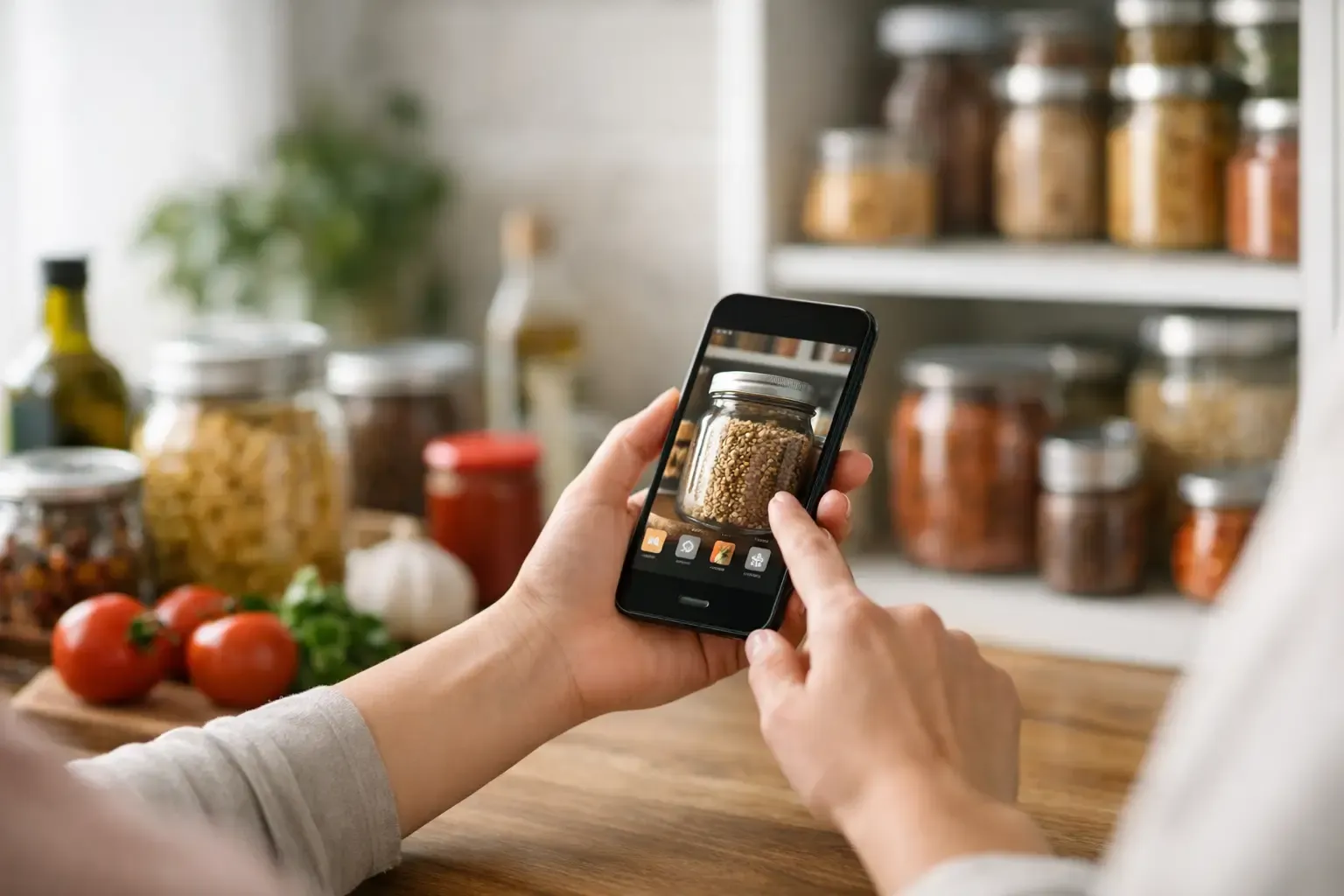
A pantry tracker matters because memory is unreliable. You might know you have pasta, but do you know whether there is coconut milk, frozen broccoli, or enough rice for two meals? Once that inventory is visible, planning gets faster and shopping gets tighter.
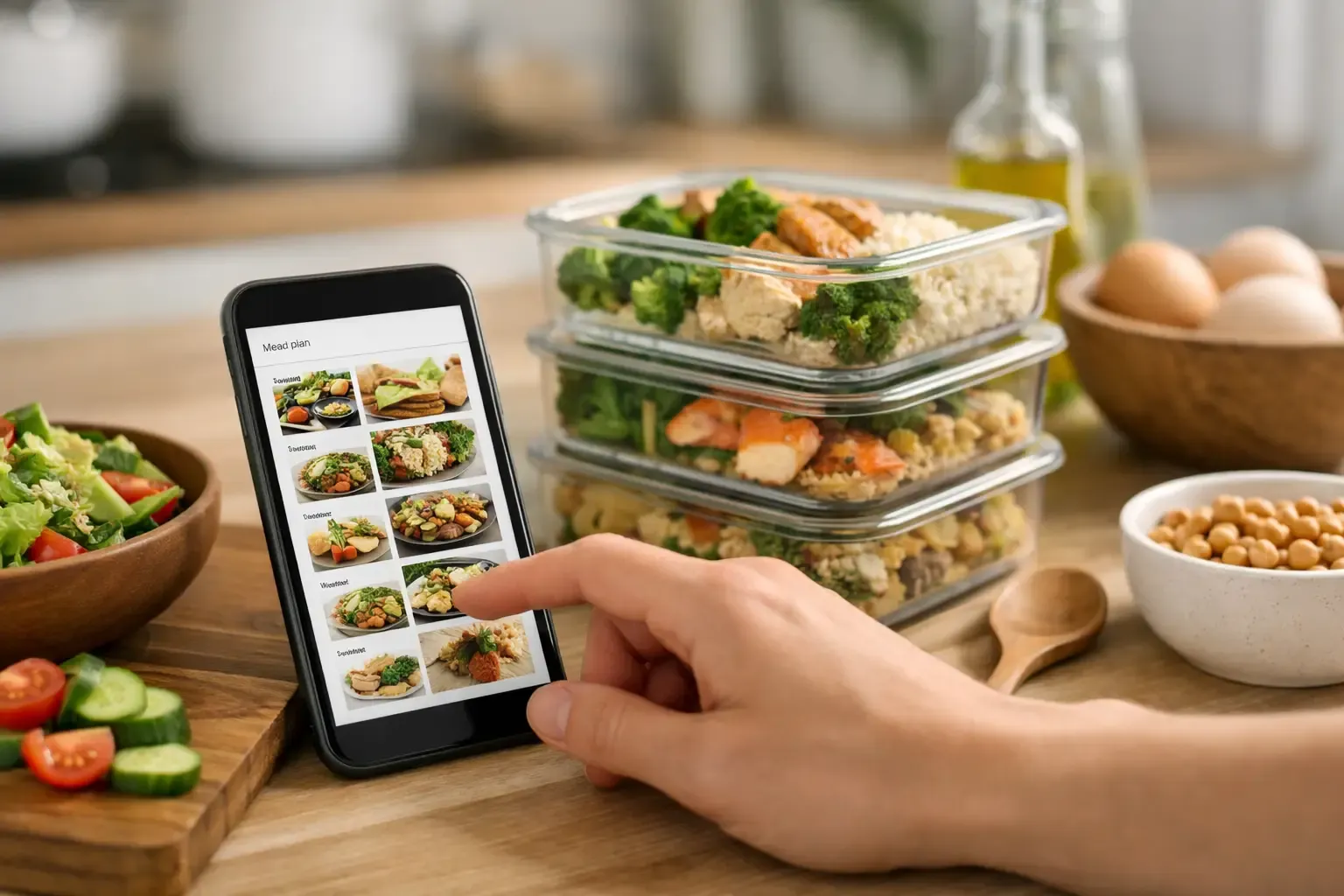
A weekly planner matters because it turns vague intentions into decisions. Reusable templates are especially helpful if your week has patterns, like tacos on Tuesday or a quick pasta night after your longest workday. Auto-fill can also help, but only when it works from your habits and inventory instead of dumping random meals onto the calendar.
An automatic shopping list matters because list-making by hand is one of the most annoying parts of meal planning. The better version subtracts ingredients you already have, consolidates quantities, and stays tied to the actual plan.
Cooking assistance matters too, but not in the form of bloated recipe pages. What helps is practical guidance: ingredient swaps, cooking ratios, nutrition data you can trust, and recipe generation based on what is already sitting in your fridge.
One app versus a stack of tools
Plenty of people try to build their own system with notes, grocery apps, saved recipes, and calendar reminders. That can work, especially for highly organized users. It also creates maintenance overhead most people do not want.
Every extra tool adds friction. You have to remember where things live, update each one manually, and make judgment calls about whether your list or your pantry note is more accurate. Even a good stack of apps can become a part-time project.
A single app works better when it keeps the full workflow connected. Plan the week. Check what you have. Generate only the missing groceries. Cook from the same system. That is not flashy, but it is efficient, and efficiency is what makes a habit stick.
The trade-off is that all-in-one apps need to do the basics well. If the pantry is annoying to maintain or the planner feels rigid, users will still fall back to notes and memory. Integration only helps when it reduces work.
How to evaluate the best meal planning for the week app
Start with your actual pain point. If your biggest issue is forgetting ingredients and overbuying, pantry tracking should be the first filter. If your main problem is choosing meals after work, look for fast planning and recipe generation from ingredients on hand.
Then check setup friction. Many apps ask for an account before you can test anything. Some gate useful features behind a paywall immediately. Others are packed with ads, pop-ups, or content that slows down the core job. For busy home cooks, low-friction onboarding matters more than a long feature list.
Privacy is worth paying attention to as well. A local-first setup, where your data stays on your device unless you choose cloud sync, is a practical advantage. It keeps things simple and avoids turning a grocery tool into another service collecting unnecessary personal data.
Nutrition quality also matters more than people think. If an app shows ingredient data, it should be reliable. Trustworthy databases are useful for everyday decisions, especially for households managing calories, protein, sodium, or ingredient substitutions. Vague wellness labels are not enough.
Finally, look at the app's attitude toward cooking. Does it help you make dinner from what you have, or does it keep pushing you toward more browsing, more saving, more scrolling? The best tools reduce decisions. They do not manufacture new ones.
What this looks like in real life
A solid workflow is straightforward. You open the app, check what is already in the fridge, freezer, and pantry, and build the week around that. Chicken thighs need to be used, there is rice in the pantry, and frozen peas can cover one side. That is one meal decided in under a minute.
Then you place a few more meals into the week based on time and leftovers. A soup on Monday can become lunch on Tuesday. A larger batch of roasted vegetables can feed two dinners. The plan does not need seven fully unique meals to be effective. It just needs enough structure to remove the daily question.
From there, the shopping list should fill itself with what is missing, not what you already own. If you have soy sauce, garlic, and pasta, the app should not ask you to buy them again just because a recipe includes them. That sounds obvious, but many tools still miss it.
During the week, plans will shift. A good app lets you move meals around quickly, update the list without fuss, and get substitute guidance when one ingredient is gone. That flexibility is what keeps the system alive.
Where Sously fits
Sously is built around that exact workflow: plan the week, cook what you have, shop only what you need. Instead of treating meal planning as a recipe-browsing exercise, it connects a Smart Pantry, weekly planner, shopping list automation, and an AI-powered Sous Chef in one mobile kitchen tool.
That matters because the pieces inform each other. Pantry tracking supports planning. Planning drives the shopping list. On-hand ingredients shape recipe ideas. If you need substitutions, the app can provide practical swaps with ratios and likely dish impact instead of generic advice. The result is less food waste, fewer duplicate purchases, and less time spent juggling separate tools.
It also avoids some common friction points. There is a free tier, no account is required to get started, and the app uses a local-first architecture for a more privacy-forward setup. For users who are tired of recipe blog clutter and subscription walls before they can test the basics, that restraint is a real feature.
The right app is the one you will keep using
There is no single best choice for every household. A family of five, a couple cooking three nights a week, and a solo renter trying to waste less produce will not use the same features in the same way. But the evaluation standard is simple: does the app make dinner easier by reducing friction across planning, shopping, and cooking?
If it only helps with one part, it will probably become another abandoned tool. If it keeps your kitchen state visible, your week organized, and your shopping list honest, it earns a permanent spot on your phone.
The best meal planning system is not the most ambitious one. It is the one that still works when the week gets messy.
Cook from what you have.
Sously is the meal-planning kitchen co-pilot the blog is written from — free to start on iPhone and Android.
Get Sously