Recipe Generator vs Meal Planner: Which Helps?
Recipe generator vs meal planner: compare what each solves, where each falls short, and how to use both for faster, lower-waste weeknight cooking at home.
A recipe generator vs meal planner comparison matters most at 5:30 p.m., when you have chicken in the fridge, half a bag of spinach, no idea what to make, and a grocery trip already looming. Both tools reduce dinner decisions. They just solve different parts of the problem.
A recipe generator answers, “What can I cook right now?” A meal planner answers, “What will we eat this week, and what do we need to buy?” If your kitchen feels chaotic, choosing one over the other can leave a gap. The more useful question is which task is creating friction for you today.
Recipe Generator vs Meal Planner: The Core Difference
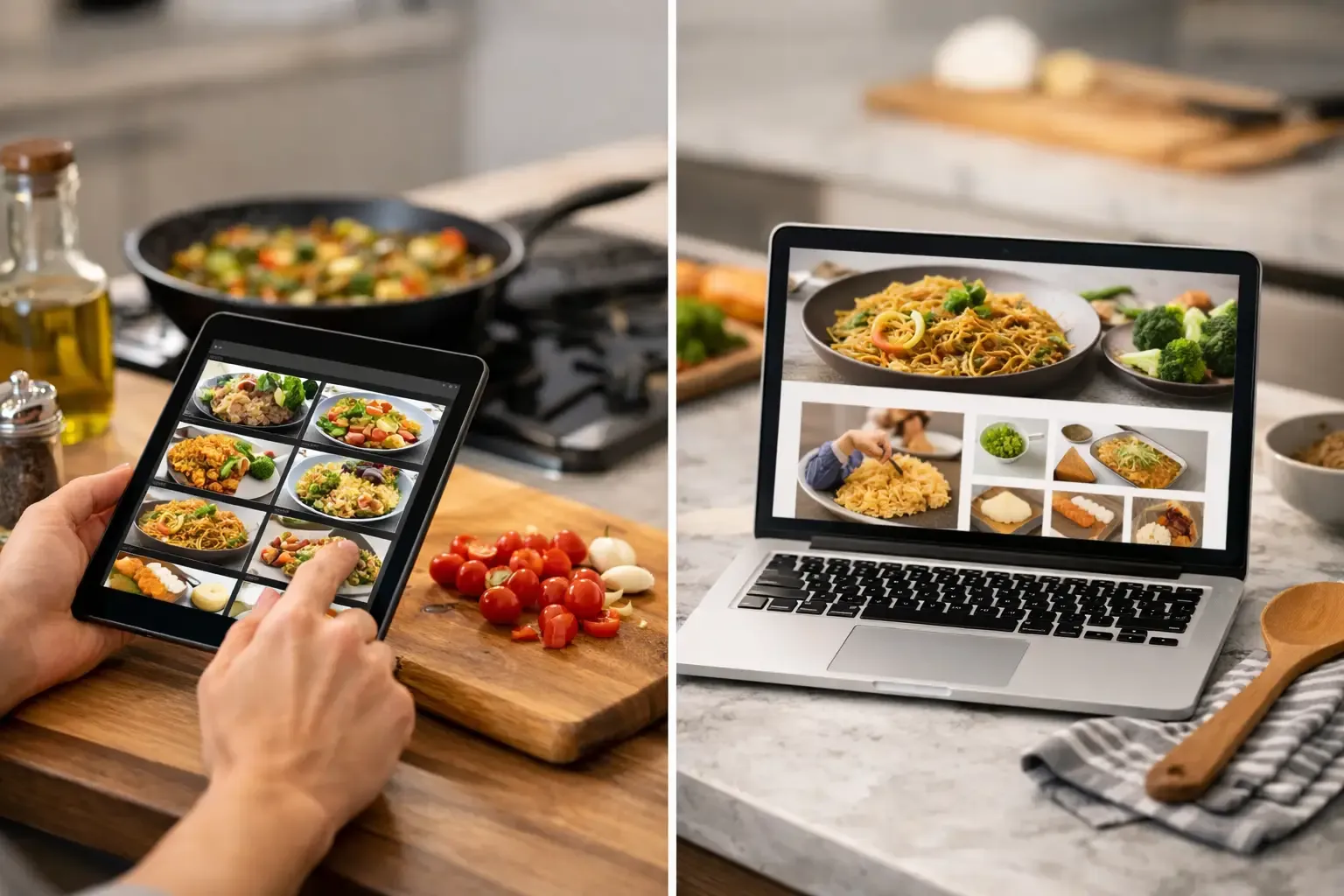
A recipe generator starts with available ingredients, dietary preferences, a cuisine, or a simple prompt. It produces a dish idea and usually provides instructions, serving guidance, and substitutions. It is built for the immediate cooking decision.
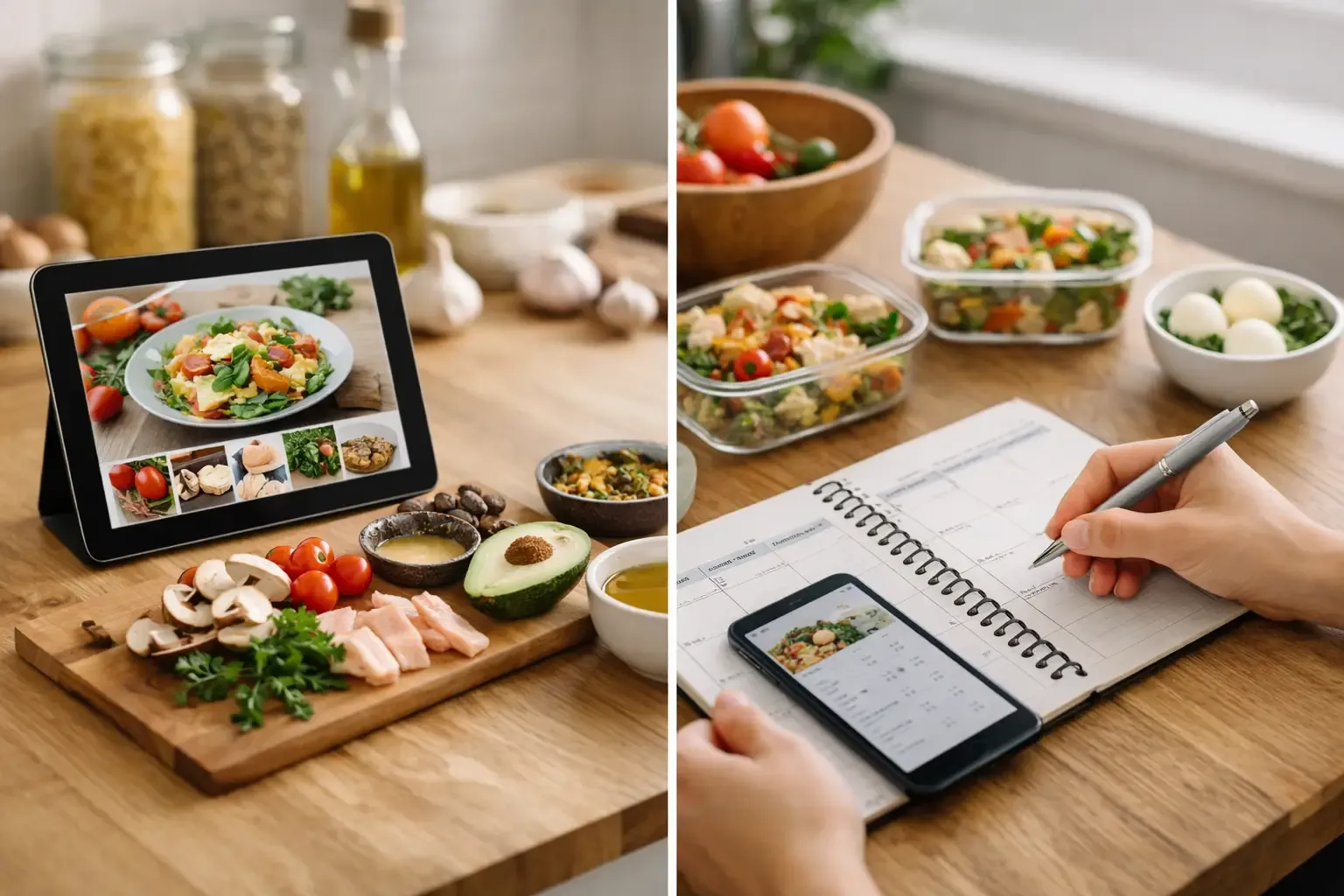
A meal planner works at the week level. You add meals to specific days, reuse familiar meals, account for schedules, and turn the plan into a grocery list. It is built for coordination before hunger and fatigue take over.
That distinction sounds small until you look at the workflow. A generator can turn eggs, tortillas, black beans, and salsa into breakfast tacos in seconds. But it will not automatically make sure Tuesday's tacos and Thursday's chili share ingredients, fit your shopping budget, or use the cilantro before it wilts. A planner can organize those meals, but a basic planner may still leave you staring at an unplanned package of mushrooms on Wednesday.
One is an on-demand cooking assistant. The other is an operating system for the week.
When a Recipe Generator Is the Better Tool
A recipe generator is most useful when your ingredients are driving the decision. Maybe you bought vegetables with good intentions and need to use them before they spoil. Maybe you are avoiding another store run. Maybe dinner needs to work around one missing ingredient.
It is also helpful for cooks who know basic techniques but get stuck choosing a direction. Chicken, rice, broccoli, and soy sauce can become a stir-fry, a rice bowl, or a baked casserole. The ingredients are not the issue. Deciding what they should become is.
A good generator should do more than combine ingredients into a plausible-sounding title. It should recognize that a missing lemon can be replaced with vinegar in a smaller amount, explain how that changes the dish, and avoid suggesting five new specialty items for a meal meant to clear the fridge. It should also provide usable timing and steps, not generic instructions that assume you already know what “cook until done” means.
The strengths of recipe generation
Recipe generation is fast, flexible, and particularly effective for reducing food waste. It can help you use an awkward leftover, adapt to a dietary need, or create a meal from a photo of what is in the fridge. It is also a practical escape hatch when a carefully planned dinner stops sounding appealing.
The trade-off is that generated recipes can be too reactive when used alone. If you only decide dinner one night at a time, you may repeatedly buy ingredients you already have, miss opportunities to use overlapping groceries, and end up with extra produce at the end of the week. A generator handles the meal in front of you well. It does not automatically create a coherent grocery strategy.
When a Meal Planner Is the Better Tool
A meal planner earns its place before you enter the grocery store. It helps you assign meals to real days, taking account of late work nights, kids' activities, leftovers, and the nights when cooking from scratch is unrealistic.
The biggest benefit is fewer repeated decisions. Instead of asking what to make every day, you make several lighter decisions at once. You can choose a pasta night, a sheet-pan meal, leftovers, and a simple breakfast-for-dinner option, then stop thinking about it.
Planning also makes shopping more precise. When the grocery list comes directly from scheduled meals, you are less likely to buy ingredients without a purpose. If the system can subtract what is already in your pantry, freezer, and fridge, the list becomes even more useful. You buy two onions because you need two onions, not because an old list said so while three were already in the drawer.
The strengths of meal planning
Meal planning is better for budget control, grocery organization, and household coordination. It gives couples and small households a shared view of what is planned and helps prevent the familiar cycle of buying food, forgetting it, and ordering takeout instead.
Its weakness is rigidity. A planner without recipe support can feel like homework, especially when you need ideas. And a plan that assumes every night will go perfectly will break quickly. The best plans leave room for a leftover night, a low-effort meal, and at least one meal that can move to another day without wasting ingredients.
Where Each Tool Falls Short on Its Own
A recipe generator can produce variety without consistency. You may get a different answer every time you ask about the same ingredients, and the results can be impractical if the tool does not understand your actual pantry. Suggestions that require ingredients you do not own are just another version of recipe-site clutter.
A meal planner can produce structure without adaptability. It may tell you to make salmon on Thursday even when you used the lemon on Tuesday, the spinach is fading faster than expected, or Thursday turns into a takeout night. If updating the plan is tedious, people stop using it.
Neither tool solves much if it lives separately from your ingredient inventory and shopping list. That separation creates manual work: checking the fridge, editing a recipe, updating a plan, building a list, and trying to remember what was already purchased. The kitchen does not need more tabs. It needs fewer handoffs.
The Best Setup Uses Both, With Different Jobs
For most regular home cooks, the strongest approach is not recipe generator or meal planner. It is a planner that can call on recipe generation when the plan needs to adapt.
Start with a loose weekly plan. Choose a few dinners you know will work, then build around ingredients that need to be used first. Schedule flexible meals rather than assigning every ingredient to a single moment. For example, buy ground turkey for tacos and lettuce wraps, knowing either meal can move if the week changes.
Then use recipe generation inside that plan. If Wednesday's planned pasta no longer fits the ingredients on hand, generate a new meal from what remains instead of abandoning the plan and buying more food. If you have leftover roasted vegetables after Monday, ask for a frittata, grain bowl, or soup that uses them on Tuesday.
This is where an integrated kitchen app has a practical advantage. Sously combines a Smart Pantry, weekly planning, automatic shopping lists, and an AI Sous Chef in one workflow. The goal is not to create more meal content. It is to turn what you already own into a workable plan, then add only the groceries that plan requires.
What to Look For Before Choosing a Tool
The right tool should reduce effort, not make you maintain another system. Before committing, look for a few operational details that determine whether you will keep using it.
First, check whether pantry tracking is quick enough to be realistic. A detailed inventory is only useful if adding and using ingredients does not feel like data entry. Look for support across the fridge, freezer, and pantry, because knowing you have chicken in the freezer changes the plan as much as knowing what is in the produce drawer.
Second, examine the shopping list. It should combine planned meals and subtract ingredients you already have. A list that simply copies every recipe ingredient forces you to audit it by hand, which is where duplicate purchases happen.
Third, assess recipe quality. Generated recipes should include clear quantities, achievable methods, and substitutions with ratios and likely impact on flavor or texture. Nutrition information should come from a credible ingredient database, not vague estimates attached to a recipe title.
Finally, consider the friction around getting started. A free option that works without requiring an account is useful if you want to test whether the workflow fits your household. Privacy matters here too. Kitchen data can be personal, and a tool should be clear about what stays on your device and what requires cloud sync.
Choose Based on the Problem You Want to Remove
Choose a recipe generator if your main issue is staring at food you own and not knowing how to turn it into dinner. Choose a meal planner if grocery trips, schedule changes, and repeat decisions are creating the stress. Use both when you want the plan to stay useful after real life changes it.
The practical test is simple: after a week, did you buy less duplicate food, throw away fewer ingredients, and spend less time asking what is for dinner? Keep the tool that makes those answers easier. A kitchen system should leave you with a shorter grocery list and a clear next meal, not another task to manage.
Cook from what you have.
Sously is the meal-planning kitchen co-pilot the blog is written from — free to start on iPhone and Android.
Get Sously