Pantry Scanner App Review for Busy Home Cooks
An honest pantry scanner app review for busy home cooks: what barcode scanning catches, where it fails, and how to turn a scan into dinner without more work.
A pantry scanner app review should answer one practical question: does scanning a box of pasta or a can of beans make weeknight cooking easier? It can, but only if scanning is the start of a useful kitchen workflow - not another list to maintain. The best apps help you see what you own, plan around it, and avoid buying the same ingredient twice.
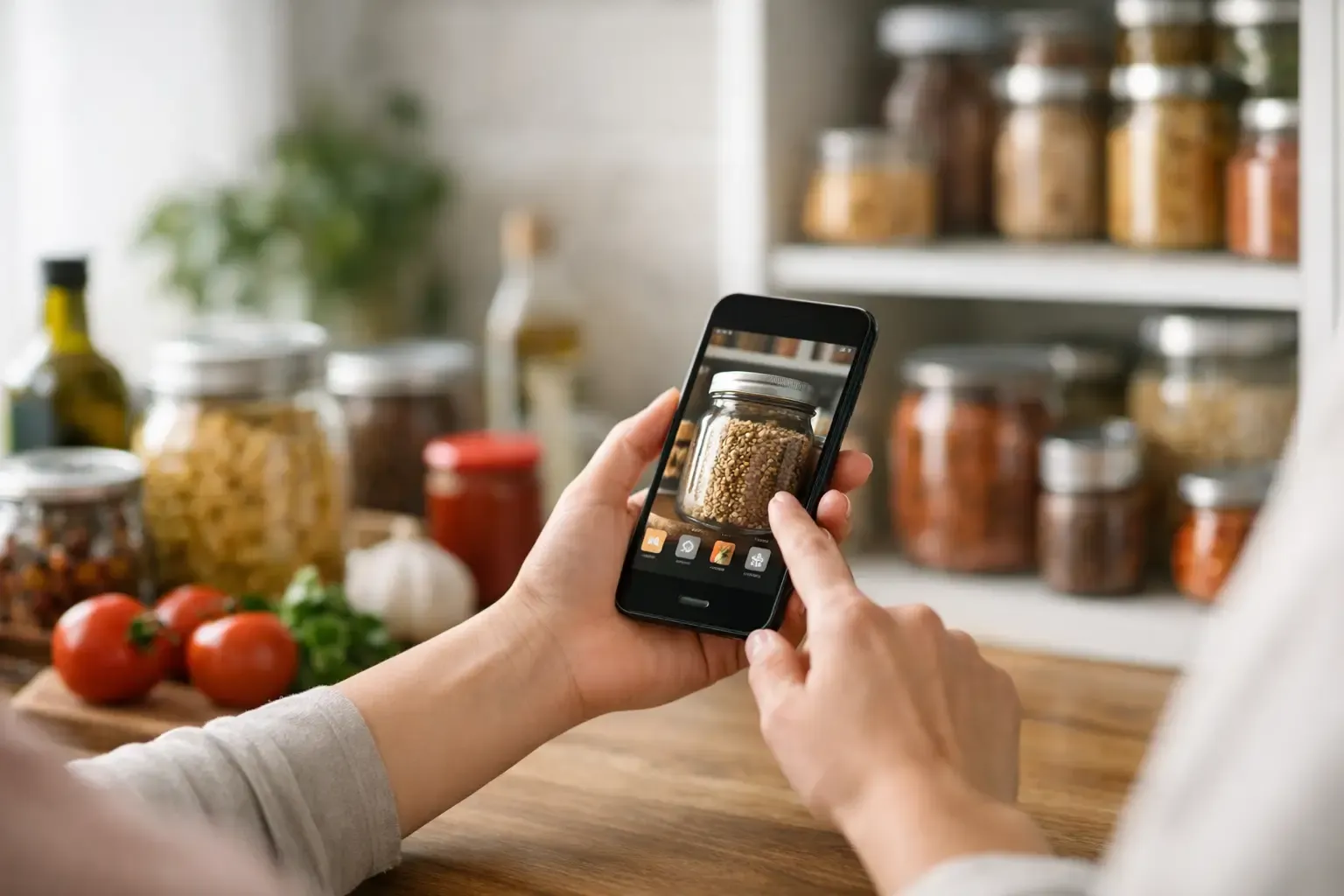
A barcode scan is fast. It is not magic. It works well for packaged groceries with clear UPC codes and a product database behind them. It is less helpful for loose produce, leftovers, bulk-bin items, and the half-used jar in the back of the fridge. That gap matters because those are often the foods most likely to be forgotten.
What a Pantry Scanner App Should Actually Do
The scanner gets attention because it is the visible feature. The real value is what happens after the scan. A useful app should turn an item into a pantry record with a recognizable name, quantity, storage location, and, when possible, an expiration date. From there, it should connect that inventory to meal ideas and a shopping list.
If scanned items stay in an isolated inventory screen, the app creates a digital version of the same problem: you technically know what you have, but you still have to decide what to cook and write a grocery list by hand. For a busy household, that is not enough.
The more complete workflow looks like this: add groceries, check what is already available while planning meals, then generate a list for only the missing ingredients. When you cook, inventory should be easy to update without turning dinner into data entry. The system has to save more time than it asks for.
Pantry Scanner App Review: Where Scanning Helps
Barcode scanning is most useful right after a grocery run. Instead of typing out every pantry staple, you can scan canned tomatoes, broth, cereal, yogurt, tortillas, frozen vegetables, sauces, and snacks in a few minutes. For people rebuilding a pantry after moving, starting a meal-planning habit, or trying to stop duplicate purchases, that speed lowers the barrier.
Scanning also improves consistency. A product match can supply a standardized name and nutrition details rather than leaving you with a vague entry such as “beans.” This is especially helpful when you track dietary needs, compare products, or want recipes to recognize a specific ingredient category.
It is also a good fit for repeat purchases. Once an item is in your pantry history, adding it again should be even faster. The app should not make you search for “low-sodium chicken broth” every week when you already buy it regularly.
For packaged food, a scanner can reduce friction in three places: logging groceries, checking what is on hand, and building a more accurate shopping list. Those are meaningful wins. Just do not judge an app by scan speed alone.
Where Pantry Scanners Fall Short
The biggest limitation is simple: not everything in a real kitchen has a barcode. Bananas, onions, bakery bread, farmers market produce, homemade soup, leftovers, spices bought in bulk, and ingredients transferred to storage containers all need another path.
A good pantry app treats manual entry as a normal part of the experience, not a punishment. Look for quick search, recent-item shortcuts, favorites, quantity controls, and the ability to add items by photo or plain language where available. “Three chicken breasts in the freezer” should be easy to capture. So should “leftover rice, two servings.”
Product databases can also be incomplete or inaccurate. A scan may return the wrong package size, an outdated product, or no result at all. Nutrition data may vary by brand and formulation. This is why editable records matter. You should be able to correct a match, change the quantity, and move on.
Expiration tracking needs the same realism. Packaged dates are useful, but they are not a guarantee of food quality or safety. Fresh produce often needs a rough use-by reminder rather than a precise date. Leftovers need more attention than a sealed can. The app should help you prioritize food, not pretend it can inspect your fridge.
What to Look for Beyond the Barcode
Choose a pantry scanner app based on the decisions it improves. Before downloading one, check whether it handles the parts of your routine that create waste or stress.
First, look at inventory flexibility. Can you organize items across pantry, fridge, and freezer? Can you track a partial quantity, such as half a bag of spinach or six eggs? Can you quickly remove ingredients after cooking? A pantry that only records unopened packages will drift away from reality quickly.
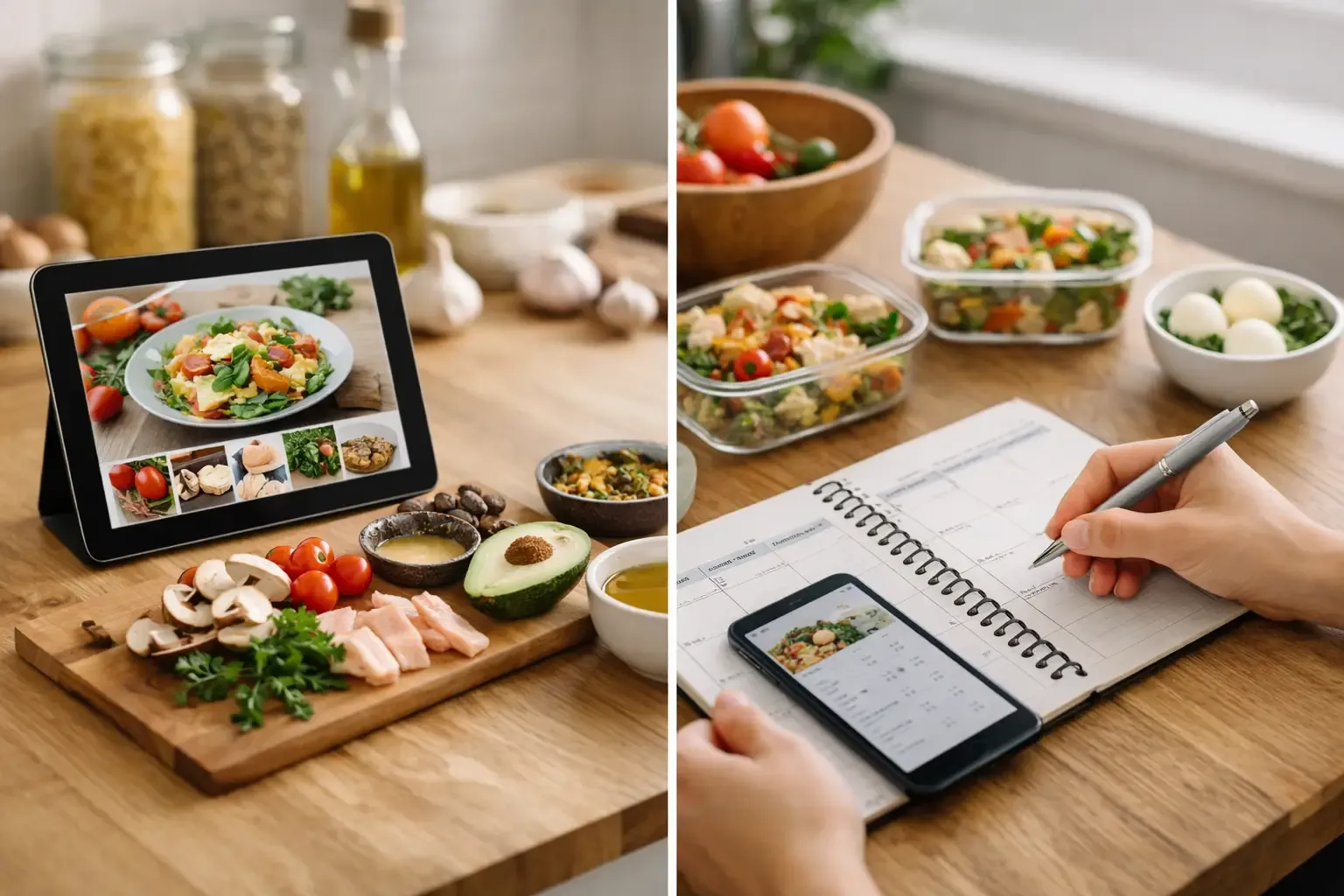
Next, check meal planning. The strongest apps let you plan a week without starting from a blank calendar every time. Reusable templates and auto-fill can make familiar routines easier: tacos one night, pasta another, leftovers before the next grocery trip. The planner should use pantry information, not ignore it.
Shopping is the test most people feel immediately. When you add a recipe to the plan, does the app subtract ingredients you already have? Can it combine quantities across meals? Does it keep staples visible without automatically sending you to buy another bottle of olive oil? A shopping list that reflects your actual kitchen is more valuable than a scanner with perfect animation.
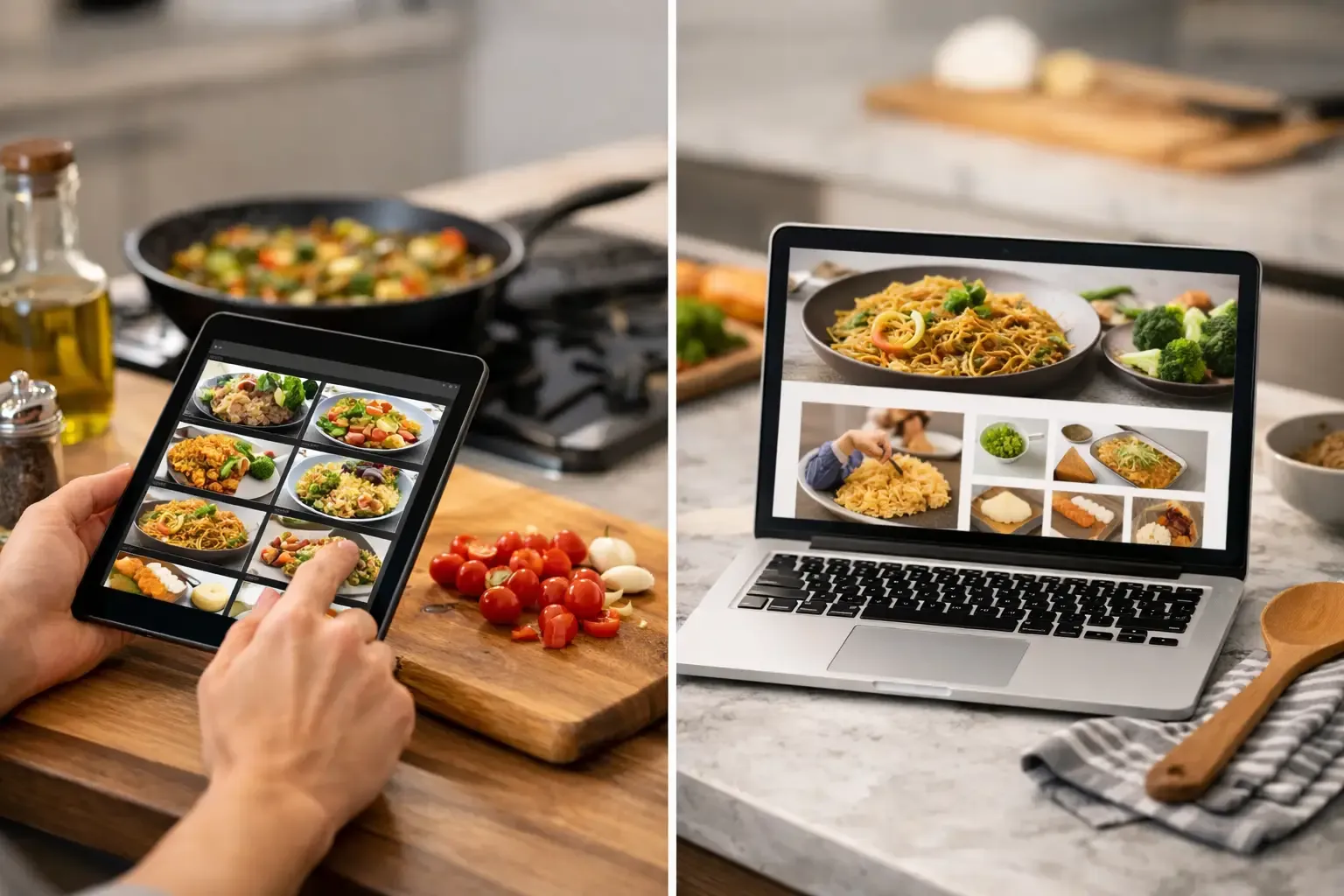
Recipe support matters too. Some apps offer huge libraries but bury the recipe under ads, personal anecdotes, and unrelated recommendations. Others offer very little help once you have ingredients. The practical middle ground is recipe generation or recommendations that start with what is already on hand, then clearly show what is missing.
Finally, consider privacy and setup. A pantry app contains ordinary grocery data, but that does not mean you should be forced to create an account before testing it. Local-first storage and a usable no-account free tier let you see whether the workflow fits before you hand over personal information or commit to a subscription. Cloud sync is useful for shared households, but it should be an option with a clear purpose.
The Best Setup Is Not a Full Inventory Audit
Many people abandon pantry apps because they begin with an exhausting project: catalog every spice, condiment, and frozen item they own. That approach is accurate for a day and annoying for a week.
Start with the ingredients that affect your shopping decisions. Scan or add the packaged staples you buy often, then add fridge and freezer items that need to be used soon. Keep produce and leftovers simple. You do not need perfect measurements to benefit from a reminder that you have spinach, tortillas, and cooked chicken to use.
After that, maintain the pantry at natural moments. Add items after unpacking groceries. Remove or adjust ingredients when you plan a meal. Check use-soon foods before choosing the next dinner. Small updates tied to tasks you already do are more likely to stick than a Sunday-night inventory ritual.
This is also where an app such as Sously earns its place: scanning and pantry tracking are connected to weekly planning, automatically adjusted shopping, and recipe help. The scanner is one input, not the entire product. Its USDA-backed ingredient data and practical substitution guidance are useful when the plan meets a nearly empty fridge.
Who Should Use One, and Who Can Skip It?
A pantry scanner app is a strong fit if you regularly overbuy staples, forget freezer ingredients, plan meals for one or two people, or share grocery responsibility with a partner. It is especially helpful when you want to use what you bought before another grocery run.
It may be less useful if you shop daily, cook mostly from a short rotation, and rarely keep packaged food or freezer inventory. In that case, a simple running grocery list may be enough. The goal is not to digitize every shelf. The goal is to reduce the number of times you buy food you already own or let good food disappear behind something else.
Use the scanner for the work it is good at, then judge the app on the rest: whether it helps you choose dinner, use food in time, and shop with fewer surprises. If it does those things, a two-minute scan after groceries can pay for itself before the week is over.
Cook from what you have.
Sously is the meal-planning kitchen co-pilot the blog is written from — free to start on iPhone and Android.
Get Sously