8 Best Apps for Pantry Cooking, Compared
Compare the best apps for pantry cooking by pantry tracking, recipe help, meal planning, shopping lists, privacy, and how well they cut food waste at home.
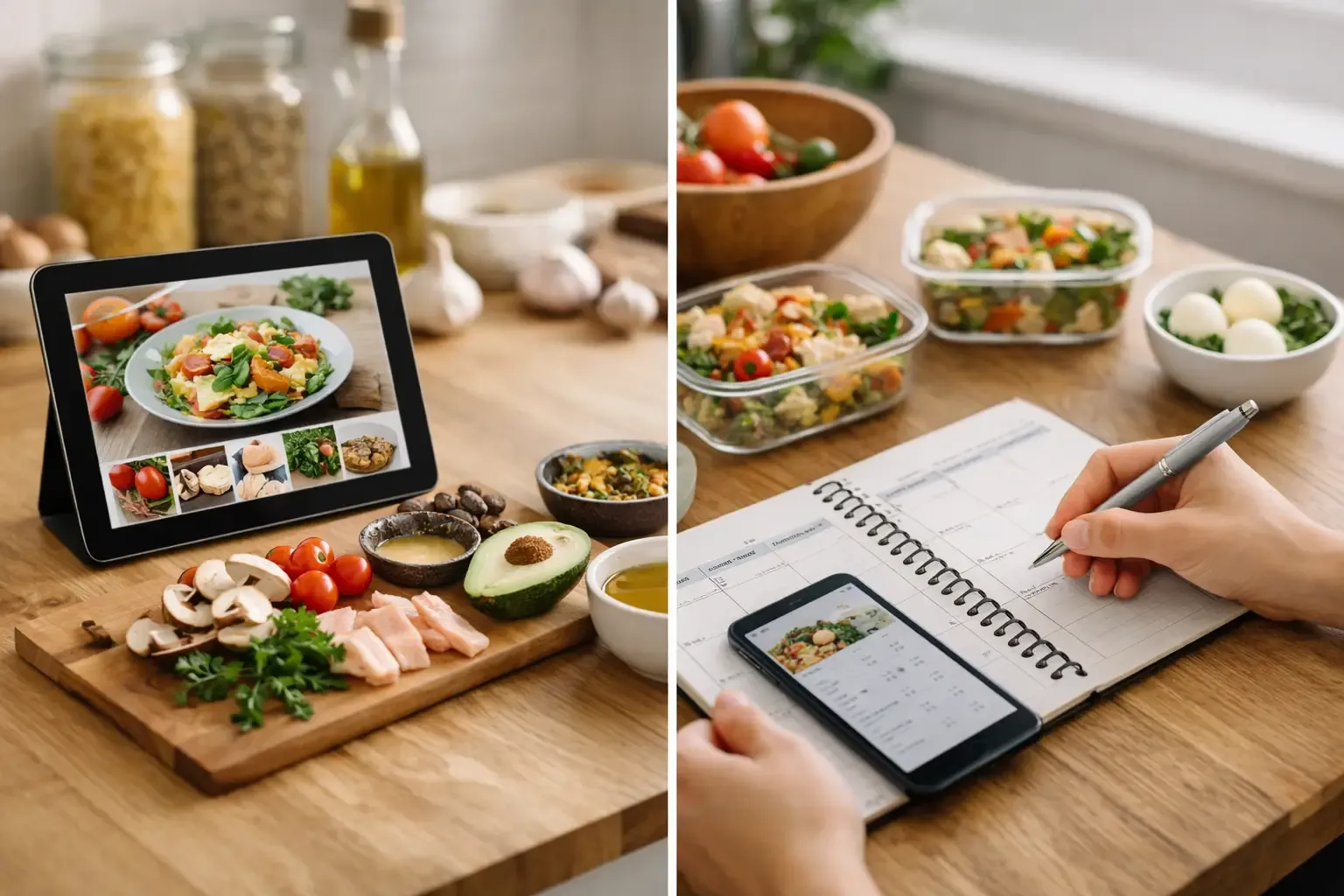
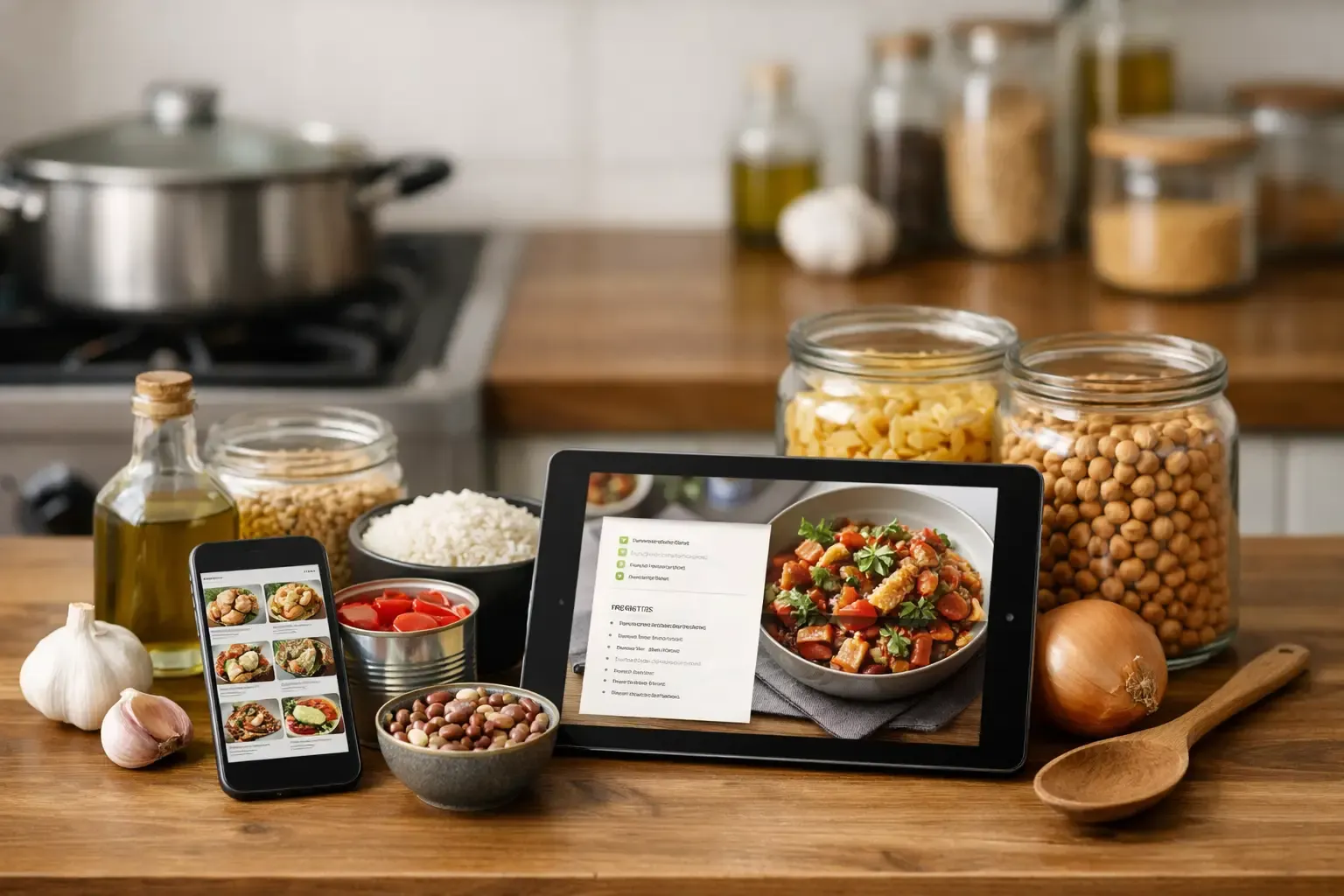
At 6:20 p.m., the question is rarely whether you have food. It is whether you can see a meal inside the half-used jar of salsa, frozen chicken, spinach nearing its date, and three kinds of pasta. The best apps for pantry cooking turn that scattered inventory into a workable dinner without sending you through a recipe blog, a second app, and an unnecessary grocery run.
Not every cooking app solves the same problem. Some are excellent recipe organizers but barely know what is in your kitchen. Others scan groceries well but offer thin meal-planning tools. The right choice depends on where your week breaks down: deciding what to cook, keeping track of what you own, shopping without duplicates, or coordinating meals with another person.
What makes an app good for pantry cooking?
A useful pantry-cooking app does more than accept a list of ingredients. It should help you use what is likely to go bad, distinguish pantry staples from fridge and freezer items, and show what is missing before you commit to a recipe. The best systems also make that information carry forward into meal plans and shopping lists.
Look for practical details. Can you add food quickly by barcode, receipt, photo, or simple search? Can you set quantities and expiration dates without turning inventory into a data-entry project? Does a recipe clearly separate what you have from what you need? If you share groceries, does the app support that workflow without forcing everyone to maintain separate lists?
Recipe quality matters, but so does execution. A good suggestion is not useful if it calls for nine specialty ingredients to use up one zucchini. Substitution guidance is another dividing line. “Use whatever you have” sounds flexible until you need to know whether yogurt can replace sour cream, how much to use, and what changes in the finished dish.
8 best apps for pantry cooking
1. Sously: best for one connected kitchen workflow
Sously is built for the full chain of events: track the food, plan meals around it, generate or save a recipe, then shop only for the gaps. Its Smart Pantry separates fridge, freezer, and pantry items, while its weekly planner and automatic shopping list keep decisions from getting stranded in separate tools.
That connected workflow is the advantage for households tired of maintaining one app for recipes and another for groceries. Its AI Sous Chef can work from pantry items, a photo, or a plain-language prompt, and its substitutions include ratios and likely dish impact rather than vague reassurance. USDA-backed nutrition information is useful when nutrition is a real planning factor, not just a label on a recipe card.
The trade-off is that advanced AI and cloud-sync features sit in the Pro tier. The free tier covers core pantry, planning, and recipe-library needs, and it works without requiring an account, which is a meaningful plus for people who do not want their kitchen inventory tied to another login.
2. SuperCook: best for fast ingredient-first ideas
SuperCook is a strong choice when you want to type in what is on hand and immediately see recipe possibilities. Its central idea is simple: add ingredients, then filter recipes by how closely they match your kitchen. It is particularly handy after a busy week when the pantry is random and the goal is to avoid ordering takeout.
Its limitation is the difference between recipe discovery and kitchen management. It can help answer “what can I make?” but it is less suited to maintaining a detailed household inventory, building a weekly plan, or automatically subtracting planned meals from a grocery list. Think of it as a useful idea engine, not a complete kitchen operating system.
3. Cooklist: best for grocery and pantry capture
Cooklist focuses heavily on bringing grocery purchases and pantry items into one place, including ways to import or scan items. That can reduce the friction of starting inventory tracking, which is often where pantry systems fail. It also provides recipes and meal-planning functions.
This is a good fit if your main issue is forgetting what you bought. Before choosing it, check whether its tracking method matches the stores and shopping habits you use. Automated grocery capture can be convenient, but it is only valuable when the data is accurate enough that you trust it. You may still need to correct quantities, use-by dates, and items bought outside your usual stores.
4. Paprika Recipe Manager: best for cooks with a recipe collection
Paprika is a respected recipe manager for people who already know what they like to cook. It lets you save recipes, scale servings, create menus, and generate grocery lists. Its clean interface is a welcome contrast to ad-heavy recipe browsing.
For pantry cooking, Paprika works best when you are willing to do some of the organizing yourself. You can mark items and build lists around recipes, but it is not designed around a live, ingredient-aware pantry that actively suggests meals from what is expiring. It is more recipe library and planning tool than food-waste tool.
5. AnyList: best for shared shopping lists
AnyList earns its place because a grocery list only works when everyone in the household actually uses it. It makes shared lists and category-based shopping straightforward, and it supports recipes and meal planning well enough for many couples and families.
It is especially practical if one person plans dinners and another shops. Still, pantry visibility is not its center of gravity. You can track what you need, but it will not do as much to answer what you should cook from the food already sitting at home.
6. Samsung Food: best for recipe discovery and inspiration
Samsung Food is geared toward finding, saving, and organizing recipes, with meal-planning and shopping features layered in. It can suit cooks who want a broad stream of ideas and enjoy adjusting recipes to fit their preferences.
The trade-off is focus. A large recipe ecosystem can be useful, but it can also create more choices when you wanted one clear dinner plan. If your priority is simply using up the ingredients you already have, assess how many steps it takes to get from pantry item to realistic meal. Inspiration is not the same as inventory-aware planning.
7. Mealime: best for guided weeknight meal plans
Mealime is designed to make weeknight planning easier with curated recipes, portion settings, and grocery lists. For beginners or people who want clear instructions, that structure can remove a lot of friction. The recipes tend to be built around manageable shopping and cooking routines.
It is less ideal for a kitchen full of odds and ends. Mealime generally starts with a planned recipe and produces a shopping list, rather than starting with a detailed pantry and building meals around it. It can reduce grocery-list work, but it may not reduce food waste as aggressively as a pantry-first app.
8. KitchenPal: best for expiration-date awareness
KitchenPal is centered on pantry management, shopping lists, recipes, and expiry tracking. That makes it a reasonable option for people whose biggest frustration is finding food after it has already gone bad. Expiration reminders can be enough to change buying habits, especially for produce, dairy, and opened refrigerated items.
The key question is whether you will keep the inventory current. Date-focused systems are only as helpful as the items entered and removed. If logging every ingredient feels like a chore, start by tracking the categories that cost you the most waste rather than attempting a perfect database on day one.
Choose based on the job you need done
Choose a pantry-first app when waste and duplicate purchases are the main problem. Choose a recipe manager when you already have a dependable recipe collection but need it organized. Choose a shared-list app when grocery coordination is the bottleneck. And choose a meal-planning app when the real issue is getting a complete, low-effort plan on the calendar.
For many small households, the best answer is not more recipe content. It is fewer disconnected steps. A meal plan that cannot see the pantry leads to overbuying. A pantry list that does not feed into dinner decisions becomes another unfinished admin task. A shopping list that ignores what is already in the freezer is just a cleaner way to buy duplicates.
Set up pantry cooking without making it a project
Start with the ingredients that are expensive, perishable, or easy to forget: meat and seafood in the freezer, dairy, produce, leftovers, grains, canned goods, and sauces. Do not begin by entering every spice. Those items matter for cooking, but they rarely drive waste or a surprise trip to the store.
Then make pantry cooking part of the weekly rhythm. Before planning meals, check what needs to be used first. Pick two or three meals that use those ingredients, and let the shopping list fill only the gaps. After cooking, remove the major ingredients you used. This takes less effort than a full inventory reset and produces better information over time.
A useful app should make that loop faster, not ask you to become your household's inventory clerk. Pick the one that helps you see dinner in the food you already own, then use it consistently enough for next Tuesday's decision to be easier than tonight's.
Cook from what you have.
Sously is the meal-planning kitchen co-pilot the blog is written from — free to start on iPhone and Android.
Get Sously