8 Best Food Inventory Apps for Less Waste
Compare the best food inventory apps for tracking groceries, planning meals, cutting waste, and building smarter shopping lists from what you own each day.
The half-used jar in the fridge is not the real problem. The problem is not knowing it exists until after another grocery run. The best food inventory apps fix that gap between what you own, what you plan to cook, and what you buy next. A good one should reduce kitchen admin, not turn dinner into another system to maintain.
For most households, the right choice depends on where friction starts. If expiration dates are the main concern, prioritize alerts and quick barcode scanning. If the bigger issue is deciding what to make with a fridge full of ingredients, choose an app that connects inventory to recipes and meal planning. And if a shared shopping list causes the most chaos, look for household sync that is easy enough for everyone to actually use.
What separates the best food inventory apps
Food inventory can mean several different things. A barcode scanner that tracks canned goods is useful, but it does not solve weeknight cooking. A recipe organizer can save favorites, but it will not stop you from buying a second bottle of soy sauce. The most useful apps connect at least two parts of the workflow: pantry tracking, expiration awareness, meal planning, recipes, and grocery lists.
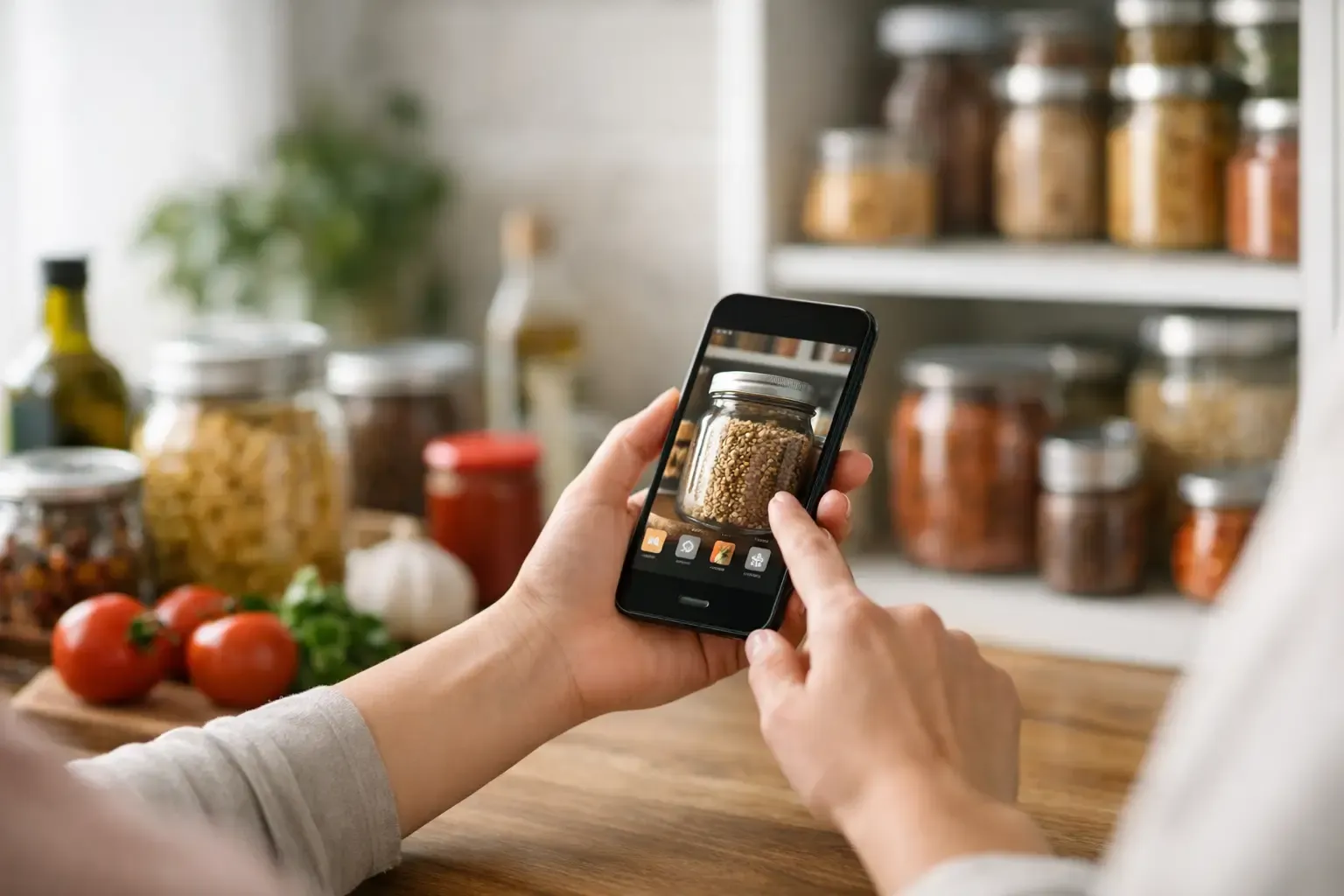
Ease of entry matters more than feature count. If adding groceries takes several minutes, most people will stop after the first ambitious Sunday reset. Look for barcode scanning, saved staples, recipe-based deductions, photo input, or a fast way to add items manually. You should also decide whether you need exact quantities. Tracking every egg and tablespoon can be helpful for some households, but a simple “have it” system is often more sustainable.
Privacy and access are practical considerations too. An app that requires an account before you can test the basic workflow creates unnecessary friction. For shared kitchens, cloud sync may be worth it. For a single user, local storage and a free no-account option can be the better trade-off.
8 best food inventory apps by use case
1. Sously: best for planning meals around what you have
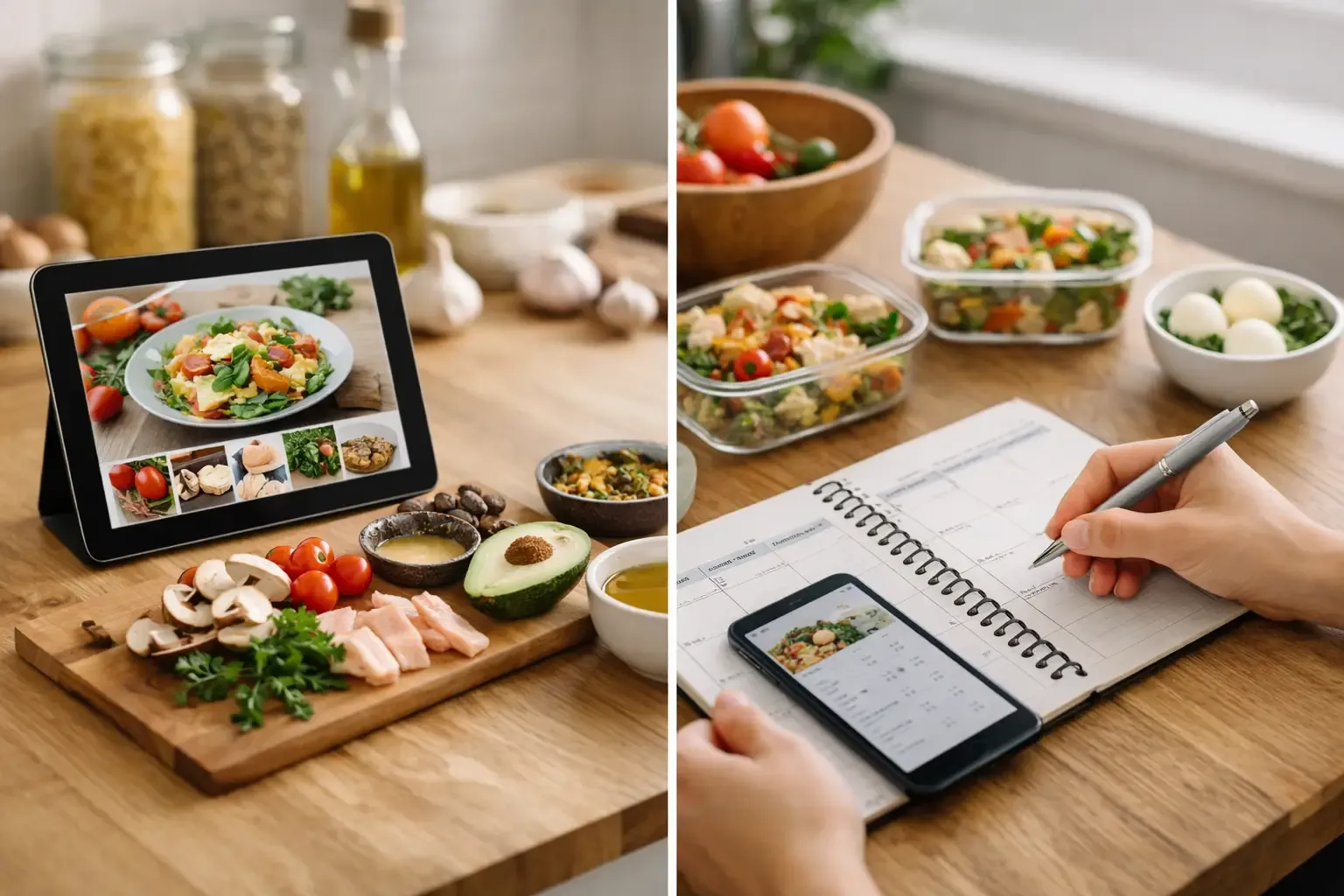
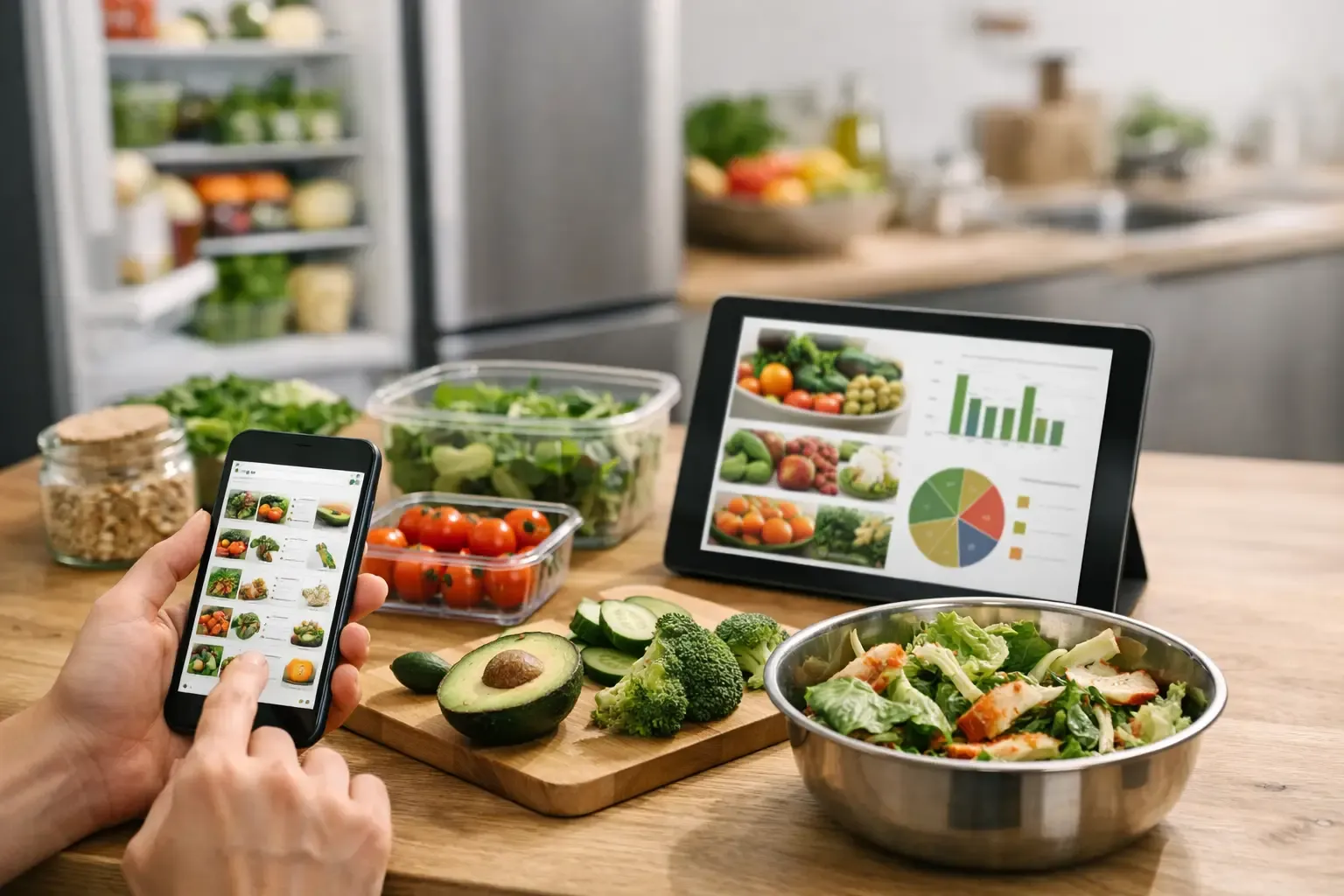
Sously is built for the full home-kitchen workflow rather than inventory in isolation. Its Smart Pantry tracks fridge, freezer, and pantry items, then connects that information to weekly meal planning, recipe ideas, and an automatically generated shopping list. The list subtracts ingredients already on hand, which is where inventory tracking starts saving real money and duplicate purchases.
The practical advantage is context. Instead of opening a pantry app, then a recipe app, then a shopping-list app, you can move from “What needs using?” to “What are we cooking this week?” in one place. Its AI Sous Chef can generate recipes from pantry items, photos, or a straightforward prompt, while the app provides concrete substitutions with ratios and dish-impact guidance. Nutrition information is backed by USDA data rather than vague wellness claims.
Core pantry, planning, and recipe-library features are available free without requiring an account. Sously Pro is more relevant when you want advanced Sous Chef features or cloud sync across devices and shared household use. This is the strongest fit for busy cooks who want inventory to lead directly to fewer dinner decisions and a tighter grocery list.
2. NoWaste: best for expiration-date tracking
NoWaste is a focused option for people whose primary goal is throwing away less food. It centers on item tracking and expiration reminders, helping you see what should be used first. That makes it useful for households that buy fresh produce, dairy, and prepared foods regularly but lose track of dates.
The trade-off is that expiration tracking requires consistent input. You need to add items when groceries come home and remove them when they are used. If your kitchen problem is meal planning rather than visibility, you may still need a separate tool for recipes and lists.
3. Pantry Check: best for a simple pantry database
Pantry Check is a sensible choice if you want a clean record of pantry, fridge, and freezer items without a large meal-planning layer. Barcode scanning and inventory categories can make a household reset less tedious, especially when you are building a baseline list of staples.
This approach works well for shoppers who mainly want to check stock before leaving for the store. It is less useful if you want the app to recommend meals or automatically shape your grocery list around a weekly plan. Think of it as a practical inventory ledger, not a kitchen decision-maker.
4. Cooklist: best for grocery receipt and store integrations
Cooklist focuses on bringing grocery purchases, recipes, and food tracking closer together. Its appeal is convenience for shoppers who order groceries online or want to pull purchases into one system rather than entering every item by hand.
The value depends on where and how you shop. Integrations can save time, but they may not reflect every local store, delivery service, or household shopping habit. It is worth testing whether its supported retailers match your actual routine before making it your main inventory system.
5. AnyList: best for shared grocery coordination
AnyList is known more for grocery lists and shared household organization than deep food inventory. It is a strong option for couples, roommates, and families who need one person to add “olive oil” and another person to see it instantly at the store.
Its recipe and list features make it useful for planning purchases, but inventory tracking is not the central experience. Choose it when the biggest issue is duplicate shopping caused by poor communication, not food expiring unseen in the back of the fridge.
6. Paprika Recipe Manager: best for cooks with a recipe collection
Paprika is a recipe manager first. It is especially useful if you already have a large personal collection of recipes and want tools for meal calendars, grocery lists, and recipe scaling. For confident home cooks, that can be more valuable than AI recipe generation.
It is not designed to be a detailed pantry tracker, so it will not automatically answer, “What can I cook before this spinach goes bad?” Pair it with a separate inventory habit if reducing food waste is your main objective.
7. KitchenPal: best for household stock visibility
KitchenPal offers pantry management, grocery lists, and expiration-date features in one consumer-friendly setup. It can suit a household that wants to catalog food across cabinets, refrigerator shelves, and the freezer while keeping a closer eye on waste.
As with any inventory-heavy app, success comes down to maintenance. It is a better fit for people willing to scan or update items consistently than for someone looking for a nearly invisible planning workflow.
8. Out of Milk: best for a lightweight shopping-list habit
Out of Milk is a straightforward choice for people who do not need recipes or detailed inventory. Its strength is speed: add items as they run out, organize the list by store or category, and keep basic household shopping from becoming a memory test.
It will not provide the deeper benefits of a pantry-aware system, such as using on-hand ingredients to reduce a weekly grocery bill. Still, a simple list you use every time beats an advanced app you abandon after a week.
How to choose without creating more kitchen work
Start with one question: what happens right before food gets wasted or you overspend? If you find forgotten ingredients after shopping, use pantry visibility and a pre-store check. If food expires because dinner plans change, choose expiration reminders and flexible recipe suggestions. If you keep ordering takeout because deciding what to cook feels exhausting, prioritize a planner connected to what is already in the kitchen.
Then test the first five minutes. Add a few staples, one perishable item, and a meal you make often. Create a shopping list. If the app makes those actions feel slow, its feature set does not matter. The best system is the one that fits into unloading groceries, planning Sunday night, and checking the fridge on a tired Wednesday.
Avoid trying to catalog every single item on day one. Begin with high-cost items, perishables, freezer food, and ingredients you tend to buy twice. Once the habit sticks, add the staples that matter to your cooking. A partial inventory that stays current is more useful than a perfect database that is outdated by Tuesday.
A better weekly inventory routine
A food inventory app works best as a short weekly reset, not a constant chore. Before planning meals, check items approaching their use-by date and ingredients that have been open for a while. Build two or three meals around those foods first, then fill the remaining gaps with recipes your household will realistically make.
After that, generate or review the shopping list. Delete items you already have, check quantities for expensive ingredients, and keep one flexible meal in the plan for leftovers. This is also where substitutions help: a recipe that calls for parsley may not justify a separate store trip when cilantro, green onion, or dried herbs will work differently but still work well.
The goal is not a perfectly controlled pantry. It is a kitchen that gives you a clear next move: cook this, use that, buy only what is missing. Pick the app that makes those decisions faster, then let the habit do the rest.
Cook from what you have.
Sously is the meal-planning kitchen co-pilot the blog is written from — free to start on iPhone and Android.
Get Sously