How to Build Grocery Lists Automatically
Learn how to build grocery lists automatically using your meal plan and pantry, cutting duplicate purchases, food waste, and last-minute store runs now.
A grocery list should not begin in the grocery aisle, when you are trying to remember whether there is enough rice at home. It should begin with what you plan to cook and what is already in your kitchen. That is the practical answer to how to build grocery lists automatically: connect your meals, pantry, and shopping list so each one updates the next.
The goal is not to automate every decision. You still choose the meals, brands, and budget that work for you. Automation handles the repetitive math: adding recipe ingredients together, subtracting what you have, and organizing the remaining items into a list you can use at the store.
What an Automatic Grocery List Actually Does
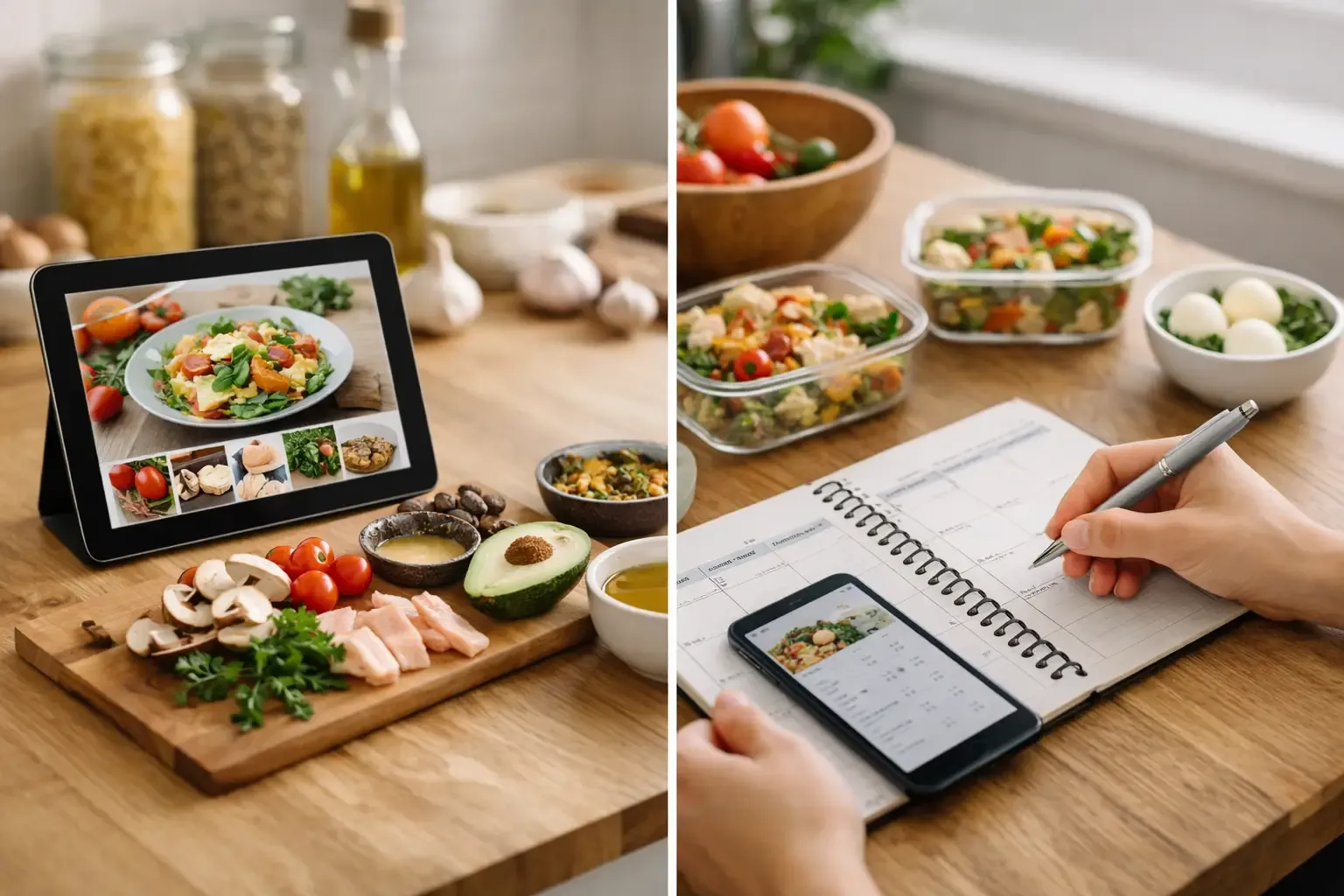
A basic digital list is faster than paper, but it still depends on you remembering every ingredient and checking every cabinet. An automatic list works from a source of truth. Usually, that means a weekly meal plan plus an up-to-date view of your fridge, freezer, and pantry.
When you add a planned dinner, the system pulls in its ingredients and quantities. If two meals need onions, it combines them. If your pantry shows you already have pasta and canned tomatoes, those items are removed or reduced. What remains is the amount you need to buy.
That distinction matters. A recipe app can tell you what a recipe requires. A useful grocery workflow tells you what you are missing. Without the pantry step, a generated list can still create duplicate purchases and more food that sits unused.
How to Build Grocery Lists Automatically in Five Steps
1. Start with the meals you will realistically cook
Plan for the number of nights you expect to cook, not the number of recipes that look good on Sunday. A household that cooks three dinners and eats leftovers twice needs a different list than one cooking every night.
Choose meals with shared ingredients where it makes sense. Roast chicken one night can become tacos or grain bowls the next. Spinach can work in pasta, eggs, and a lunch salad. This is not about eating the same thing repeatedly. It is about buying a few flexible ingredients with a clear plan for using them.
Keep the plan light enough to survive a busy week. Include one low-effort meal, one freezer option, or a night reserved for leftovers. Overplanning is one of the fastest ways to turn a smart list into wasted produce.
2. Record what you already have
Your pantry does not need to be perfect for automation to help. Start with the ingredients that are most likely to cause waste or duplicate buying: produce, dairy, proteins, frozen food, canned goods, grains, and sauces you use often.
A Smart Pantry is useful because it makes those ingredients visible when you plan. Instead of deciding on dinner first and discovering you have wilted broccoli later, you can build meals around the broccoli before it becomes a problem.
For small households, quantity matters most for perishable food. You may not need to track every teaspoon of dried oregano, but it helps to know whether you have half a carton of eggs, one chicken breast, or no milk left. Track at the level that changes what you buy.
3. Let recipes create the ingredient demand
Once meals and pantry items are in the same system, recipe ingredients become list inputs. The app should total ingredients across the week, convert compatible amounts where possible, and flag what the pantry cannot cover.
Say your plan includes chili, sheet-pan fajitas, and overnight oats. The combined list may need onions, peppers, oats, Greek yogurt, beans, ground turkey, and spices. If you already have cumin, two cans of beans, and most of a bag of oats, those should not appear as full-price, full-quantity purchases.
This is where recipe quality matters. Vague ingredient entries such as “vegetables” or “seasoning to taste” are hard to automate. Recipes with clear quantities produce a cleaner list. You can still make substitutions, but the list needs a concrete starting point.
4. Review the exceptions before you shop
Automation gets you most of the way there. A quick review prevents the small mistakes that matter at checkout.
Check whether pantry quantities are still accurate, especially after cooking. Look at items with flexible sizes, such as a recipe that calls for one pound of chicken when the store sells packs closer to 1.5 pounds. Decide whether to buy the larger pack for another meal or switch to a different protein.
Also review staples. Some people want olive oil, salt, flour, and spices excluded from lists unless they manually add them. Others want low-stock reminders for every staple. There is no universal setting. The right setup is the one that matches how closely you want to manage the kitchen.
5. Shop from an organized, live list
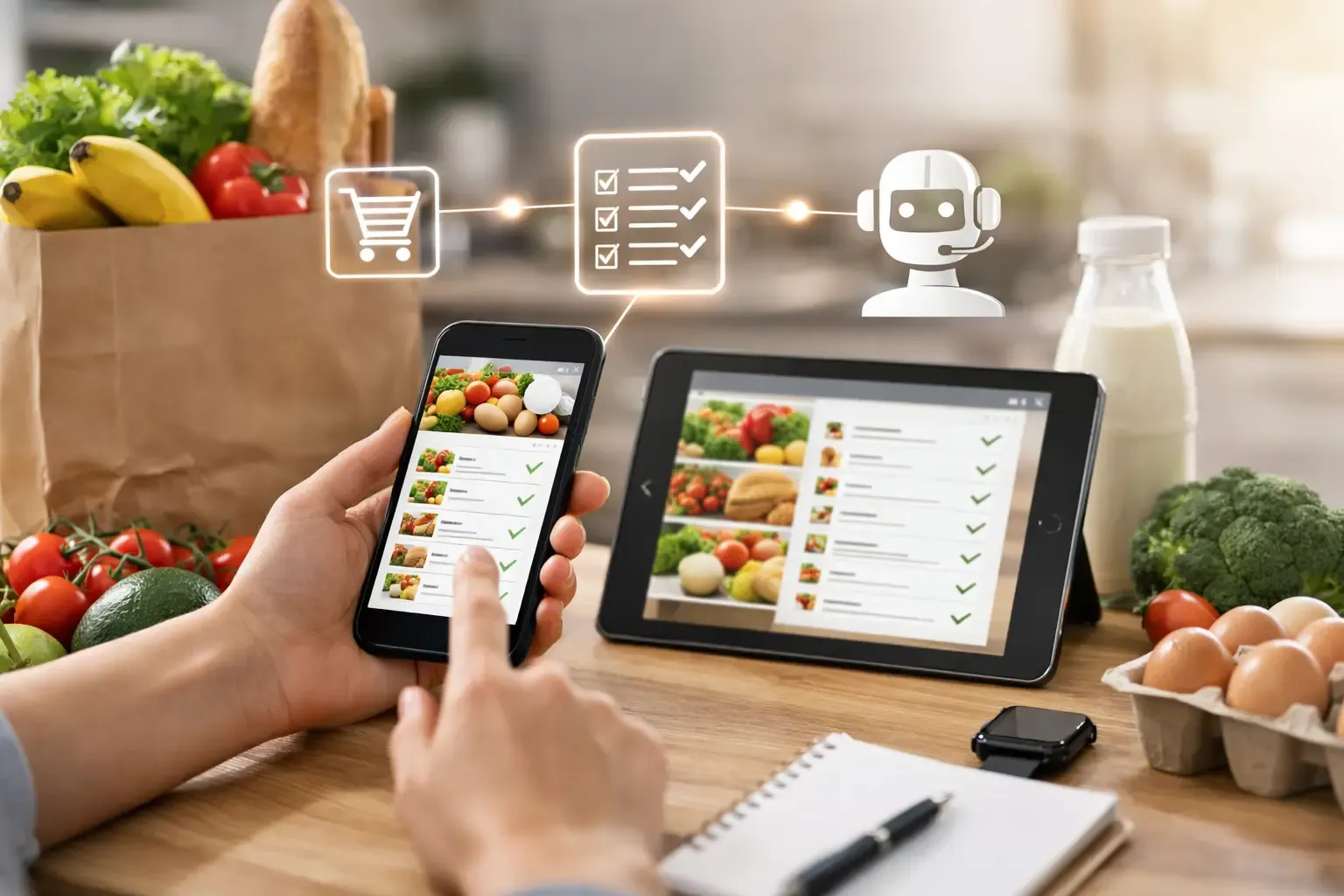
A list sorted by grocery category reduces backtracking. Produce, meat, dairy, pantry, frozen, and household items are easier to shop than one long stream of ingredients.
Keep the list live until the trip is finished. If you change dinner plans, remove the ingredients you no longer need. If an item is unavailable, choose a substitution and update the meal or pantry before the next shop. This keeps the system useful instead of letting it drift away from how you actually cook.
Set Up Automation Without Creating More Admin
The best system has a low maintenance cost. If it takes 20 minutes to log every snack and condiment, it will not last. Build a routine around a few moments you already have: after unpacking groceries, while planning the week, and after using a major ingredient.
Focus first on four inputs that affect the list most:
- Perishable ingredients with short shelf lives
- Proteins in the fridge and freezer
- Core staples you regularly run out of
- Planned meals and leftover nights
Then improve accuracy gradually. Add barcode scans or receipt-based updates if they save time for you, but do not treat detailed inventory as a requirement. The system should reduce kitchen work, not become another household chore.
Sously is built around this practical loop: plan meals, see what is on hand, and generate a shopping list that subtracts pantry ingredients. It also supports recipe ideas from what you have, which is useful when a few ingredients need to be used before the next grocery run.
Use Automation to Reduce Waste, Not Just Save Time
The obvious benefit of an automatic list is speed. The more valuable benefit is that it changes the order of decisions. Instead of buying ingredients and then hoping to use them, you plan around what you own and buy only the gaps.
That helps with expensive items that are easy to forget: fresh herbs, specialty sauces, cheese, and proteins in the freezer. It also makes leftovers more intentional. If Tuesday's meal creates extra rice or roasted vegetables, put a leftover lunch or bowl night into the plan before purchasing another full set of ingredients.
Use a “use first” habit for food nearing its limit. Add those items to the top of your planning view, then choose meals that can absorb them. Soft bell peppers can go into fajitas, omelets, pasta sauce, or a stir-fry. Half a tub of yogurt can become breakfast, a marinade, or a sauce. The grocery list gets shorter because the kitchen gets used more completely.
Where Automatic Lists Need Human Judgment
A generated list cannot know every preference. It may not know that you refuse to buy a giant bag of carrots for one recipe, that your partner already picked up milk, or that you are traveling unexpectedly on Friday. Those decisions should remain easy to edit.
Substitutions also require context. Swapping lime for lemon may work in a dressing, but swapping dried basil for fresh basil changes the quantity and the result. A good cooking assistant should give a ratio and explain the dish impact, not simply say that two ingredients are interchangeable.
Be cautious with unit conversions, too. Three medium zucchini and two cups of shredded zucchini are related, but not exact. Treat generated quantities as a confident draft, then use your judgment for produce sizes, package sizes, and meals where texture matters.
Make the List Work for a Shared Household
For couples and small households, the list fails when one person shops from an old version and the other person makes changes at home. Use one shared source of truth, and agree on a simple rule: add items to the list as they run out instead of texting them or trying to remember later.
If you share a kitchen, label ingredients mentally or in the app as planned, available, or already used. This is especially helpful for lunch items and snacks, which can disappear before the dinner plan reaches them. Cloud sync can help shared households keep the same list across devices, while a local-first setup can keep personal kitchen data on your device when sharing is not needed.
The next time you plan dinner, do not start by searching for a recipe. Start by checking what needs to be used, choose a few meals that fit the week, and let the missing ingredients become the list. That is less grocery admin, fewer duplicate purchases, and a kitchen that is easier to run.
Cook from what you have.
Sously is the meal-planning kitchen co-pilot the blog is written from — free to start on iPhone and Android.
Get Sously