7 Best Food Waste Reduction Apps for Home Cooks
Compare the best food waste reduction apps for planning meals, using pantry ingredients, buying less, and rescuing surplus food near you each week at home.
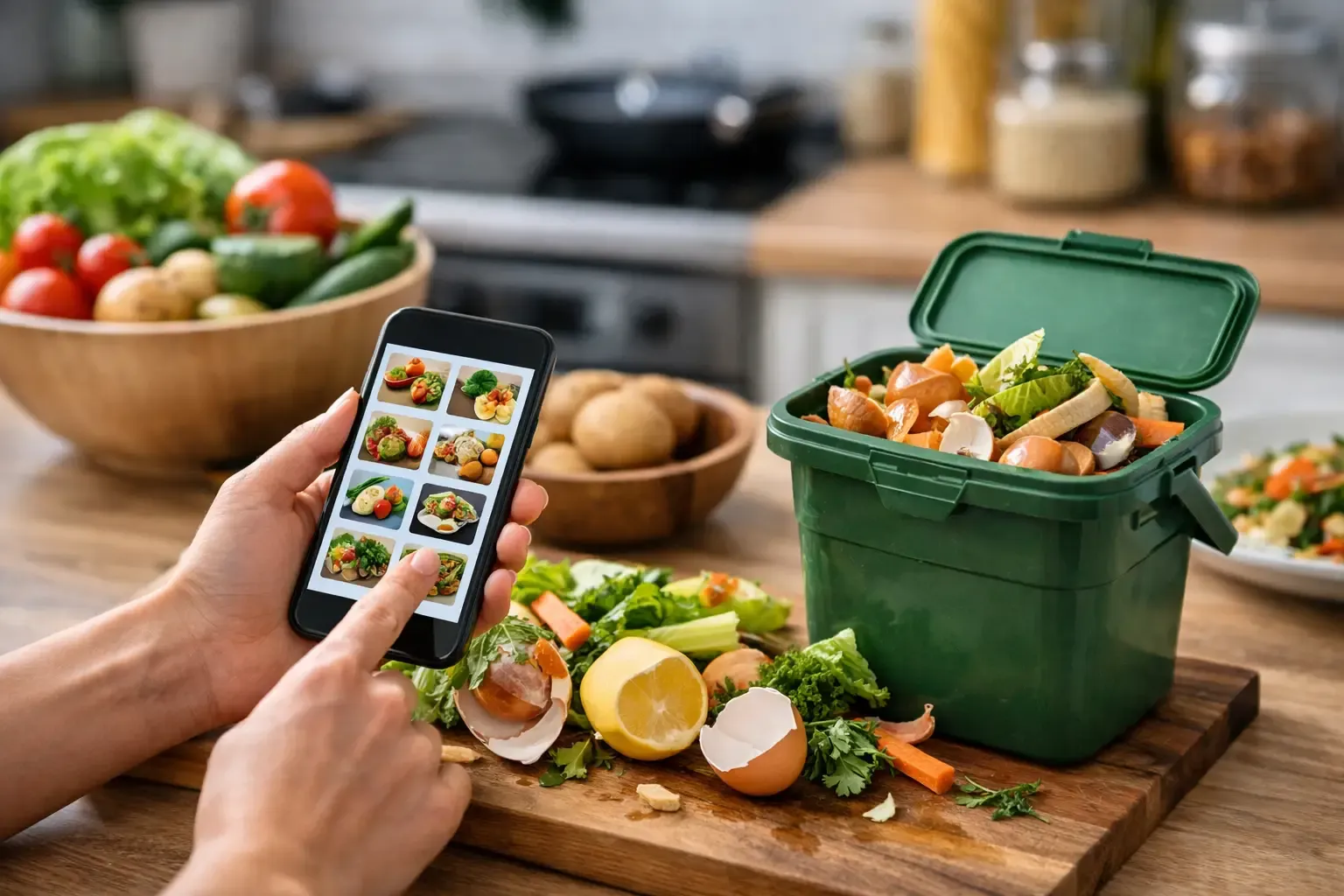
Most food waste does not happen because someone bought one bad grocery item. It happens because a bag of spinach disappears behind the milk, a recipe calls for half an onion, and the next shopping trip starts without checking what is already in the kitchen. The best food waste reduction apps address different parts of that problem: some help you use what you own, while others make surplus food from stores and neighbors available before it is thrown away.
There is no single best app for every household. A couple that cooks four nights a week needs a different tool than someone who wants discounted bakery bags on the walk home. The useful question is simpler: where does food usually go to waste in your routine?
What Makes a Food Waste App Actually Useful?
An app earns a place on your phone when it changes a decision you make during the week. That could mean seeing expiration dates before they become a surprise, planning dinner around ingredients already in the fridge, or buying a surplus restaurant meal that would otherwise be discarded.
The trade-off is focus. Marketplace apps can reduce commercial food waste, but they will not organize your freezer. Pantry apps can make home cooking more efficient, but they cannot guarantee a nearby store has surplus food available. Pick the app that fixes the gap you have, rather than collecting another tool you will forget to open.
7 Best Food Waste Reduction Apps for Different Needs
1. Sously for planning meals around what you have
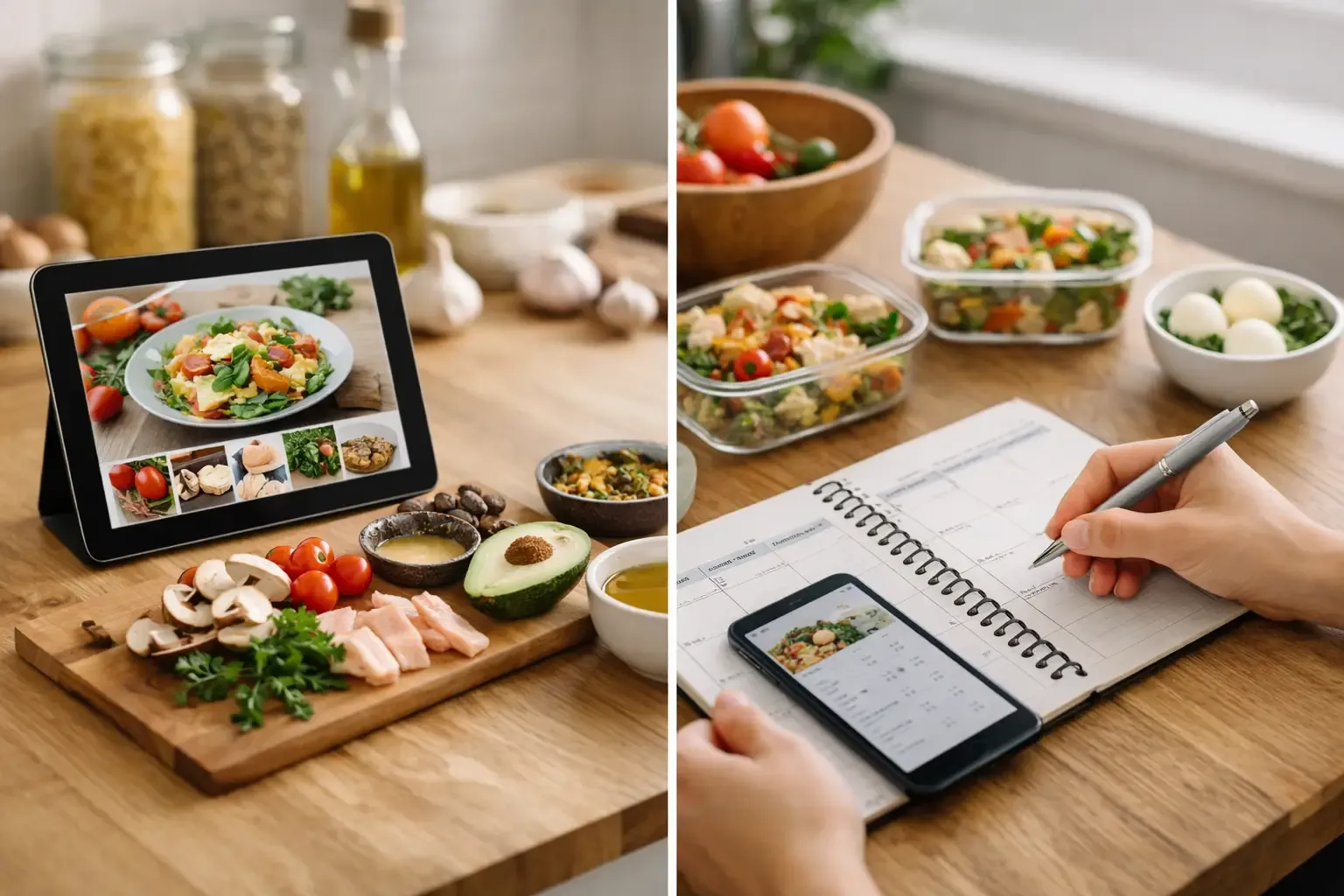
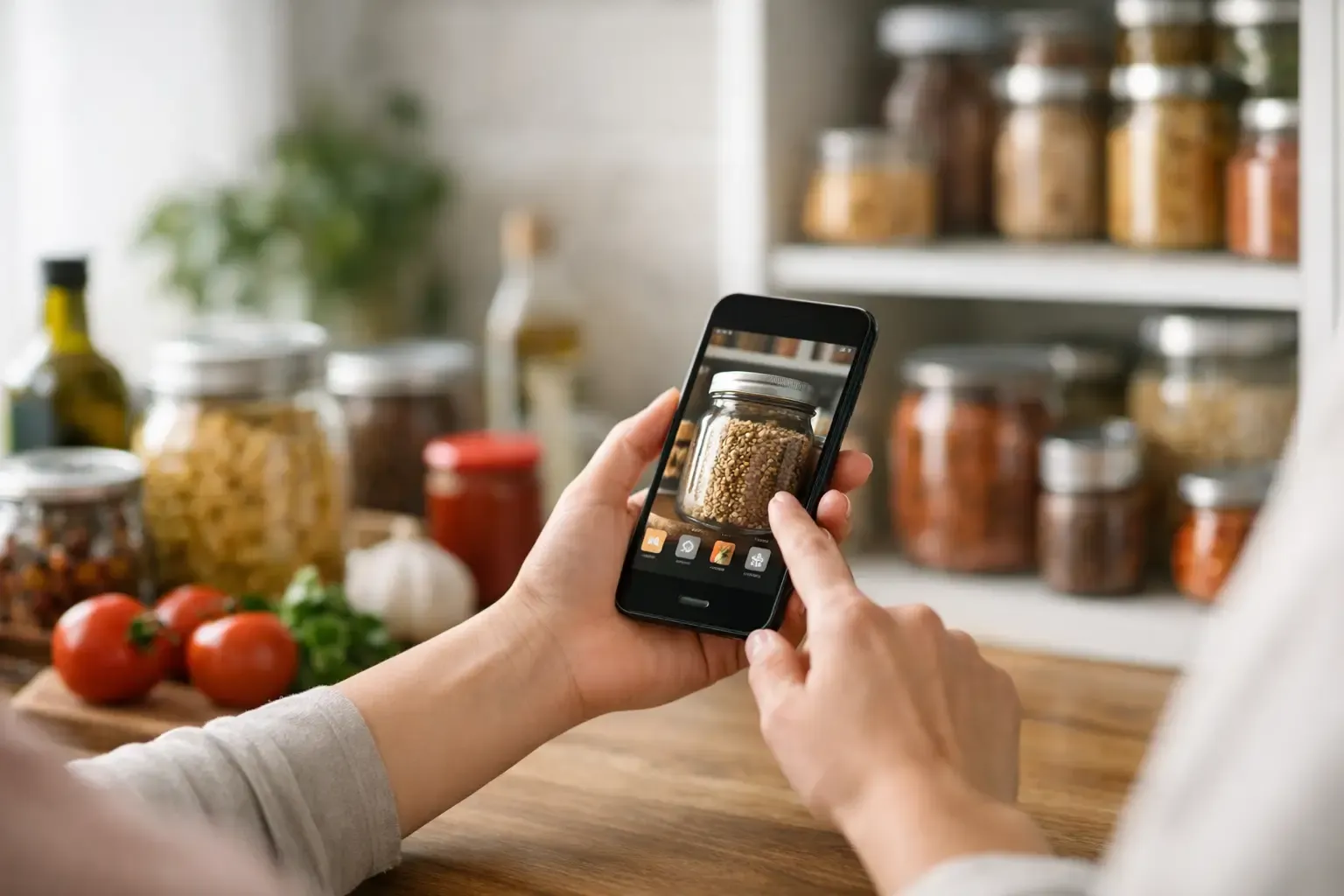
For households whose waste starts with overbuying and forgotten ingredients, Sously is built around the full home-kitchen workflow. Its Smart Pantry tracks fridge, freezer, and pantry items, while the weekly planner and recipe tools help turn those ingredients into actual meals. The shopping list can subtract what is already on hand, which is the step that prevents a second jar of something from entering the cabinet.
This approach works best when you want fewer disconnected systems. Instead of tracking food in one app, searching recipes in another, and rebuilding a shopping list by hand, the planning happens in one place. It also fits people who want to start quickly: core functions are available without requiring an account, and data can stay stored locally on the device. Advanced AI cooking help and shared cloud access are premium features, so the free tier is strongest for people who want a practical planning and pantry foundation first.
2. Too Good To Go for rescuing local surplus food
Too Good To Go connects customers with restaurants, cafes, bakeries, and grocery stores selling surplus food in discounted surprise bags. It is a good fit if you are flexible about what dinner looks like and live in an area with active participating businesses.
The surprise is both the appeal and the limitation. You may get excellent value and keep usable food out of the trash, but you generally do not choose every item in the bag. This is better for an opportunistic lunch, a snack stash, or a flexible household than for tightly planned meals or specific dietary needs. Check pickup windows before buying. A bargain is not useful if you cannot get there in time.
3. OLIO for sharing food with neighbors
OLIO is designed for local sharing. People and participating businesses can post food they will not use, from unopened pantry items to extra produce, and nearby users can claim it. It can be especially useful after a move, before a trip, or when you have too much of one ingredient and do not want it to sit until it expires.
Its value depends on local activity. In an active neighborhood, it can feel like a practical community pantry. In a quieter area, listings may be limited or pickup distances may not justify the effort. It also requires more coordination than buying from a store, since you arrange pickup directly with another person.
4. Flashfood for discounted grocery markdowns
Flashfood focuses on discounted food from participating grocery stores, often including produce, meat, dairy, baked goods, and prepared items nearing their best-by date. Unlike a surprise bag, you can usually see the specific item before you reserve it. That makes it easier to plan around a known ingredient.
This is a strong option for shoppers who can cook or freeze food promptly. The important caveat is that discount shopping can create waste if it becomes impulse shopping. Before reserving marked-down chicken or a large produce box, decide where it fits in the next few meals. If the answer is vague, leave it for someone who can use it now.
5. NoWaste for expiration-date visibility
NoWaste is a pantry and food inventory app centered on tracking items and expiration dates. It is useful for people who already plan meals reasonably well but lose food because they cannot see what needs attention first.
Inventory tools require a little setup discipline. Scanning or entering groceries takes time, and the system only works if you update it when food is used. For a smaller household, that effort can pay off quickly because a few overlooked items can represent a meaningful share of the grocery budget. Keep the process light: start with perishables, freezer items, and expensive ingredients rather than trying to catalog every spice on day one.
6. Kitche for household food tracking
Kitche helps households keep an eye on food at home, including items approaching their use-by dates. Its appeal is straightforward: it turns the vague feeling that “there must be something to eat” into a clearer view of what should be used next.
It is most useful if more than one person shops and cooks. Shared awareness can reduce the classic household problem where one person buys yogurt while another already bought yogurt two days earlier. As with any inventory app, regular use matters more than a long initial setup. A short check before meal planning and grocery shopping is usually enough.
7. Food Rescue US for community food recovery
Food Rescue US is different from a consumer shopping or pantry app. It coordinates volunteers who move excess food from businesses to local organizations serving people who need it. If your goal is to reduce waste beyond your own kitchen, it offers a more direct way to participate in food recovery.
This is not a tool for deciding tonight's dinner, and availability varies by location. But it is a worthwhile option for people who want to turn concern about waste into local action. The best fit is someone with occasional time, reliable transportation when needed, and an interest in community logistics.
Choose Based on the Waste You Can Control
A simple way to narrow the field is to identify the moment waste begins. If you buy duplicates or forget produce in the drawer, use a pantry and meal-planning app. If you want to stretch your food budget and are comfortable with flexible pickups, try a surplus marketplace. If unopened food is sitting in your cabinet before a trip, use a neighborhood-sharing app.
For many households, the most effective setup is not several apps used at once. It is one tool for your normal grocery routine, plus one occasional option for local surplus or sharing. More alerts, more scans, and more marketplaces do not automatically mean less waste. A system has to be easy enough to use on a tired Tuesday.
A Low-Effort Routine That Prevents Waste
Use your app at three points: before planning meals, before shopping, and when you notice food is close to its limit. First, look for ingredients that need to be used within a few days and build one or two meals around them. Next, let that plan determine the shopping list, rather than shopping from memory. Finally, freeze, repurpose, or share food while it is still good, not after you have already decided you are unlikely to cook it.
Treat best-by dates as a prompt to check food, not an automatic command to throw it away. Follow package guidance, use your senses where appropriate, and be cautious with foods that show signs of spoilage. Apps can improve visibility, but they do not replace safe food handling.
The right app should make one small decision easier: cook the mushrooms tonight, skip the duplicate pasta sauce, reserve the marked-down produce only if you have a plan, or pass extra food to someone nearby. That is how food waste goes down without turning your kitchen into another project.
Cook from what you have.
Sously is the meal-planning kitchen co-pilot the blog is written from — free to start on iPhone and Android.
Get Sously