Meal Planning App Comparison: What Matters
A practical meal planning app comparison for busy home cooks. See which features reduce waste, save time, and simplify shopping.
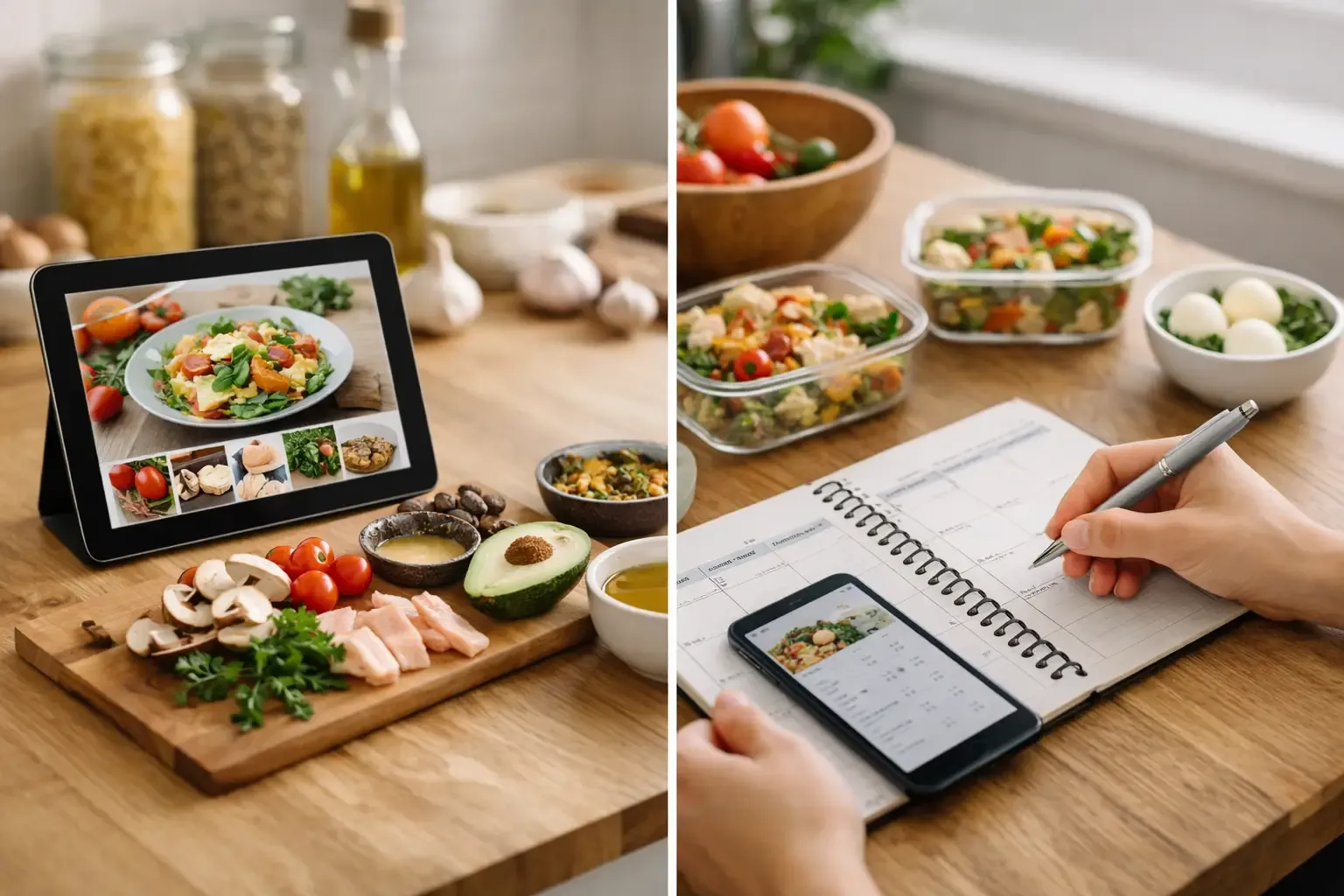
Most meal planning apps look efficient until Tuesday night. That is when a real meal planning app comparison stops being about screenshots and starts being about friction: what is in the fridge, what is about to expire, what still needs to be bought, and how many taps it takes to turn that mess into dinner.
If your current setup involves notes, grocery apps, recipe tabs, and a vague memory of what is in the freezer, the problem is not effort. It is tool sprawl. The best meal planning apps do not just help you choose meals. They reduce the number of separate decisions you have to make across planning, shopping, cooking, and using what you already own.
Meal planning app comparison: the features that actually matter
A lot of apps market themselves as meal planners when they are really recipe collections with a calendar attached. That can work if your main issue is finding inspiration. It falls apart if your actual problem is overbuying groceries, forgetting ingredients, or wasting food because your plan has no connection to your kitchen.
The first thing to compare is whether the app plans around your real inventory or around idealized recipes. A planner that starts with what you already have will usually save more money and reduce more waste than one that starts with a polished content library. For busy households, that difference matters more than having ten thousand dinner ideas.
The second thing is shopping list logic. Some apps let you add recipe ingredients to a list. Fewer subtract what is already on hand. That gap sounds small, but it is where duplicate purchases happen. If an app cannot tell the difference between what you need for a recipe and what is already sitting in your pantry, you are still doing mental bookkeeping yourself.
Third is recipe flexibility. Many people do not cook the same exact dish every week, and they should not have to. Good apps can adapt meals based on ingredient swaps, leftovers, dietary preferences, or whatever looked decent at the store. Weak apps treat recipes as fixed documents. Real kitchens are not fixed.
Finally, look at setup friction. Some tools ask for an account before you can test anything. Others require a full pantry audit before they become useful. If the onboarding feels like a project, many people will quit before the app ever saves them time.
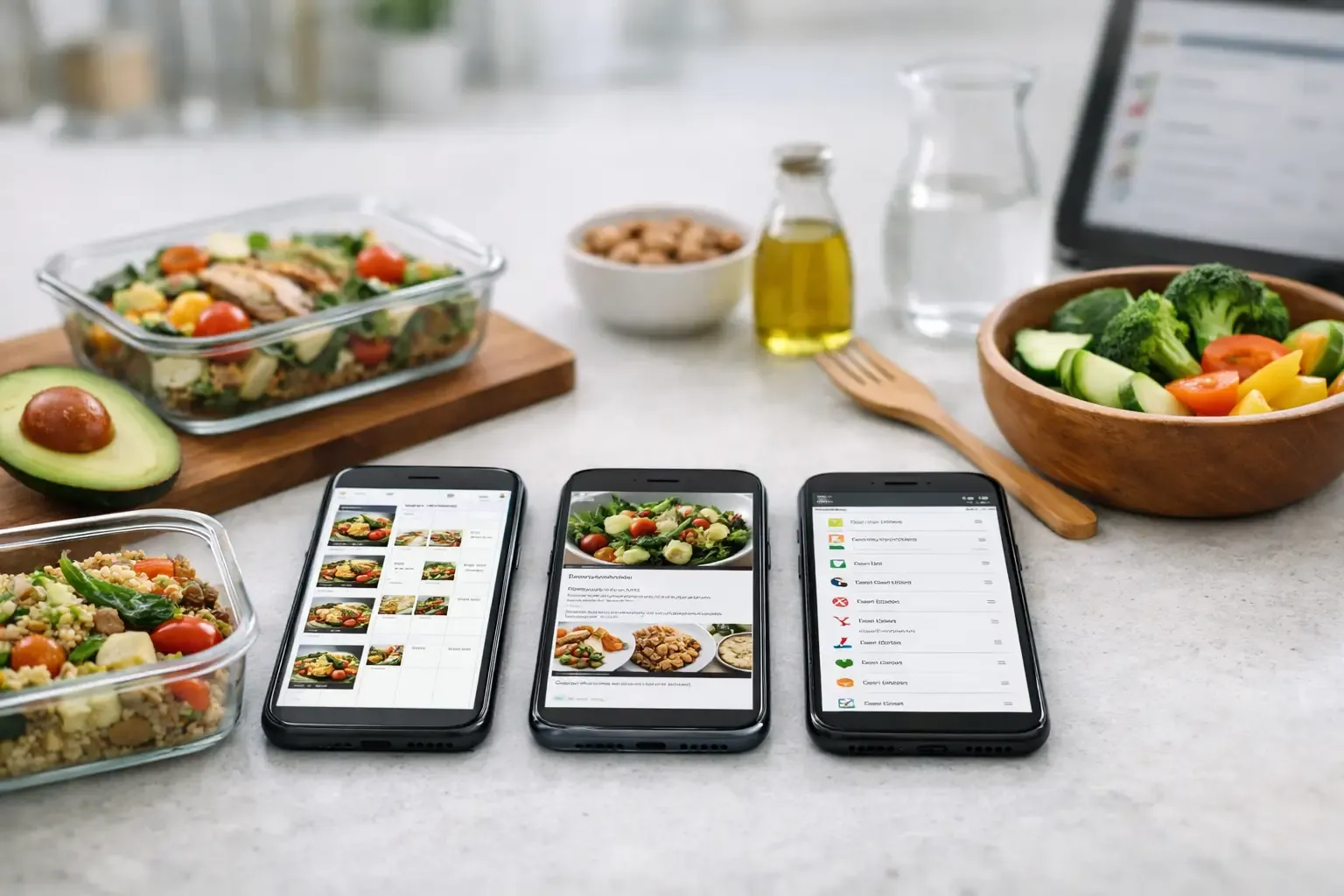
Four common app types and where each works
Most meal planning apps fall into one of four buckets.
The first is the recipe-first planner. These apps usually have a strong content library, attractive meal suggestions, and a weekly calendar. They are useful for people who want help deciding what sounds good. Their weakness is execution. If pantry tracking is missing or shallow, you still need another system to avoid buying duplicates and letting food expire.
The second is the shopping-first organizer. These apps are better at list creation than meal planning. They can help with grocery coordination, especially for couples or shared households, but they often treat meals as a source of list items rather than a connected workflow. Good for errands. Less helpful for weeknight decision-making.
The third is the nutrition-first tracker. These tools are built around macros, calorie targets, or dietary plans. They can be useful if nutrition is your top priority, but they often feel rigid for everyday cooking. If every dinner has to be logged with precision, planning can become another chore.
The fourth is the kitchen operating system approach. This is the most practical option for people who want one app to handle planning, pantry visibility, shopping, and cooking support together. It is harder to build well, because each part has to connect cleanly. When it works, though, it removes the handoff problems that make other apps frustrating.
Where most comparisons get it wrong
A typical comparison focuses on price, number of recipes, and whether a calendar exists. Those things matter, but they are not enough.
A better test is this: can the app help you answer four questions in under a minute? What should I cook this week? What do I already have? What do I still need to buy? What can I make tonight without another store trip?
If the answer to any of those depends on opening another app, checking your fridge manually, or rewriting a list, the system is incomplete. That does not mean the app is bad. It means it solves only part of the problem.
This is also why some highly rated apps feel disappointing in daily use. They look polished, but the workflow breaks at the exact point where people need help most - right before shopping and right before cooking.
How to compare meal planning apps for your real routine
Start with your biggest source of friction, not the app store ranking.
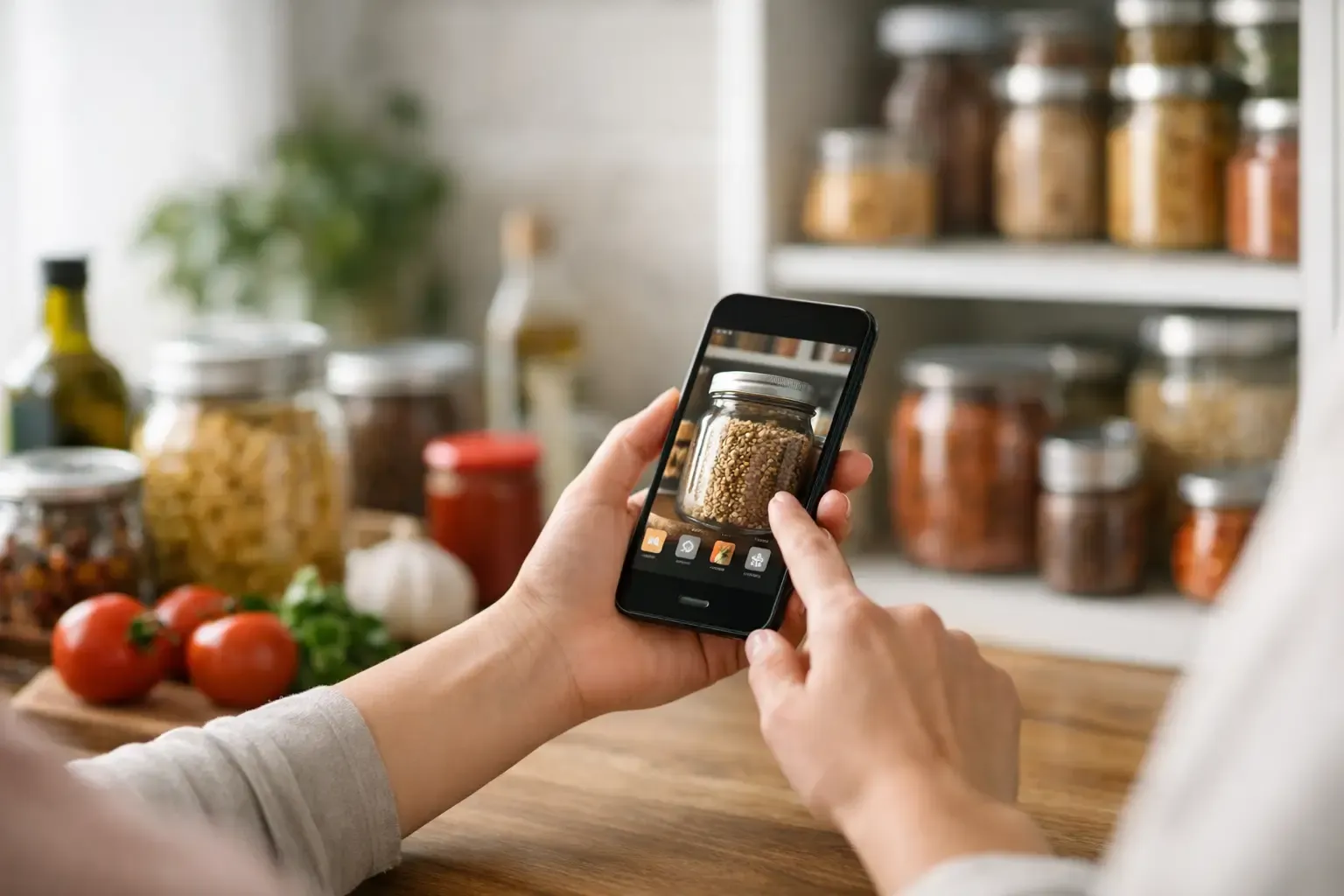
If you regularly buy ingredients you already own, pantry tracking should move to the top of your list. Not a generic inventory feature buried in settings, but a pantry that is easy enough to maintain without becoming a second job. The best version covers pantry, fridge, and freezer separately, because those spaces behave differently and lead to different kinds of waste.
If your main problem is deciding what to make, prioritize planning tools that can reuse your patterns. Weekly templates, autofill options, and fast recipe assignment matter more than endless browsing. Most people do not need novelty every night. They need a repeatable system that still leaves room for variation.
If grocery trips feel chaotic, compare the shopping workflow closely. Can the app auto-build a list from your planned meals? Can it adjust that list based on what is already on hand? Can another household member use the same list without confusion? This is where a lot of time savings either happen or disappear.
If you are often staring at random ingredients with no clear dinner plan, recipe generation and substitution support become more valuable than a giant recipe catalog. A practical app should help you turn what you have into something cookable, not just suggest meals that require five new purchases.
The trade-offs behind the best features
There is no perfect app for every cook because priorities differ.
A recipe-heavy platform may be more inspiring, but it can also introduce clutter. A strict nutrition app may be more detailed, but less flexible when you need to improvise. A simple shopping app may be easy to learn, but too limited once you want actual pantry awareness.
Even smart pantry tools come with a trade-off: they only help if the app makes updating inventory realistic. Barcode support, recipe-linked ingredient deduction, and clear storage areas make a huge difference here. If inventory updates are too manual, accuracy drifts and trust drops with it.
AI features deserve the same scrutiny. They can be genuinely useful when they generate recipes from pantry items, suggest substitutions with clear ratios, or help salvage a half-planned dinner. They are less useful when they produce vague cooking ideas that still require extra searches. The right question is not whether an app has AI. It is whether the AI reduces steps.
What a strong all-in-one option looks like
The most useful apps for busy home cooks tend to share a few traits. They combine meal planning, pantry tracking, shopping, and cooking help in one workflow. They keep setup light. They are practical before they are flashy.
That is the logic behind Sously. Instead of treating meal planning as a content problem, it treats it as a kitchen operations problem. You plan the week, track what is actually in the pantry, generate a shopping list that accounts for on-hand ingredients, and get cooking help based on what you already have. That is a better fit for people who are trying to waste less food and stop rebuilding the same grocery list every week.
The details matter too. Trustworthy ingredient data is more useful than vague nutrition estimates. Concrete substitutions are more useful than generic tips. Local-first storage and a free tier without an account lower the barrier to getting organized, especially for people who are tired of signing up before they can test basic functionality.
That does not mean an all-in-one app is automatically the best choice for everyone. If you only want recipe inspiration, a recipe-first app may be enough. But if your pain points span planning, shopping, and using what is already in the kitchen, piecing together multiple tools usually costs more time than it saves.
The best choice is the app you will still use next month
A useful meal planning app should make weeknights quieter. Fewer duplicate groceries. Fewer forgotten ingredients. Less time spent switching between recipes, lists, and fridge guesswork.
So compare apps based on the work they remove, not the features they advertise. The right one should fit how you already cook, help you buy less of what you do not need, and make dinner feel easier by Wednesday, not just impressive on day one.
Choose the app that respects your time enough to handle the boring parts well. That is usually the one worth keeping.
Cook from what you have.
Sously is the meal-planning kitchen co-pilot the blog is written from — free to start on iPhone and Android.
Get Sously