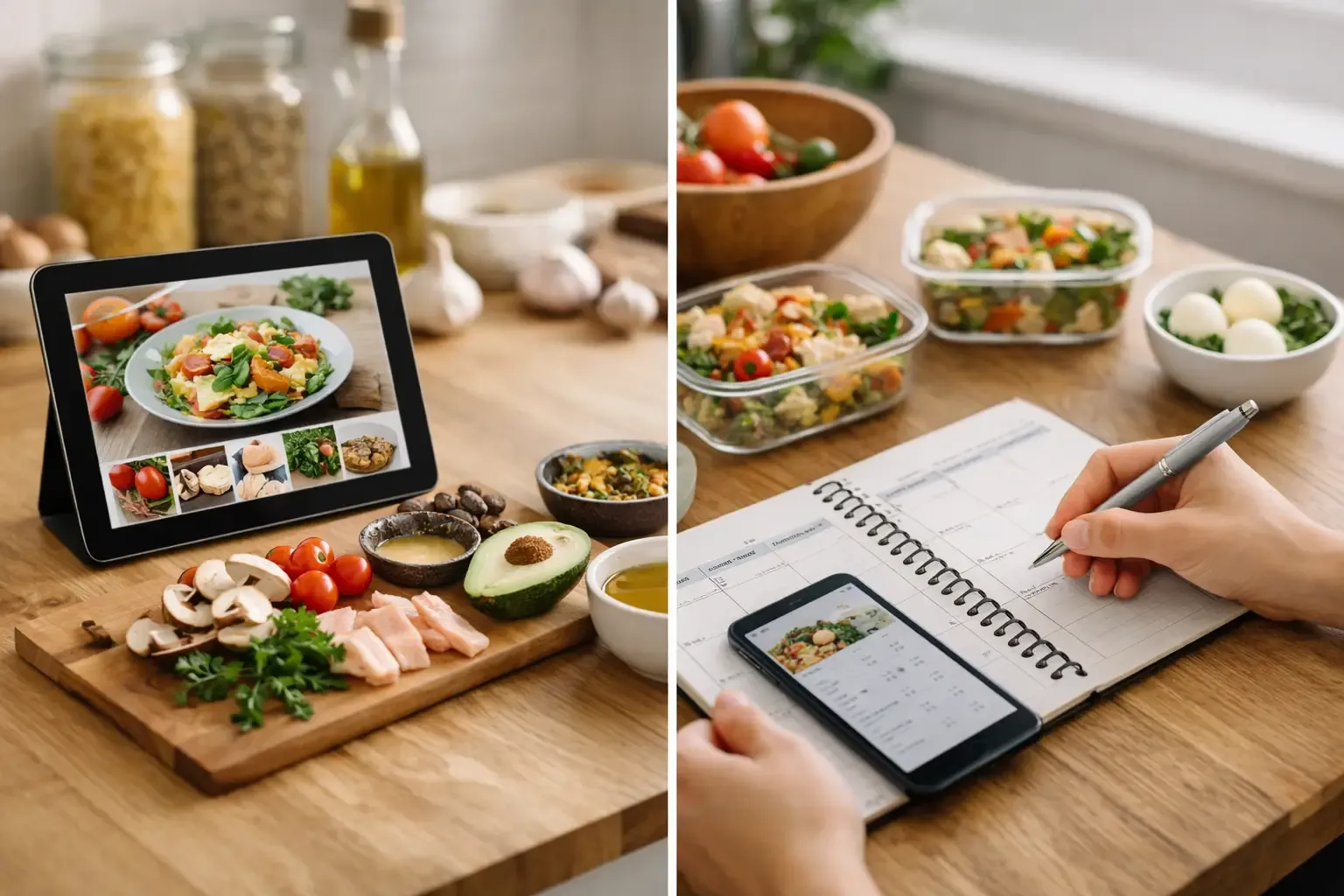
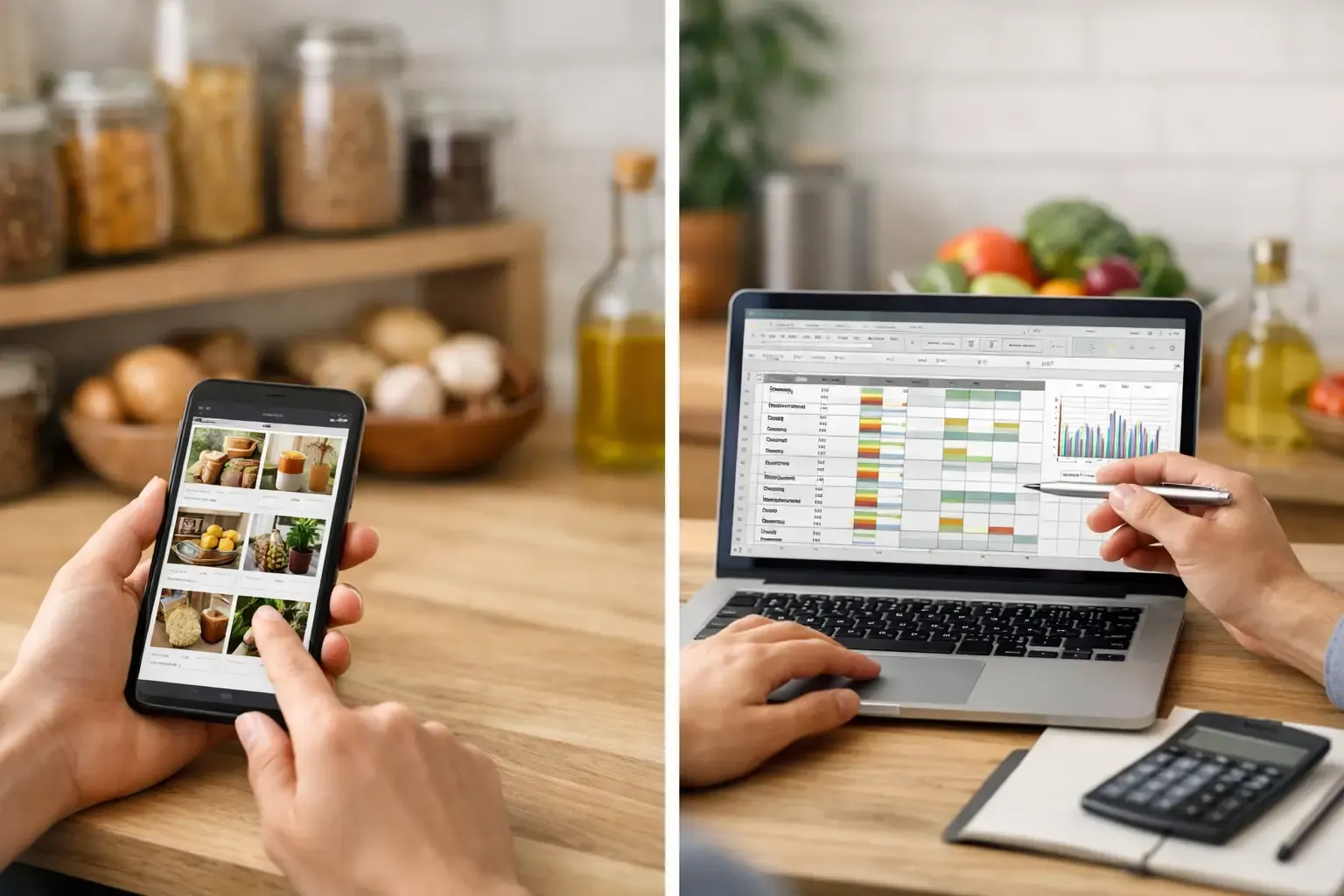
Pantry Tracker vs Spreadsheet for Busy Cooks
Pantry tracker vs spreadsheet: compare setup, upkeep, meal planning, and shopping to choose a kitchen system that prevents overbuying and waste at home.
You are standing in the grocery aisle, trying to remember whether there is rice at home. You buy another bag just in case. A week later, you find three unopened bags behind the cereal. That is the practical question behind pantry tracker vs spreadsheet: which system helps you use what you buy instead of creating more kitchen admin?
A spreadsheet can be useful. It is flexible, familiar, and free to start. But a dedicated pantry tracker is built around the next action: what to cook, what to buy, and what needs attention first. The better choice depends less on how organized you want to be and more on whether you will keep the system current during a normal, busy week.
Pantry Tracker vs Spreadsheet: The Real Difference
A spreadsheet is a blank grid. You decide what information matters, build the columns, enter every item, and create any formulas or filters you need. For someone who enjoys setting up systems, that control can be a genuine advantage. You can track pantry staples, freezer meals, bulk purchases, prices, expiration dates, or anything else in one place.
A pantry tracker starts with a different assumption: you want the answer without building the database. It organizes food by location, such as pantry, fridge, and freezer, then connects those items to meals and shopping. Instead of looking at a row that says “chickpeas, 2 cans,” you can use that information to decide what dinner could be.
That difference matters because inventory alone rarely solves the weeknight problem. Most households do not need a perfect catalog of every spice jar. They need to know whether they can make tacos without another store trip, which produce should be used next, and what to add to a grocery list without buying duplicates.
Where a Spreadsheet Works Well
Spreadsheets are not the wrong choice. They work best when your pantry is stable and your goal is simple recordkeeping rather than active meal planning.
If you buy the same staples on a predictable schedule, a basic sheet can help you set par levels. You might list coffee, pasta, canned tomatoes, oats, and cleaning supplies, then note the minimum quantity that triggers a restock. This works particularly well for a small set of nonperishable items. You update it after a shopping trip, glance at it before the next one, and move on.
A spreadsheet also gives detail-oriented shoppers room to analyze spending. You can record unit prices, compare stores, track warehouse-club purchases, or calculate how long a bulk item lasts. A dedicated pantry app may not be the best tool for that kind of cost analysis.
The trade-off is maintenance. A spreadsheet only reflects reality when someone updates it. If you use the last can of black beans while making lunch, open the file, find the row, change the quantity, and save it. If that step does not happen immediately, it often does not happen at all. Soon, the spreadsheet becomes a record of your intentions rather than your kitchen.
Why Pantry Trackers Fit Everyday Cooking
A pantry tracker earns its place when it reduces decisions across the full cooking cycle. That means seeing what you have, turning it into meal options, and creating a shopping list for what is missing.
The biggest advantage is context. A bag of spinach matters differently when it is sitting in the fridge and needs to be used by tomorrow than when it is one of several shelf-stable ingredients. Dedicated trackers can separate storage areas, make perishable food easier to spot, and keep your working inventory focused on meals rather than rows and formulas.
The next advantage is connection. When your meal plan and pantry live in separate tools, you do the matching yourself: check the recipe, check the sheet, identify missing ingredients, then write a list. That is manageable once. Repeating it for five dinners every week is where the friction shows up.
A connected kitchen app can subtract ingredients you already have from a shopping list. If you plan a pasta dish, it can account for the pasta and tomato sauce already in your pantry while adding the zucchini and Parmesan you need. The goal is not to make inventory feel impressive. It is to prevent a second bottle of soy sauce and an unnecessary midweek grocery run.
A tool such as Sously takes that workflow one step further by using pantry items as an input for meal planning and recipe generation. You can start with what is available, then fill the gaps deliberately. That is a better fit for people who regularly ask, “What can I make with this?”
The Setup Question Most People Skip
The best system is not the one with the most fields. It is the one you can set up without turning Sunday afternoon into an inventory project.
With a spreadsheet, setup can expand quickly. You may begin with item name and quantity, then add category, location, purchase date, expiration date, unit, preferred brand, and a restock threshold. None of those columns is unreasonable. Together, they create a system that asks you to maintain data every time food enters or leaves the kitchen.
A pantry tracker still needs an initial inventory, but it should let you start small. Add the foods you regularly lose track of first: produce, proteins, leftovers, freezer items, and duplicate-prone staples. Do not begin by counting every tea bag. A useful pantry is a working list, not a warehouse audit.
For either option, choose a realistic level of precision. “Chicken breasts” is often enough. You do not need to track 1.8 pounds versus 2.1 pounds unless precise quantities materially affect how you shop or cook. Overly detailed tracking is one of the fastest ways to abandon the habit.
Meal Planning Is the Deciding Factor
If you do not plan meals, the spreadsheet decision is mostly about how you prefer to track inventory. If you do plan meals, the comparison shifts sharply toward a pantry tracker.
A spreadsheet can hold recipes and ingredients, but connecting them is manual. You can build formulas, use separate tabs, and create a consolidated shopping list. Some people enjoy this. Most busy home cooks do not want to troubleshoot a formula because they changed “bell pepper” to “red pepper” in one recipe.
A pantry-aware planner handles a more natural sequence: choose meals, check what is on hand, and buy the remainder. Reusable weekly templates make this even more practical. You can keep a reliable rotation of meals, swap one or two based on what needs using, and avoid rebuilding the plan from scratch.
This is also where food waste drops. The carton of mushrooms does not disappear because you forgot it existed. It becomes a reason to choose a stir-fry, omelet, grain bowl, or pasta earlier in the week. Inventory becomes a cooking prompt, not a guilt-inducing list.
Shared Households Need Less Manual Handoff
A spreadsheet can be shared, but shared access does not always create shared behavior. One person may update it after grocery shopping while another uses ingredients without changing the quantities. Both people assume the sheet is accurate. Neither is necessarily wrong.
For couples and small households, the useful question is whether everyone can check the same current pantry and shopping list from a phone while they are actually cooking or shopping. If the answer is no, the system will likely depend on one household manager to keep it alive.
A dedicated tracker with cloud sync can make shared coordination easier, while a local-first option may be preferable if you are tracking only on one device and value keeping your information there. Privacy and convenience are not identical needs. Choose the setup that matches how your household actually operates.
Choose the Tool That Removes Work
Choose a spreadsheet if you like customizing systems, mainly track shelf-stable inventory, or want to analyze grocery prices and purchasing patterns. It is capable, inexpensive, and easy to adapt. Just be honest about whether you will update it after every meaningful change.
Choose a pantry tracker if you want inventory to lead somewhere useful: a dinner idea, a smarter meal plan, or a shorter shopping list. It is especially worthwhile if you buy groceries weekly, cook from a mix of fresh and pantry ingredients, or share food decisions with another person.
You can also use both, but give each a clear job. Keep a spreadsheet for long-term price tracking if that is valuable to you. Let the pantry tracker run the day-to-day kitchen: what is here, what should be cooked, and what needs to be purchased.
Start with the food that causes the most waste or duplicate purchases this week. Once your system reliably answers what is for dinner and what belongs on the list, it is doing enough.
Cook from what you have.
Sously is the meal-planning kitchen co-pilot the blog is written from — free to start on iPhone and Android.
Get Sously